

Introduction
In this article, we will see how to create a button inside the SharePoint list for each item.
We can create button using JSON formatter in SharePoint modern list.
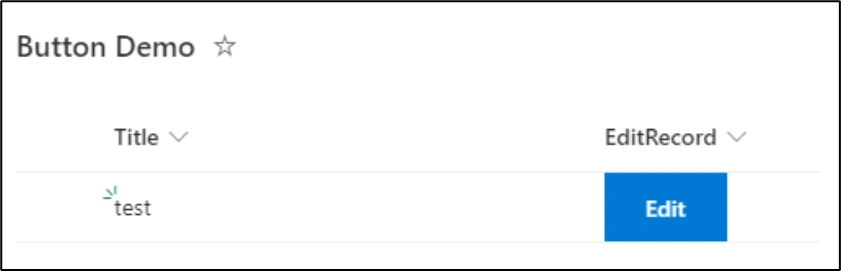
Sometimes we have requirement for button inside the SharePoint list so user can able to perform operations easily. Here I create edit button for item you can create as per your requirement.
Steps to Create Button inside the List
Step 1
Create or open your existing List.
Step 2
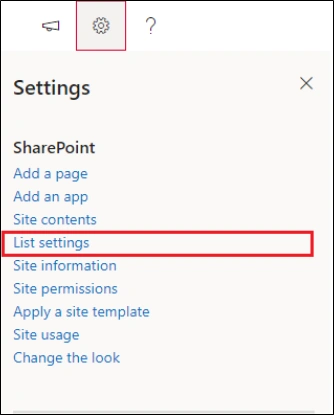
Open List settings
Step 3
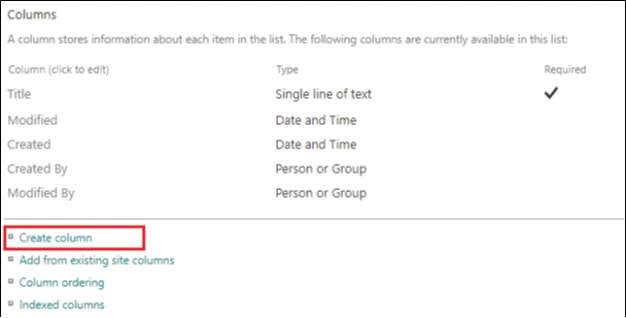
Click on Create Column
Step 4
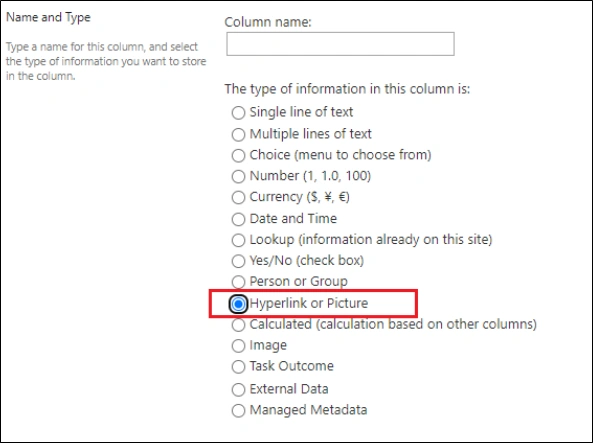
Select Hyperlink or Picture from column type
Step 5
Enter Column Name
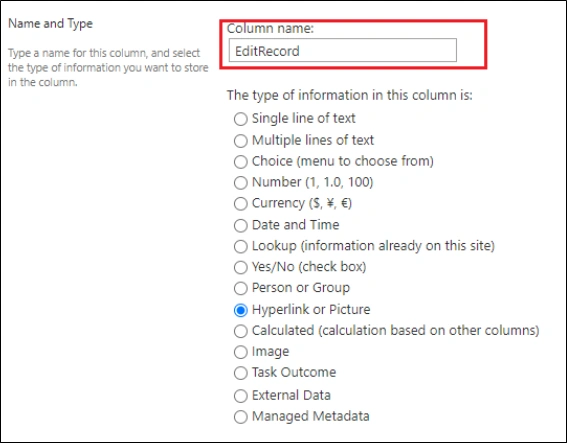
Step 6
Then go to the Column Formatting textbox
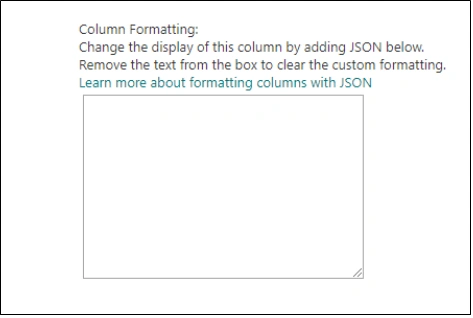
Step 7
Copy below code inside your Column Formatting text box.
{
    "$schema": "https://developer.microsoft.com/json-schemas/sp/v2/column-formatting.schema.json",
    "elmType": "a",
    "txtContent": "Edit",
    "attributes": {
        "href": "='https://example.sharepoint.com/Lists/Button%20Demo/editform.aspx?ID=' + [$ID]"
    },
    "style": {
        "padding": "0px 25px",
        "cursor": "pointer",
        "border": "none",
        "color": "white",
        "font-weight": "550",
        "background-color": "#0078d4",
        "text-decoration": "none",
        "font-size": "14px",
        "text-align": "center",
        "width": "25px"
    }
}
Replace URL in "href": with your URL
Step 8
Save the column
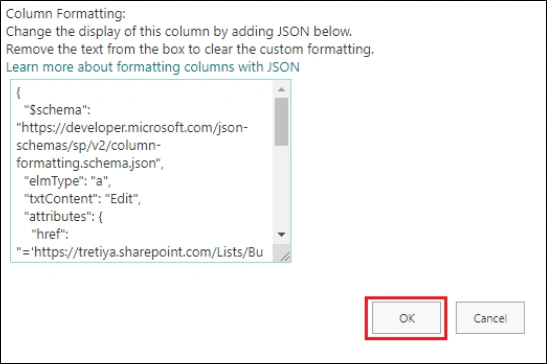
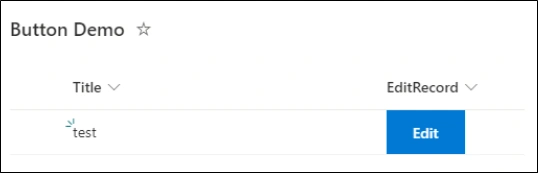
Output
Summary
In this article, I discussed how we can create a button inside the SharePoint List using JSON formator features. In this article, I created an edit button but you can create different types of button as per your need.
Le RaPosted May 24, 2024, 11:25 AM
Hi Harshad, thanks for sharing. I use a list with goals (one goal per row) and added a button "new update" to track progress of each goal. I used the link that leads directly to the window for new entries. Here, I have to select the goal I'd like to give an update about manually. Is it possible to preselect the goal? So when clicking "new update" the respective goal is preselected already?
Micky TadessePosted Jun 28, 2023, 2:51 PM
Hello Harshad, Can i also open the upload dialog box of a different SharePoint Library from a button from another SharePoint list and upload a document to that library with out any custom SPFx solution? Just only be using JSON. Much appreciated if you provide me the recommendations.