

Introduction
In this article, we will learn how to copy text to Clipboard using ReactJS. Using this we copy any text to the clipboard and can paste it anywhere.
You can check my previous article in which we discussed ReactJS and its basic components from the below-mentioned links.
Prerequisites
- Basic knowledge of React.js
- Visual Studio Code IDE
- Basic knowledge Bootstarp and html
Create ReactJS project
Let's first create a React application using the following command.
- npx create-react-app platform
- npm install --save bootstrap
Now, open the index.js file and import Bootstrap .
- import 'bootstrap/dist/css/bootstrap.min.css';
- npm install save copy-to-clipboard
- import React, { Component } from 'react'
- import copy from "copy-to-clipboard";
- import './CopyBoard.css';
- export class CopyBoard extends Component {
- constructor() {
- super();
- this.state = {
- textToCopy: "Copy to Clipboard Demo!",
- };
- this.handleInputChange = this.handleInputChange.bind(this);
- this.Copytext = this.Copytext.bind(this);
- }
- handleInputChange(e) {
- this.setState({
- textToCopy: e.target.value,
- });
- }
- Copytext() {
- copy(this.state.textToCopy);
- }
- render() {
- const { textToCopy, btnText } = this.state;
- return (
- <div className="container">
- <div class="row" className="hdr">
- <div class="col-sm-12 btn btn-info">
- Copy to Clipboard Demo
- </div>
- </div>
- <div className="txt">
- <textarea className="form-control" placeholder="Enter Text" onChange={this.handleInputChange} />
- <br />
- <br />
- <button className="btn btn-info" onClick={this.Copytext}>
- Copy to Clipboard
- </button>
- </div>
- </div>
- );
- }
- }
- export default CopyBoard
- .txt
- {
- margin-bottom: 20px;
- margin-top: 20px;
- }
- .hdr
- {
- margin-top: 20px;
- }
- import React from 'react';
- import logo from './logo.svg';
- import './App.css';
- import CopyExample from './CopyBoard';
- function App() {
- return (
- <div className="App">
- <CopyExample/>
- </div>
- );
- }
- export default App;
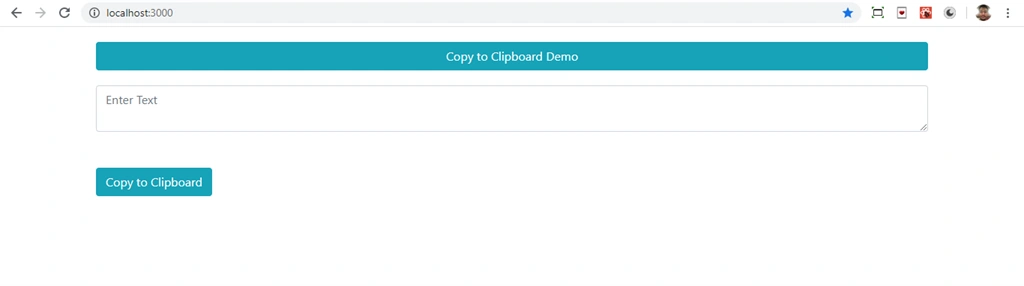
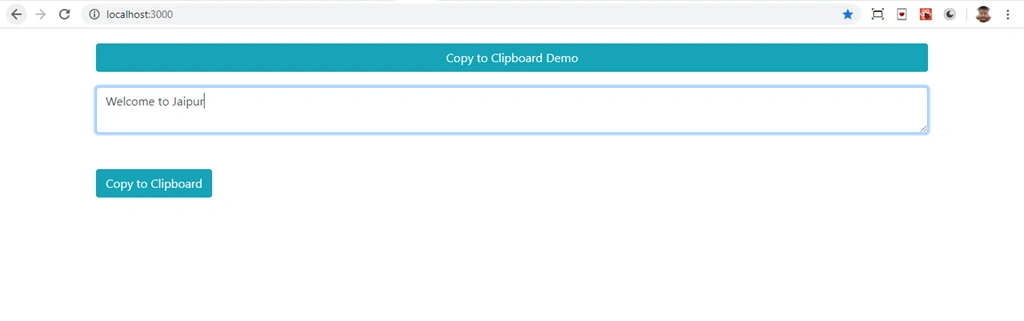
Enter some text in the textbox and click on the button
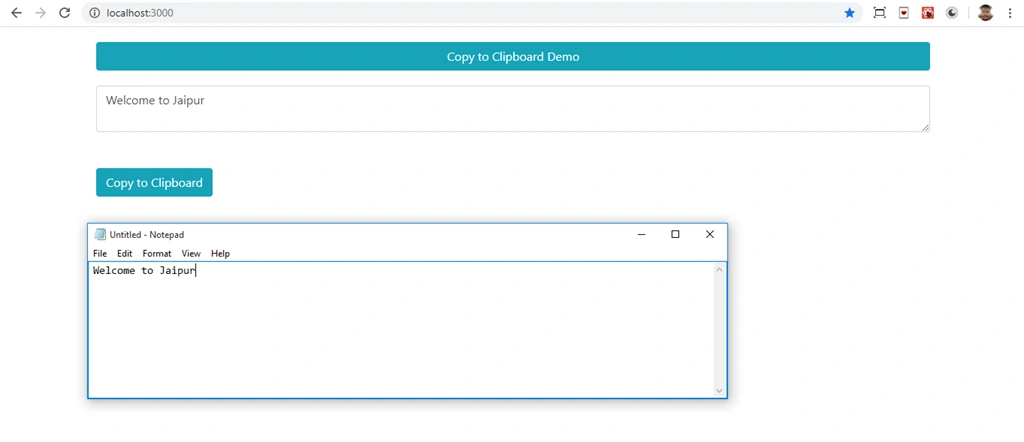
Now text is copied, paste the text in notepad.
Summary
In this article, we learned how we can copy text to the clipboard in ReactJS applications.
Join the conversation! Your thoughts help the community grow.