

Note: this article is published on 05/07/2024.
This is a series of articles related to Git GUI Clients.
- Git GUI Clients (0), Overview
- Git GUI Clients (1), Visual Studio
- Git GUI Clients (2), VS Code
- Git GUI Clients (3), GitHub Desktop --- this article
- Git GUI Clients (4), TortoiseGit
- Git GUI Clients (5), SmartGit
Note. Although Git is very popular in the software development process, there is no category defined in this C # Corner site. So, we put the articles under the DevOps category.
When we discuss these Client GUI for Git, we concentrate on these following features associated with the specific Client GUI::
- Visual Studio, VS Code
- Repos Management (Local):
- Create a Repository, Branch
- Clone a Repository
- Merge, Rebase, Reset, Revert a Branch...
- Interaction between Local Repos and Remote
- Fetch
- Pull
- Push
- Sync
- Editor (+ the original environment functionalities, such as compiling, debugging, and so on)
- Repos Management (Local):
- GitHub Desktop, TortoiseGit, SmartGit
- Repos Management (Local)
- Interaction between Local Repos and Remote
- GitHub Server
- Repos Management (Remote)
- Interaction between Repos and Server automation (pipeline)
A - Introduction
In this article, we will describe GitHub as a GUI client and its major features.For GitHub desktop, the features are well organized in the menu bar, we list them as the content of this article:
- A: Introduction
- B: Get Started
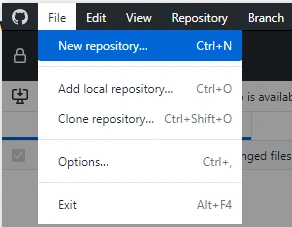
- C: File
- D: View
- E: Repository
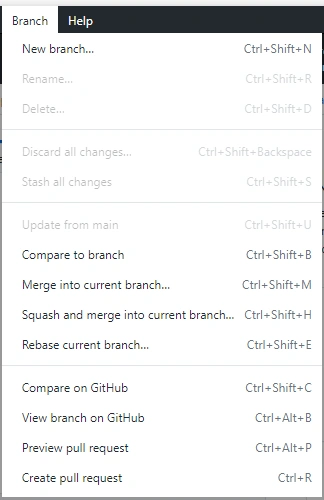
- F: Branch
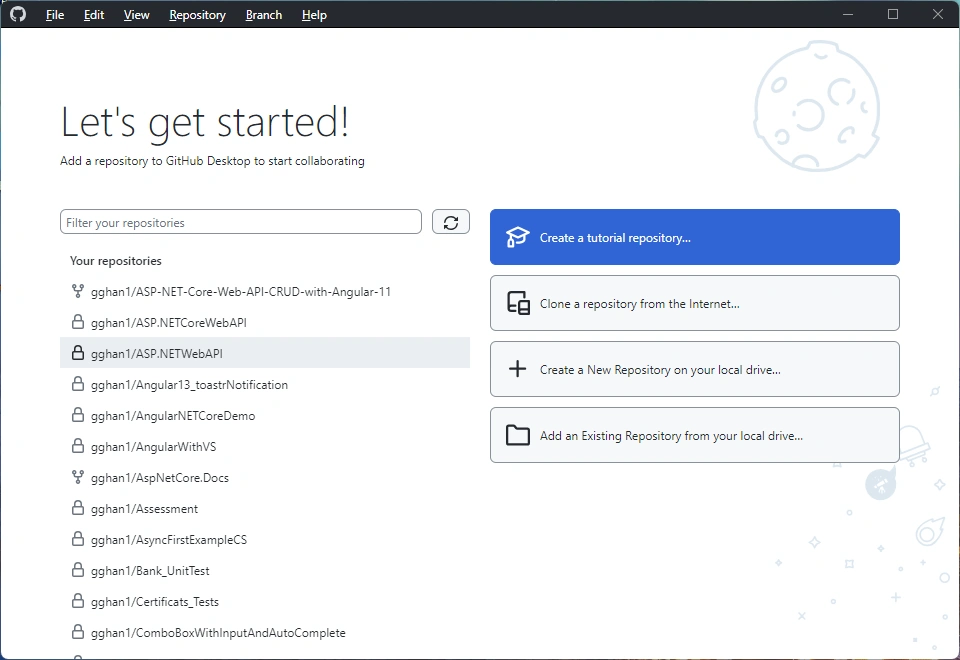
B - Get Started
- Create a Tutorial repository
- Clone a repository from the internet
- Create a New Repository on your local drive
- Add an Existing Repository from your local drive
C - File
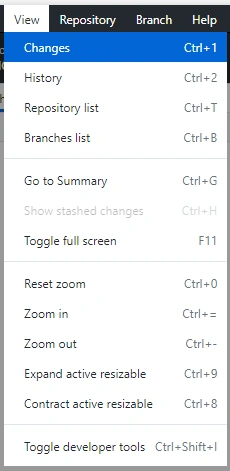
D - View
View => Click Changes
Changes:
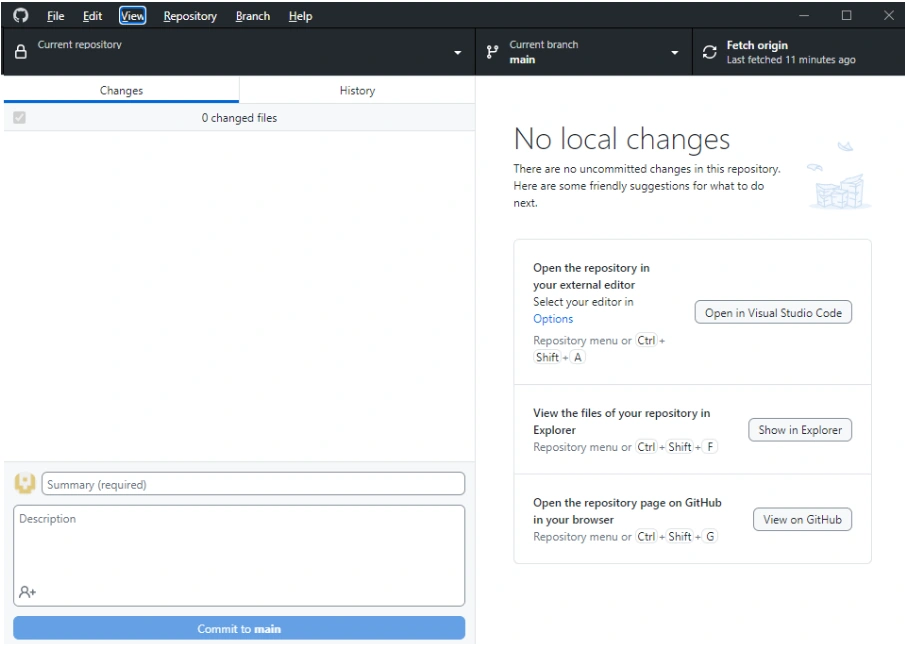
Open in Visual Studio Code:
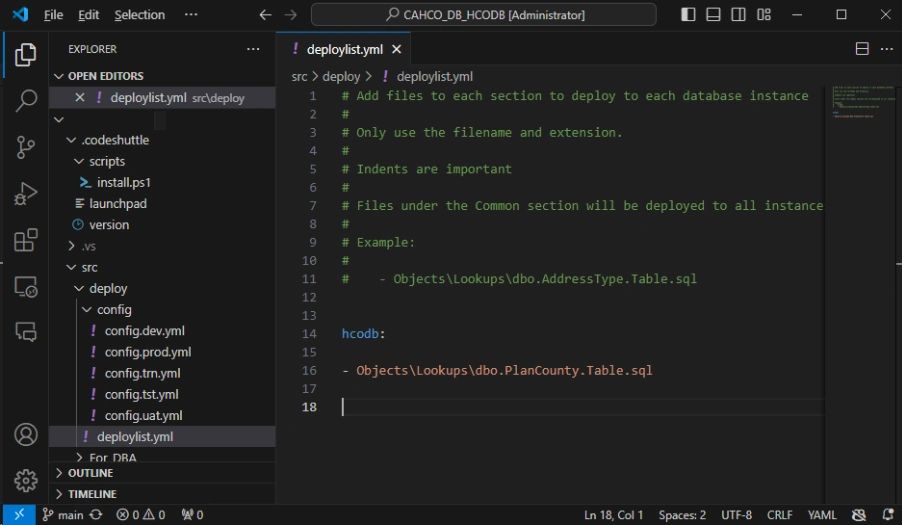
Show in Explorer:
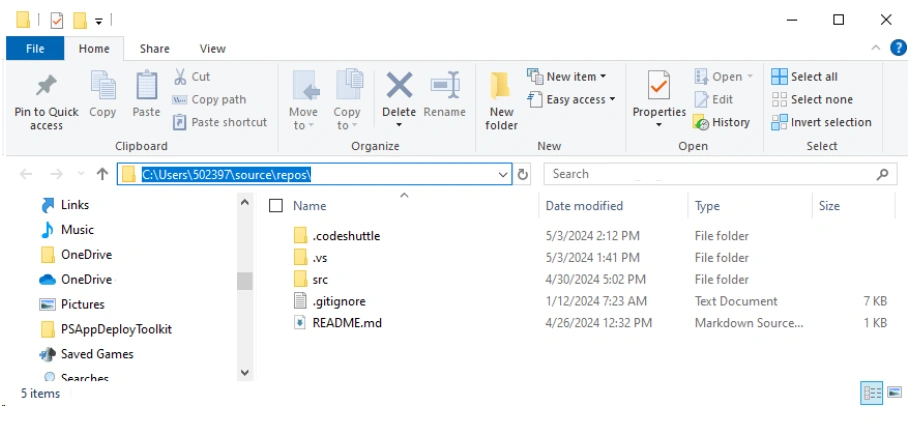
View in GitHub:
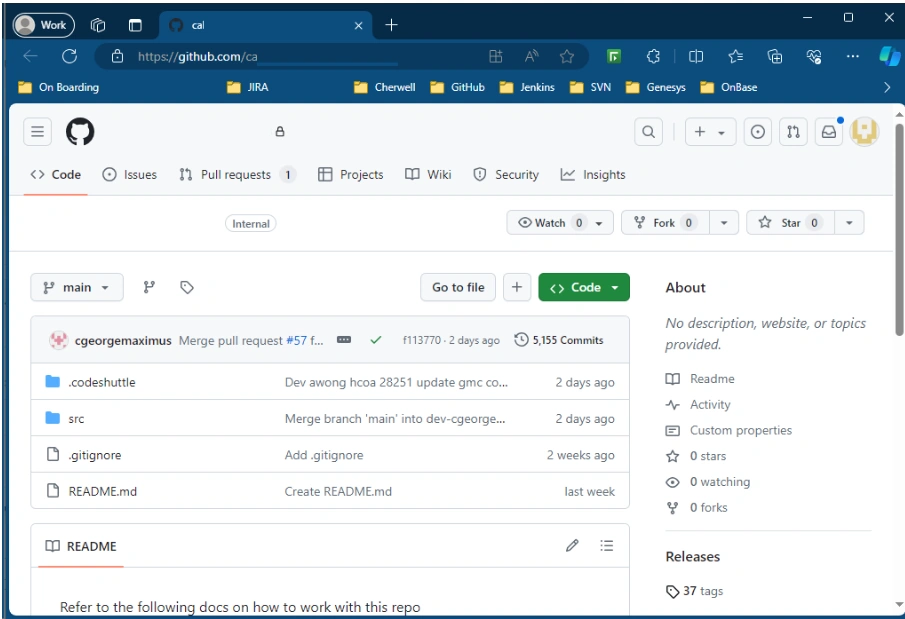
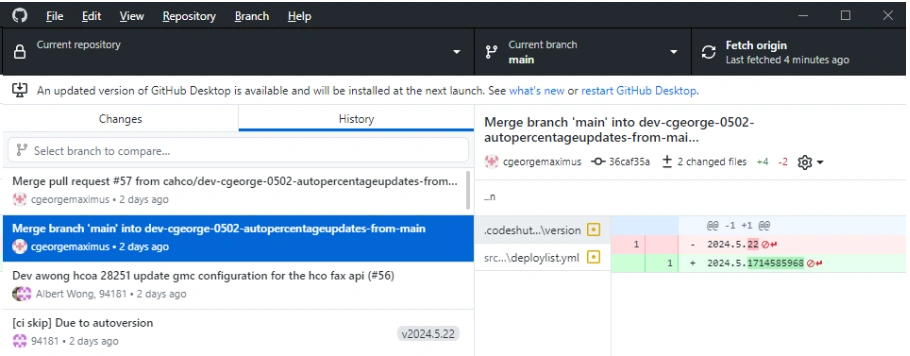
View => Click History
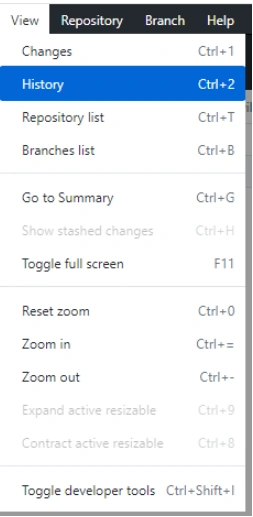
History:
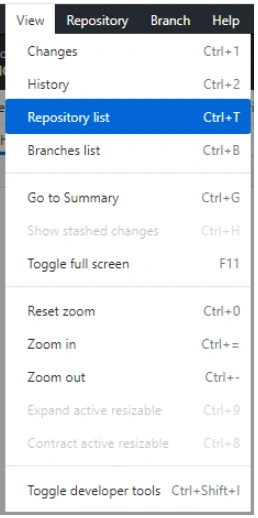
View => Click Repository List
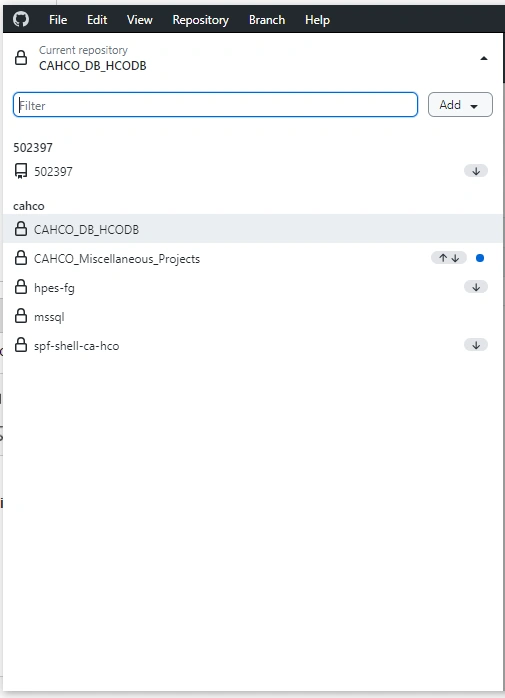
Repository List
View => Branches List
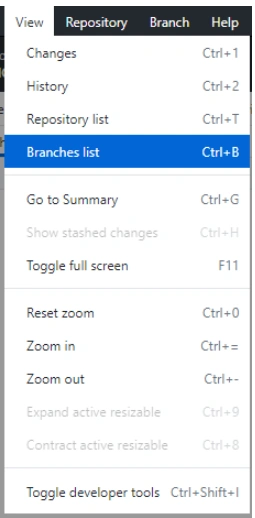
Another way to Branches List
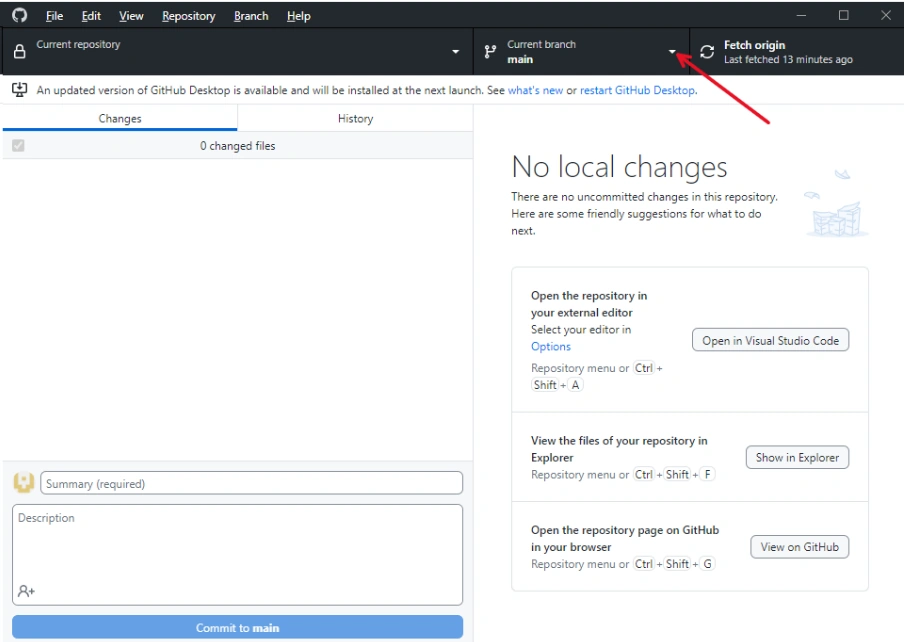
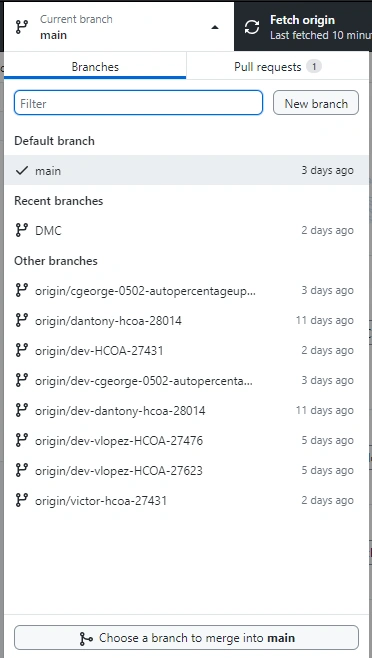
Branches List:
E - Repository
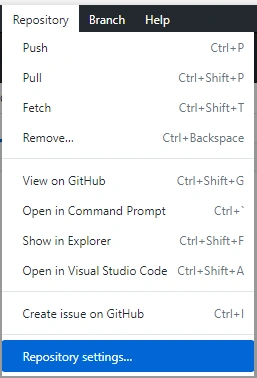
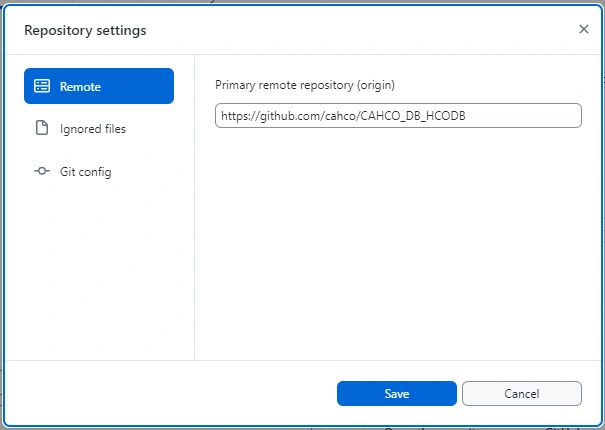
Repository Setting:
F - Branch
Join the conversation! Your thoughts help the community grow.