

In this article, we will discuss how we can use the Unity HoloLens development tool installation with step-by-step guidelines and so on. As you all know the Unity is for developing 2D and 3D game applications and it provides a separate component known as Unity HoloLens to support 2D and 3D animation. We will discuss step-by-step installation guidelines
Background
An easy and faster way to building a holographic app for HoloLens is with Unity. Its standard unity game objects will work immediately for holographic apps and supports Windows holographic features such as gesture. Voice input is achieved using APIs that are already built into Unity.
The following are other Unity API supports,
- Camera
- Gaze
- Gestures
- Voice Input
- World anchor
- Persistence
- Spatial sound
- Spatial mapping
Double Click “UnitySetup64” and then click Run button.
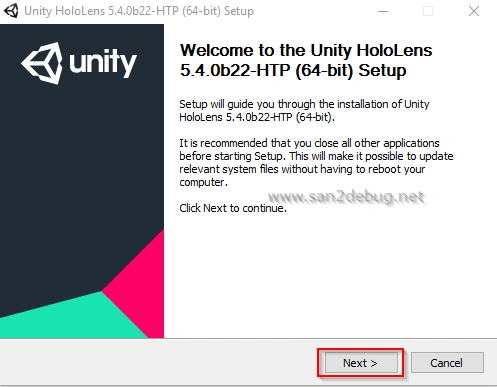
The Unity HoloLens 5.4.0b22-HTP (64-bit) Setup window will be open, then Click Next button.
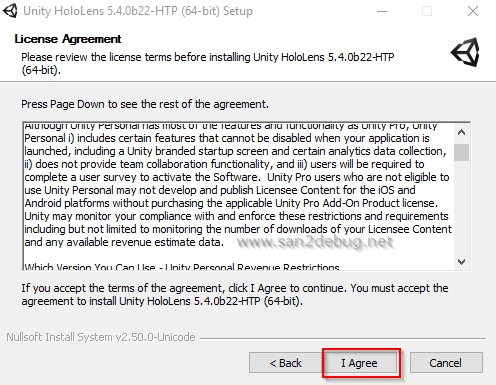
The License Agreement window will be opened and click I Agree button.
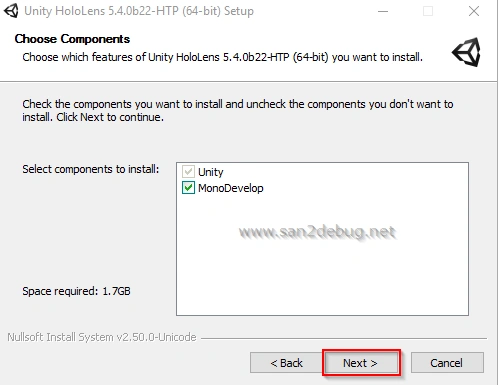
You can select the components you want to install into your system and Click Next button.
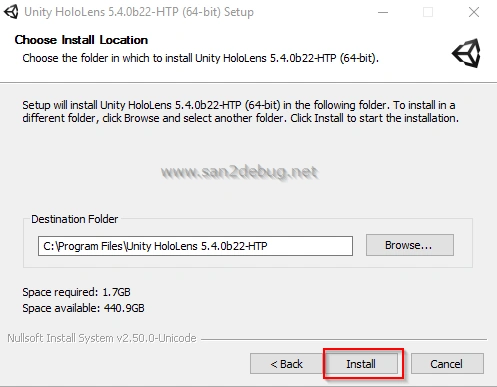
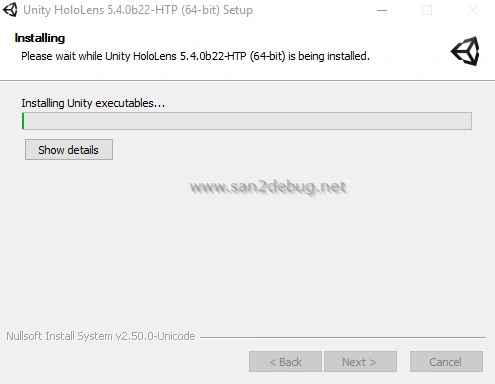
Now, Let's start to install Unity HoloLens.
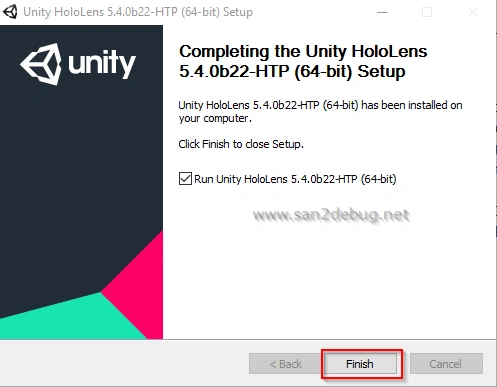
After successful installation of the Unity HoloLens software component then Click Finish button.
Unity HoloLens Metro Support
Double Click “UnitySetup-Metro-Support-for-Editor-5.4.0b22-HTP” and then click Run button
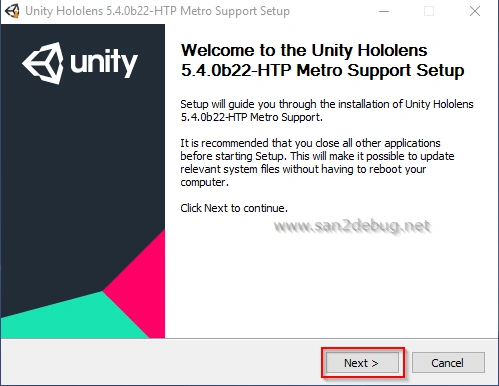
The Unity HoloLens 5.4.0b22-HTP Metro Support (64-bit) Setup window will be open, then Click Next button
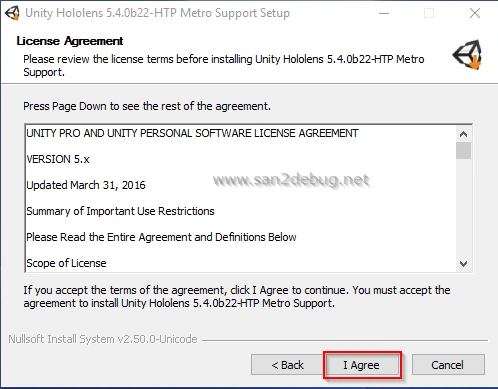
The License Agreement window will be opened and click I Agree button.
You can choose the install location and click Install button.
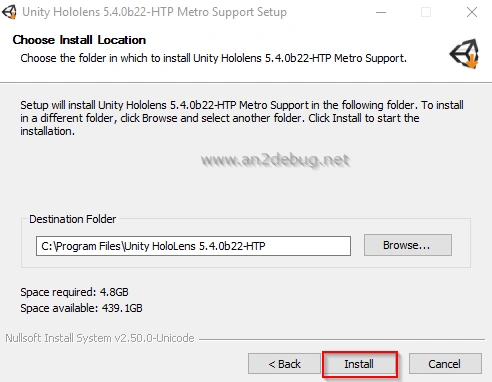
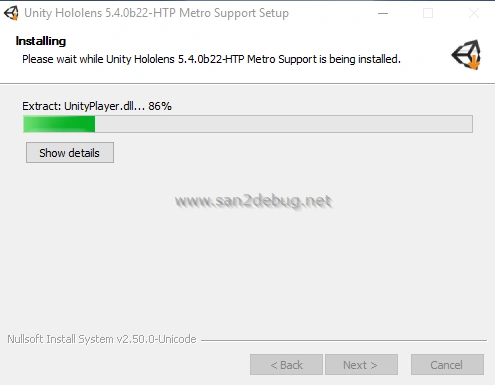
Now, Let's start to install Unity HoloLens Metro Support.
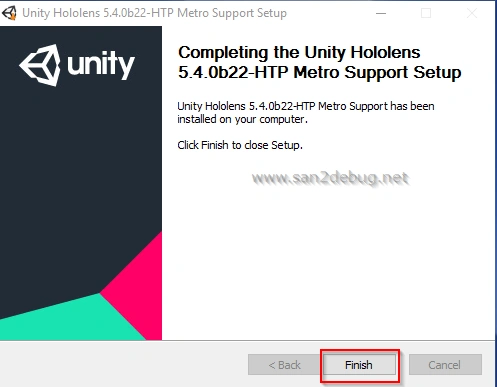
After successful installation of the Unity HoloLens Metro support software component then Click Finish button.
Reference
Conclusion
I hope you understood the Unity HoloLens and installation steps. I have covered all the required things. If you find anything that I missed in this article, please let me know. Please share your valuable feedback or suggestions.
Keyur PatelPosted Nov 3, 2016, 8:36 AM
Santhakumar Munuswamy Good Article , really help a lot, We are getting following error in Unity "The type or namespace name 'WSA' does not exist in the namespace 'UnityEngine.VR" Could you please help on this?
Santhakumar MunuswamyPosted Jul 8, 2016, 9:24 AM
Thank you shobana
Shobana JPosted Jul 8, 2016, 4:25 AM
Nice share sir
Asad AliPosted Jul 1, 2016, 3:22 AM
Is there any simulator for that ?
RajaPosted Jul 1, 2016, 12:03 AM
Nice Share....
Vignesh ManiPosted Jun 30, 2016, 5:43 PM
Good one. Thank you for sharing
kalu singh raoPosted Jun 30, 2016, 2:13 PM
Nice...
Syed ShanuPosted Jun 30, 2016, 2:01 PM
Its good .Try to add a sime demo program explanation which will be more useful.