

Introduction
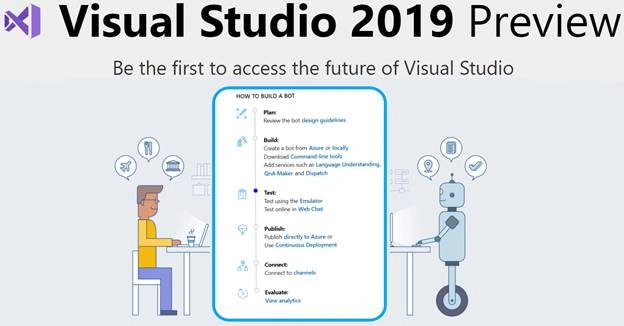
The Bot Framework enables you to build bots that support different types of interactions with users. You can design conversations in your bot to be free. Your bot can also have more guided interactions where it provides the user's choices or actions. The conversation can use simple text strings or more complex rich cards that contain text, images, and action buttons. And, you can add natural language interactions, which let your users interact with your bots in a natural and expressive way.
Prerequisites
- Download Visual Studio 2019 Preview ++
- Download the Bot Framework V4 Emulator for your platform from the GitHub releases
Create a new project
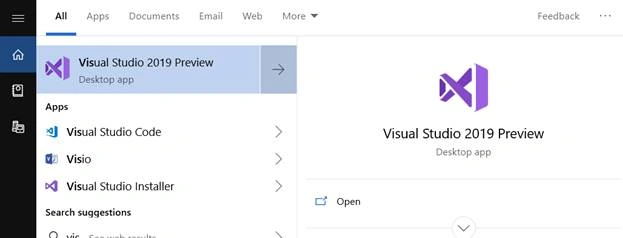
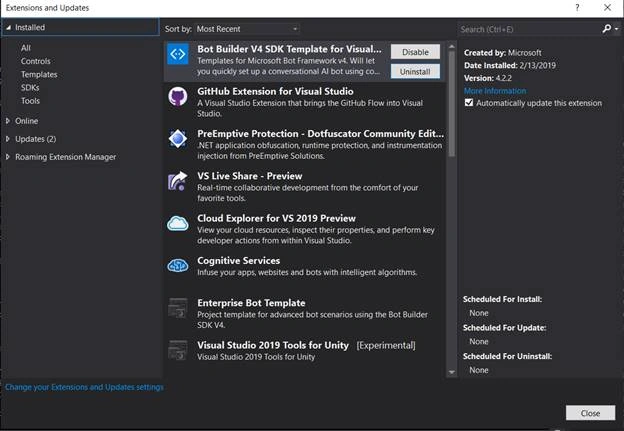
Before creating a new project, install the Bot Builder template from Tools >Extensions and Updates and search Bot Build V4 SDK > click on "Install".
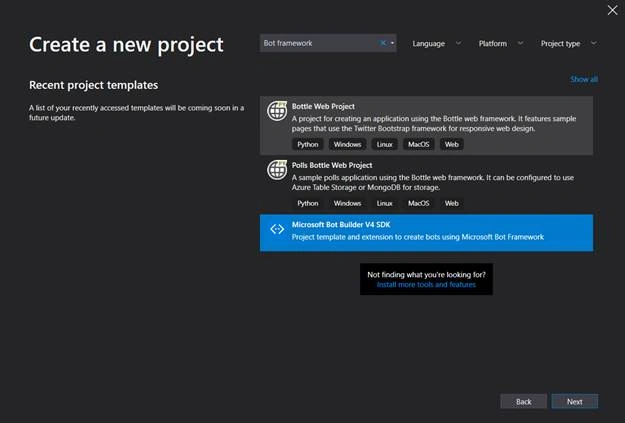
Create a new bot application project or open the recent project.
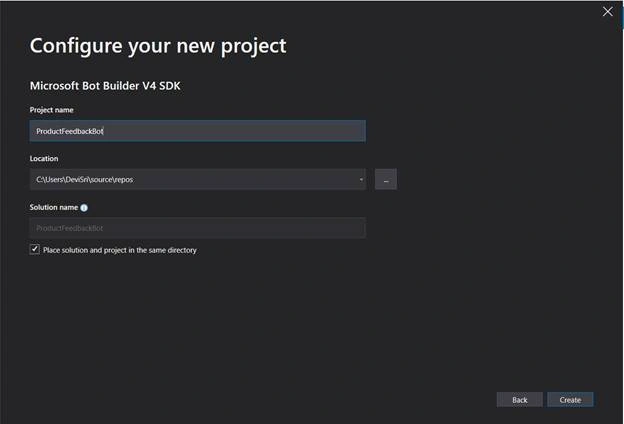
Provide a project name and location in the following screen and click "Create".
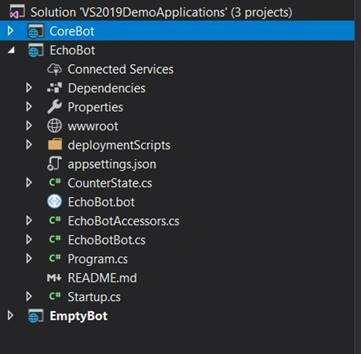
After clicking the "Create" button, the solutions will be created with SDK 3, SDK 4 and echo bot. You can select the required project version and select another project and delete.
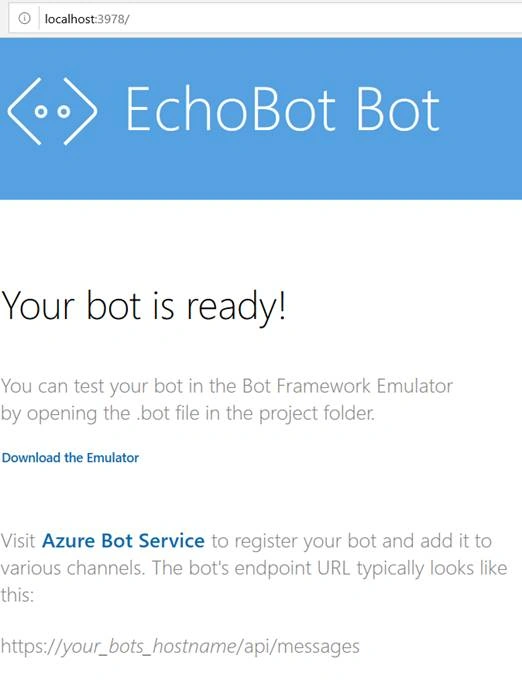
Run the application
Check the port that your web application is running on. If it is not running on port 3978, you'll need to update the Bot configuration. In order to update this setting, go to Visual Studio project and open the EchoBot.bot file. Update the endpoint setting to match the port that your app is using.
Edit OnTurnAsync method
- public async Task OnTurnAsync(ITurnContext turnContext, CancellationToken cancellationToken = default(CancellationToken))
- {
- // Handle Message activity type, which is the main activity type for shown within a conversational interface
- // Message activities may contain text, speech, interactive cards, and binary or unknown attachments.
- // see https://aka.ms/about-bot-activity-message to learn more about the message and other activity types
- if (turnContext.Activity.Type == ActivityTypes.Message)
- {
- // Get the conversation state from the turn context.
- var state = await _accessors.CounterState.GetAsync(turnContext, () => new CounterState());
- // Bump the turn count for this conversation.
- state.TurnCount++;
- // Set the property using the accessor.
- await _accessors.CounterState.SetAsync(turnContext, state);
- // Save the new turn count into the conversation state.
- await _accessors.ConversationState.SaveChangesAsync(turnContext);
- // Echo back to the user whatever they typed.
- var responseMessage = $"Turn {state.TurnCount}: You sent '{turnContext.Activity.Text}'\n";
- await turnContext.SendActivityAsync(responseMessage);
- }
- else
- {
- await turnContext.SendActivityAsync($"{turnContext.Activity.Type} event detected");
- }
- }
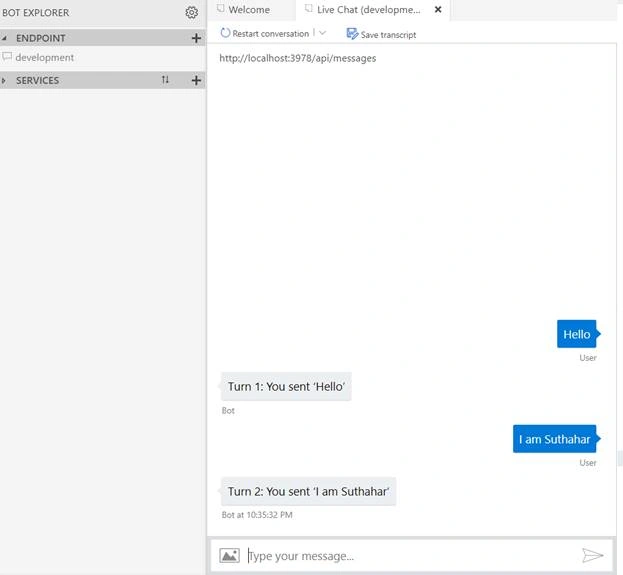
Test Bot Applications
Uwak PeterPosted Apr 21, 2020, 6:17 AM
Hello sir, I want to be able to retrieve the response from database using entity framework, is there I can achieve that?
argha guhabiswasPosted Jan 2, 2020, 8:09 AM
Agent transfer how to do? if bot unable to answer