

How GXD Actions in Figma Unlock High-Quality AI-Generated UI Code
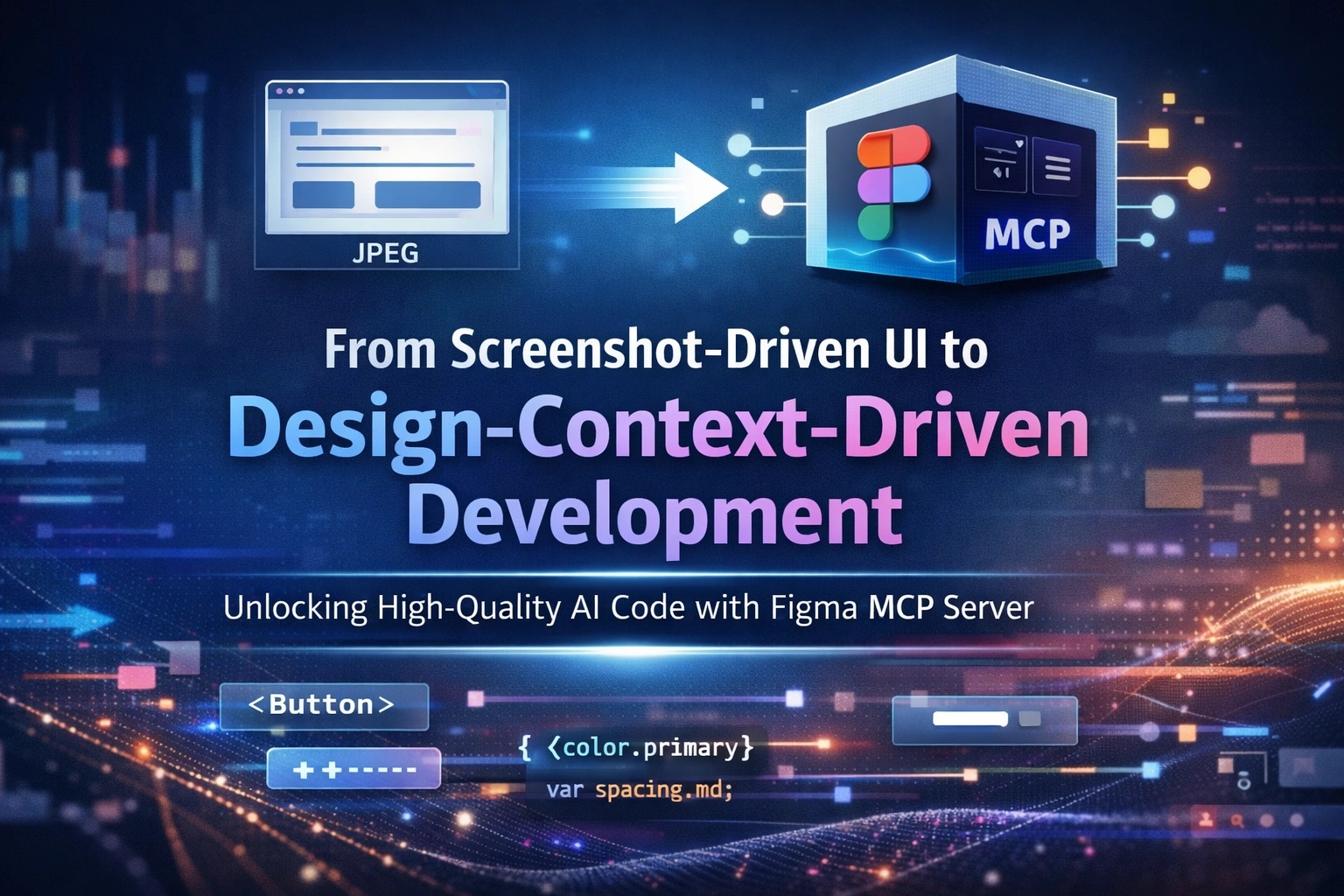
The current reality: Screenshot-driven UI development
In many teams today, UI development using Figma designs still looks like this:
The developer takes a screenshot of a Figma screen
Pastes it into an AI Development Environment (ADE)
Asks the AI to generate UI code
This approach works for quick demos, but it fails badly for enterprise products.
Why?
Because the AI only sees pixels, not design intent.
Why image-based generation fails at enterprise scale
Enterprise UI systems demand:
Reusable component libraries
Consistent styles across pages
Multiple themes (light, dark, brand)
Long-term maintainability
Image-based UI generation leads to:
Duplicated components
Inline styles instead of tokens
Inconsistent spacing and typography
UI drifts across pages
Even if the UI looks right, the code quality is low.
Enter Figma MCP Server: design context, not pixels
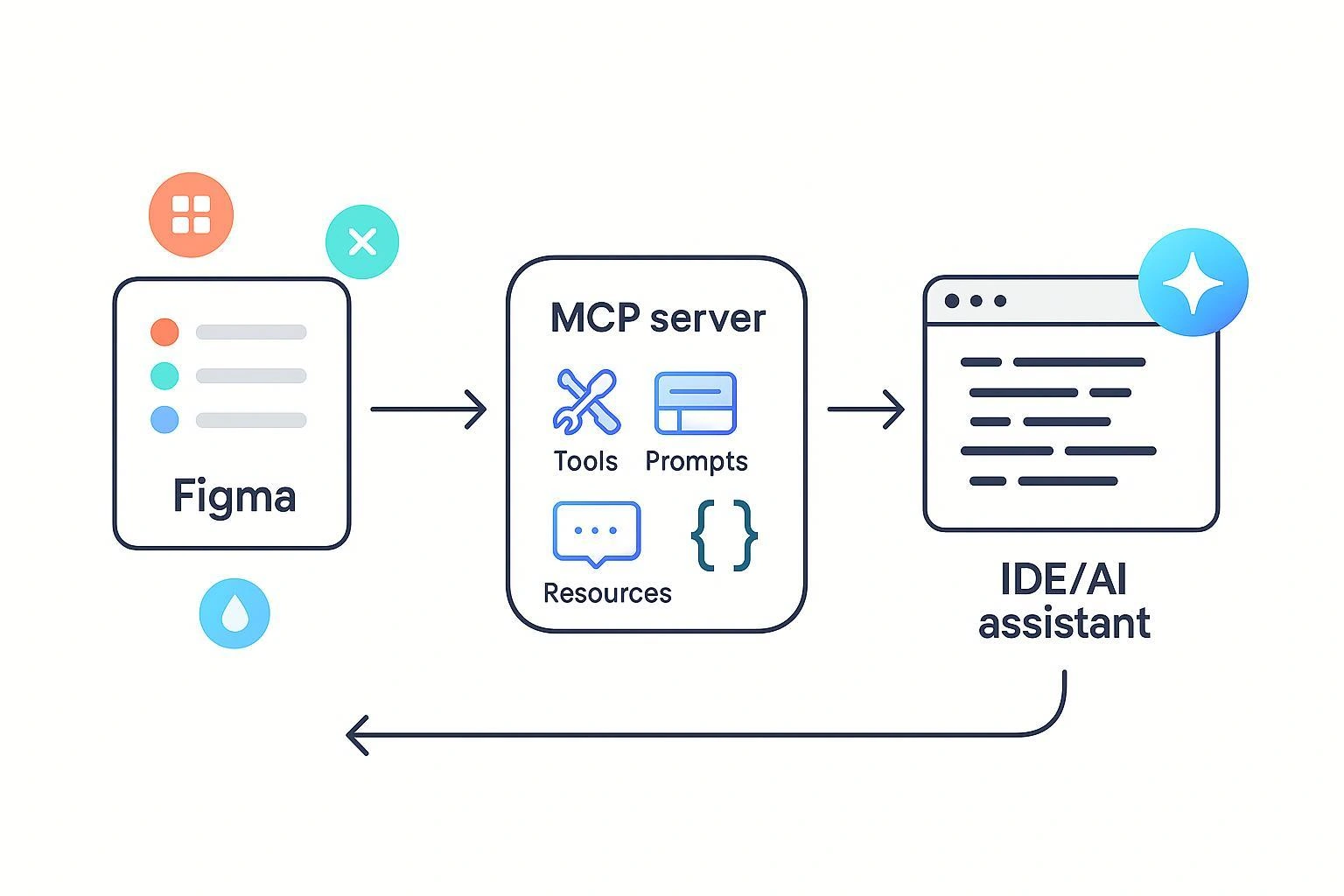
Figma’s MCP (Model Context Protocol) Server changes the input AI receives.
Instead of screenshots, MCP provides:
Component hierarchy
Variable references
Style definitions
Layout intent
Component names and relationships
This gives the AI semantic design context, not visual guesses.
Enterprise UI success starts with GXD discipline
Here’s the critical truth:
AI can only generate high-quality UI code if the Figma design itself is high quality.
This puts a clear responsibility on GXD designers.
Below are concrete actions GXD teams must take to improve Figma design quality — and directly improve AI-generated code.
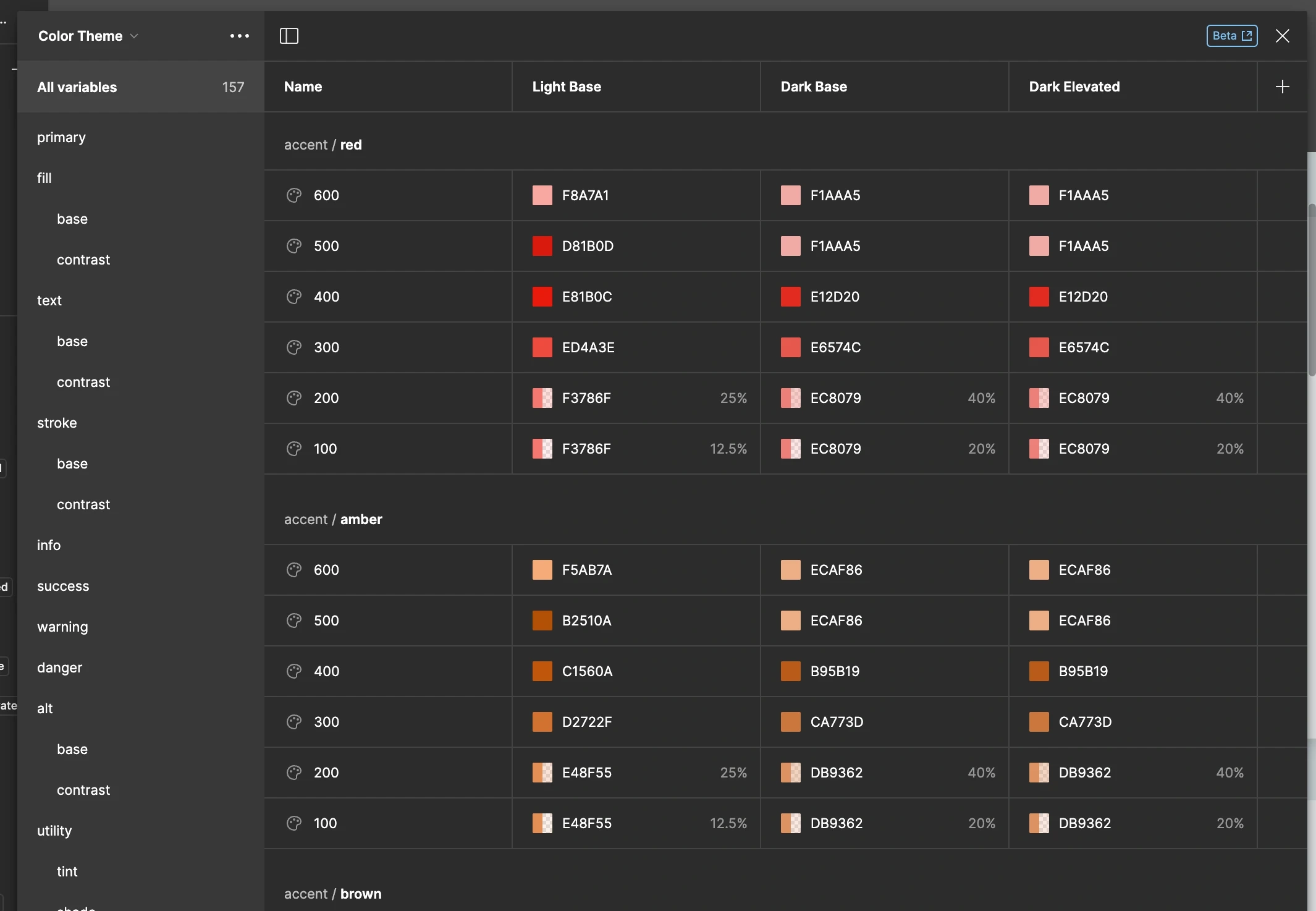
Action 1: Define all colors, spacing, and themes as Variables
What GXD developers must do
Define all color values as Figma variables
Define spacing, radius, and elevation as variables
Support multiple modes (light / dark / brand)
Avoid:
Hard-coded hex values
Manual padding per screen
Result:
AI receives semantic tokens like color.primary.500
Generated code maps cleanly to CSS variables or theme configs
Action 2: Define all typography using Styles (never inline text)
What GXD developers must do
Define text styles for:
Headings
Body text
Labels
Captions
Reuse styles everywhere
Avoid:
Manually changing font size or weight
Copy-pasting styled text
Result:
Typography becomes predictable
AI generates consistent typography configs instead of inline styles
Action 3: Build components using only variables and styles
What GXD developers must do
Every component (Button, Input, Card) must:
Use variables for colors and spacing
Use styles for typography
No visual overrides at page level
Avoid:
Page-specific tweaks
One-off visual fixes
Result:
Components become truly reusable
AI recognizes components as system elements, not visual artifacts
Action 4: Reuse components — never redraw UI widgets
What GXD developers must do
Always reuse components from the library
Never redraw buttons, inputs, or cards on a page
If a variation is needed, extend the component
Avoid:
Copy-pasting frames
“Just one special case” components
Result:
MCP sends consistent component references
ADE reuses existing code instead of generating duplicates

Action 5: Map Figma components to real UI libraries using Code Connect
This is the most critical action.
What GXD developers must do
Map each Figma component to:
The actual UI component library
The real component name used in code
Keep mappings updated as libraries evolve
Example:
Figma Button → @company/ui-components/Button
Figma Card → @company/ui-components/Card
Result:
MCP provides component names, not guesses
ADE generates component-based code instead of raw HTML/CSS
Action 6: Treat Figma as an input contract for AI
Once the above actions are in place:
Figma designs are no longer just visuals
They become architecture-aware inputs
MCP sends:
Component names
Variables
Styles
Layout intent
At this point:
The design system becomes the prompt.
This leads to:
Fewer manual prompts
Lower token usage
Higher determinism
Production-ready UI code
High-quality Figma = high-quality prompting code
This is the key mindset shift:
Poor Figma discipline → low-quality AI code
Strong GXD practices → high-prompting, reusable UI code
AI does not replace design systems —
it amplifies them.
Final takeaway
To make AI-assisted UI development work at enterprise scale:
Stop feeding AI screenshots
Start feeding AI structured design intent
Enforce GXD actions around:
Variables
Styles
Components
Code Connect mappings
When GXD and engineering align, vibe coding becomes predictable, scalable, and safe.
Join the conversation! Your thoughts help the community grow.