

Introduction
In my previous article, Getting Started With ReactJS - Environment Setup, we discussed the environment setup for ReactJS and we had created a new app called Environment Setup. Now, we need a code editor to build our applications and explore ReactJS. In this article, I will introduce the Visual Studio Code and how to get it ready to set up to build React apps.
Visual Studio Code is a free, open-source code editor. You may download and learn more about the VS Code here: https://code.visualstudio.com/
The first step is to open the React app in Visual Studio Code. For this, we will open the React app folder as shown below.
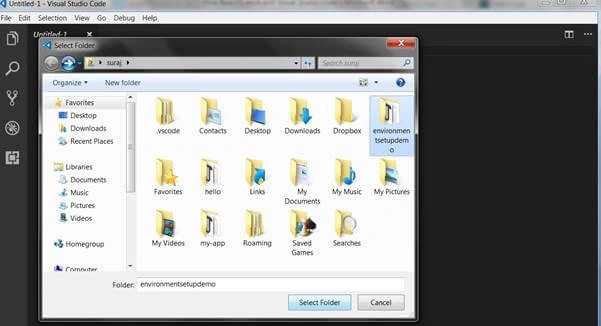
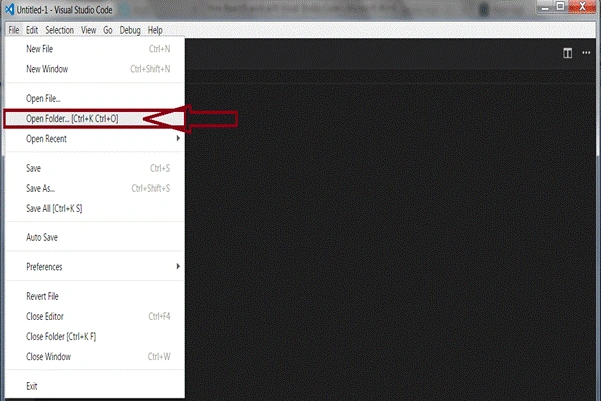 Once you click on the "Open Folder" option, you will find a pop-up screen asking for your app location. Find your app location and open it, as shown below.
 On opening the app folder, a screen will come up showing the below details.
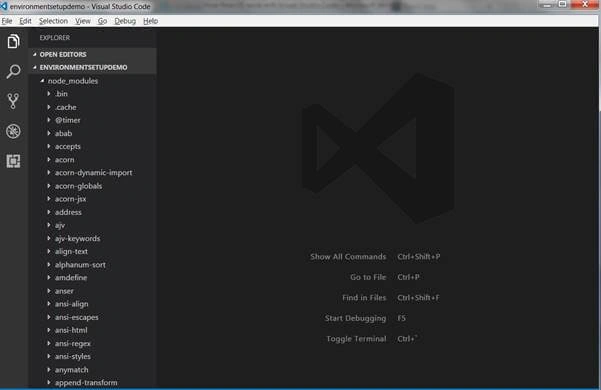
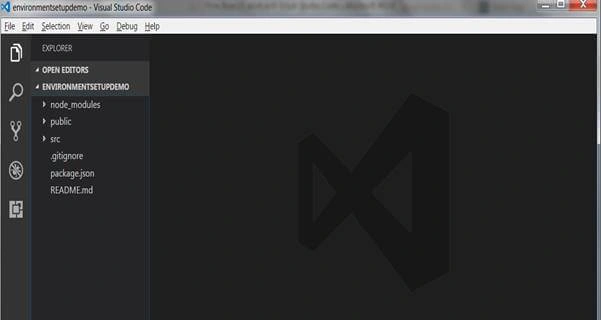 Once your React app is open in Visual Studio Code, you will find some directories in the left corner. Let us discuss these directories what they have inside.
As the name suggests, this directory gives us all the modules which will be stored in memory at the time of the Node.js installation process. It contains all the files to run the node properties.
 public
Second thing that you are going to see below node_modules is public file. This contains all the details that you use in your app.
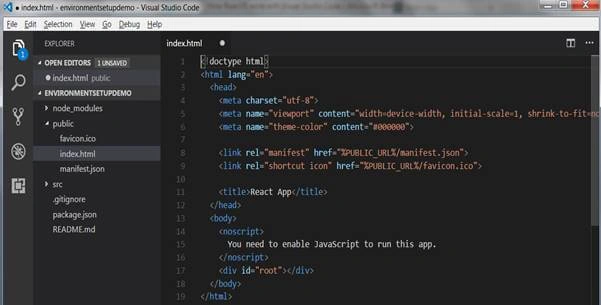
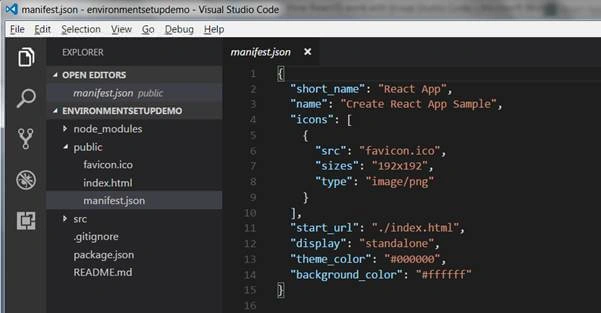
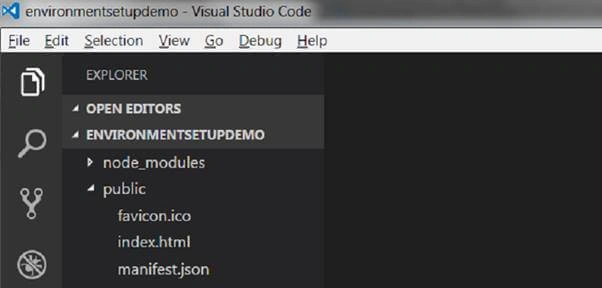 In the above image, we see three subfiles in the public section - favicon.ico, index.html, and manifest.json.
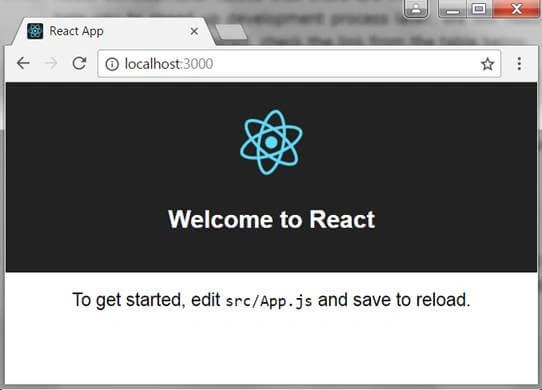 By default, when we run the ReactJS app, we get the above web page in our browser.
Favicon.ico contains our React logo files.
 Index.html
Index.html has all the HTML files for the above web page.
 Manifest.json
 src
src
This directory contains a lot of files like App.css, App.js, App.test.js, index.css, index.js, logo.svg and registerServiceWorker.js.
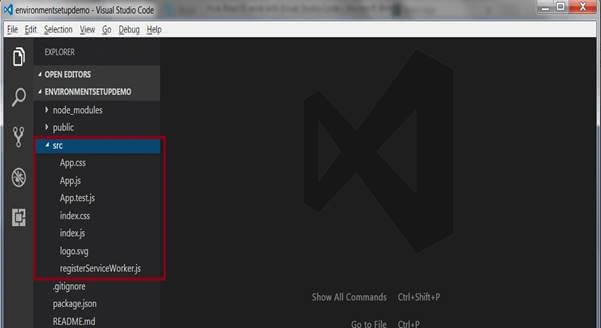
- CSS contains the CSS files of app.
- js contains all JavaScript files of app.
- test.js here we can write our test cases for the app.
- CSS contains CSS files of our index web page.
- js contains JavaScript files of our index web page.
- svg contains all logo file and paths of the logo which we use in our app.
package.json contains all the details regarding the app, React version, React-dom version, dependencies, and React-scripts.
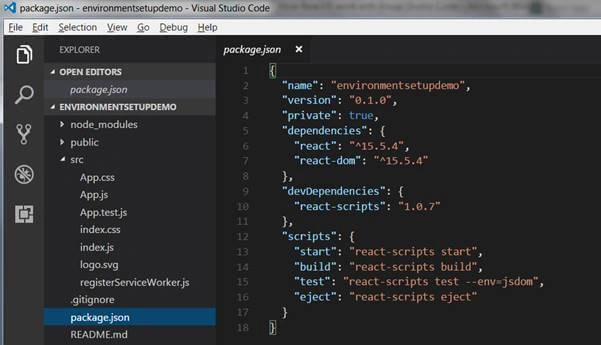 As you can see, package.json also has 4 commands. Let us discuss them briefly.
- start—this command is used to start the React app.
- build—this command is used to build the React app.
- test—this command is used to run the test cases in the React app.
- eject—this command is used to end the React app scripting.
I hope you have enjoyed this article. So, go ahead and build your React app with the help of the Visual Studio Code.
Ntech systemsPosted Aug 23, 2021, 12:51 PM
How can i install react?
Laxmidhar SahooPosted Nov 1, 2018, 4:54 AM
Thanks a lot for the article
Adam TaylorPosted Jun 12, 2018, 2:15 PM
This was a very useful tutorial. Can't wait to read more!
Puneet KankarPosted Jul 11, 2017, 7:39 AM
Sir how to change port number of our react application ??
Mahesh ChandPosted Jun 5, 2017, 7:32 AM
I think ReactJS is now just called React. Please check official documentation on correct name. https://facebook.github.io/react/
Pankaj Kumar ChoudharyPosted Jun 5, 2017, 12:28 AM
Nice Start nitin Sir, i think you use the "create-react-app" for react setup, we can also use the webpack and babel for the setup of the react app, i think second approach is mostly prefered by developers .
Mahesh ChandPosted Jun 4, 2017, 7:46 PM
See my first paragraph about "my previous article". Please follow the same format. Also, if you have a next article in this series, add that to the previous article so reader can go from preview to next.