

1. Login to CRM
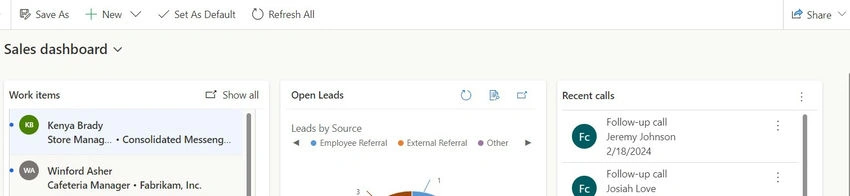
2. Navigate to app settings in sales hub
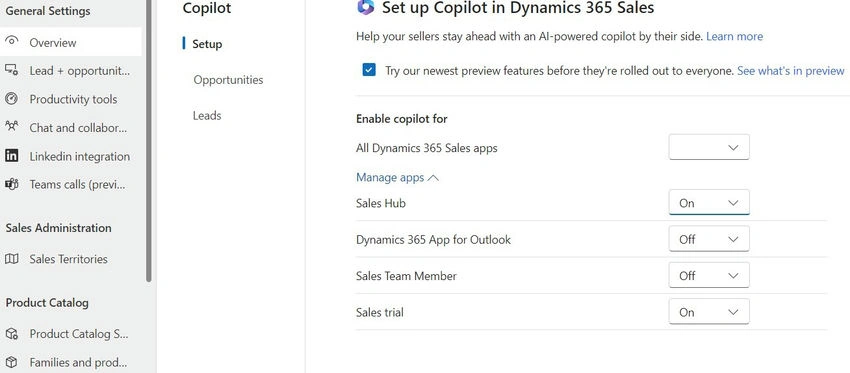
In the Sales Hub app, go to the Change area in the lower-left corner of the page and select Settings.
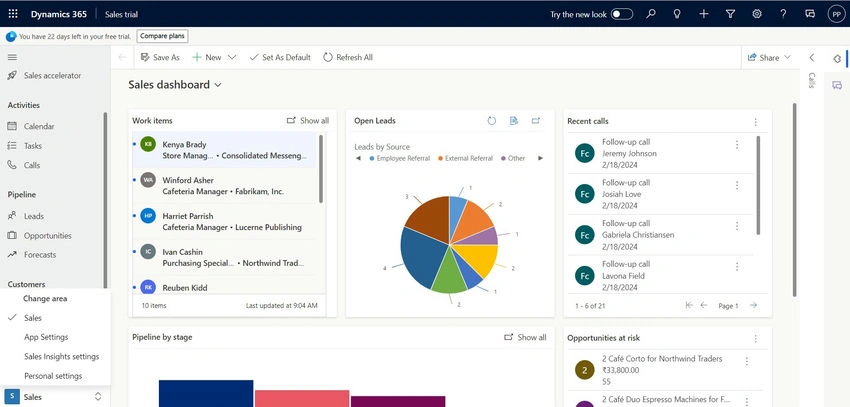
3. Access copilot settings
Under General Settings, select Copilot.
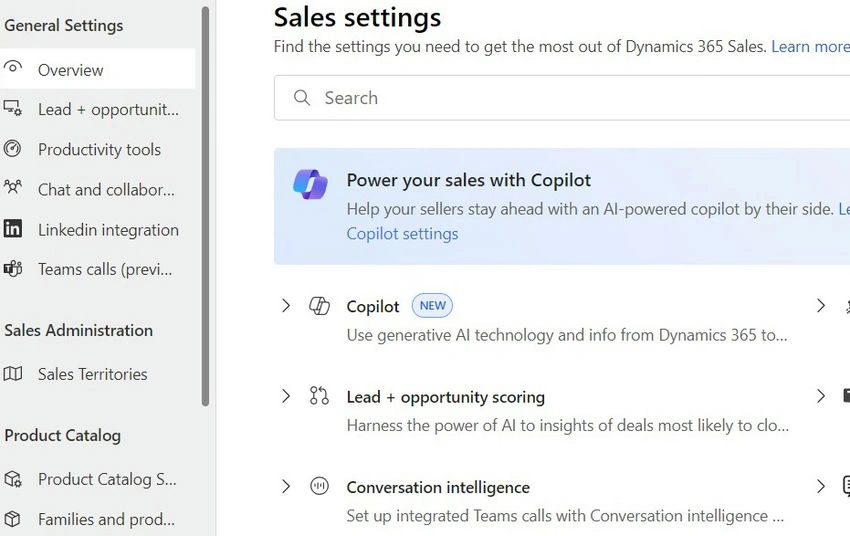
4. Enable copilot preview features
In the Set up Copilot in Dynamics 365 Salespage, select our newest preview features before they're rolled out to everyone to get all the Copilot preview features automatically.
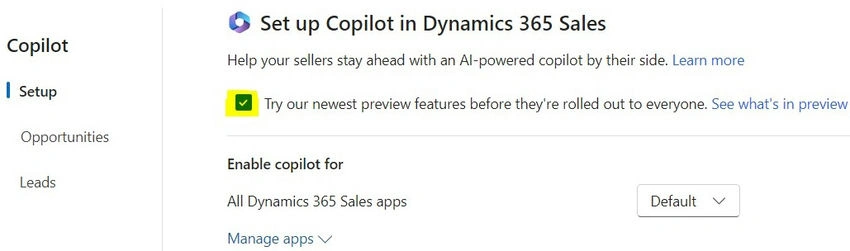
5. Manage copilot apps
- Expand Manage Apps under “Enable copilot for”.
- Select a global setting that you want to apply for all Sales apps and then override the setting at the app level. For example, if you want to enable Copilot only for the Sales Hub app, selectOffforAll Dynamics 365 Sales apps and then selectOnonly for the Sales Hub app.
6. Turn on audit history
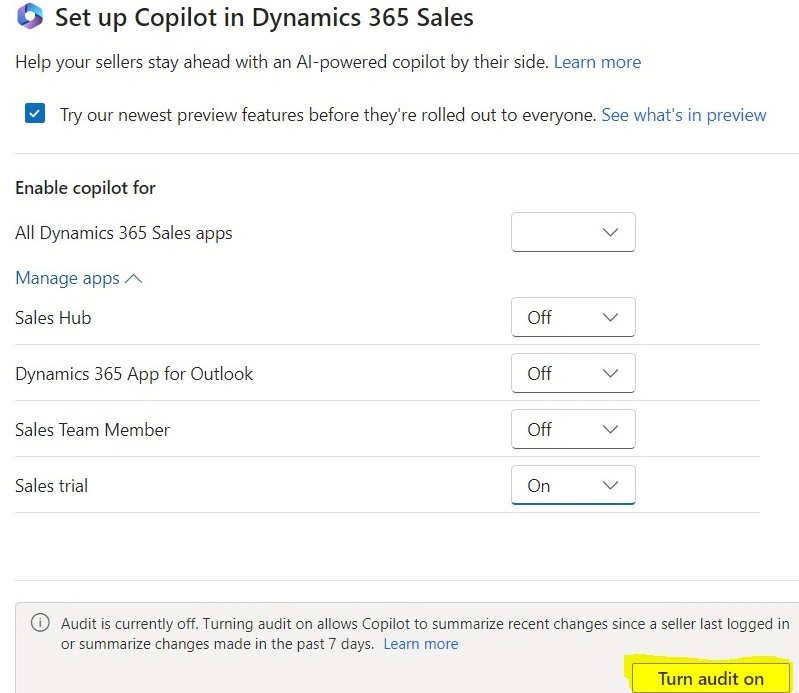
SelectTurn audit to turn on audit history for the lead and opportunity tables. If auditing is already turned on for the lead and opportunity tables or globally, the turn audit option isn't displayed.
- Audit history is required for Copilot to display recent changes to leads and opportunities.
- If you configure Copilot to show recent changes from tables other than leads and opportunities, turning on auditing turns on audit history for those tables as well. However, if you remove those fields later, you need to turn off the audit history for those tables manually.
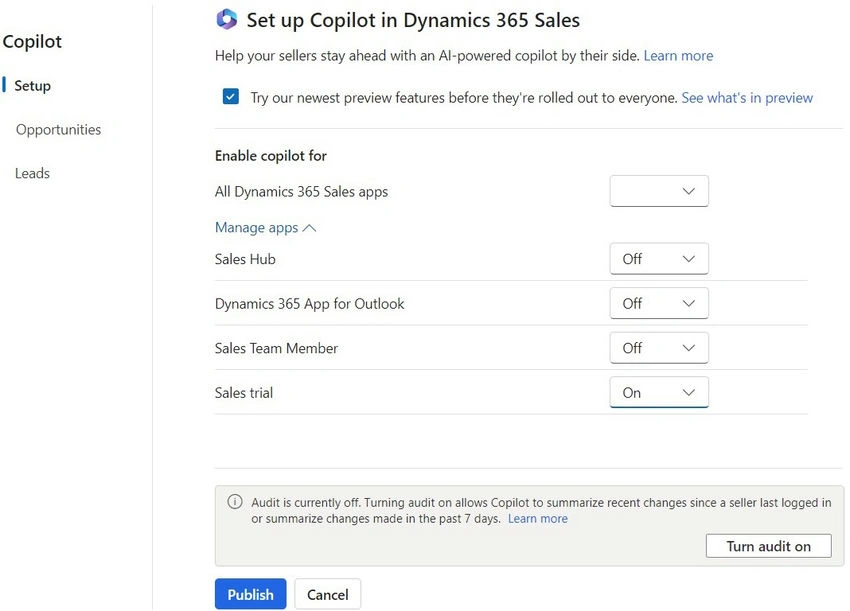
7. Click on publish
Join the conversation! Your thoughts help the community grow.