

Introduction
In this article, we learn about DOM (Document Object Model) in JavaScript. The DOM is created when the web page is loaded. It allows access to the entire HTML Page. JavaScript can change the HTML elements, HTML attribute, CSS styles in the page. JavaScript can add and remove the HTML elements and attributes, and react to all the existing elements in the event.
DOM Structure
When you open any web page in the browser, the HTML of the page is loaded and presented to the screen. JavaScript can be used to dynamically add a page's DOM to add, delete, and modify elements. The DOM represents a document as a tree structure.
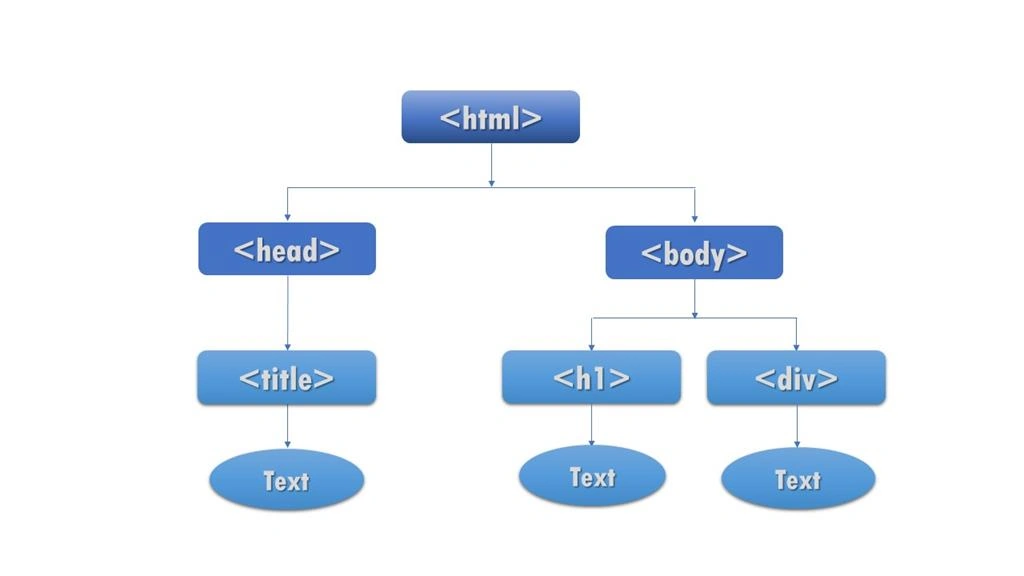
Since the body is an element of the DOM, you can access it using the document object and modify the content of the internal HTML property.
For Example: document. bodyinnerHTML = (“text”)
DOM Nodes
All HTML Elements are treated as nodes or objects. The nodes are attributes, elements, text, link, document, etc.…
- Document -Document node
- HTML element – Element node
- HTML attribute – Attribute Nodes
- Text inside HTML elements – Text nodes
DOM Properties & Methods
Properties
Used to change the values of HTML elements.
- InnerHTML
- innerText
Methods
Action that Perform on Html elements
- getElementByID()
- getElementsByName()
- getElement ByTagName()
- getElementsByClassName()
DOM Manipulation
Manipulation means to create, modify, delete and add attributes to all functionalities.
- getAttribute() – get new attribute
- setAttribute() – set the new attribute
- removeChild() – remove elements
- createElement() – Create New element
- createTextNode() – Text write in a element
- appendChild() – join the object
- replaceChild() – replace the tag
- ChildElementCount() – inside the division tag count the tag
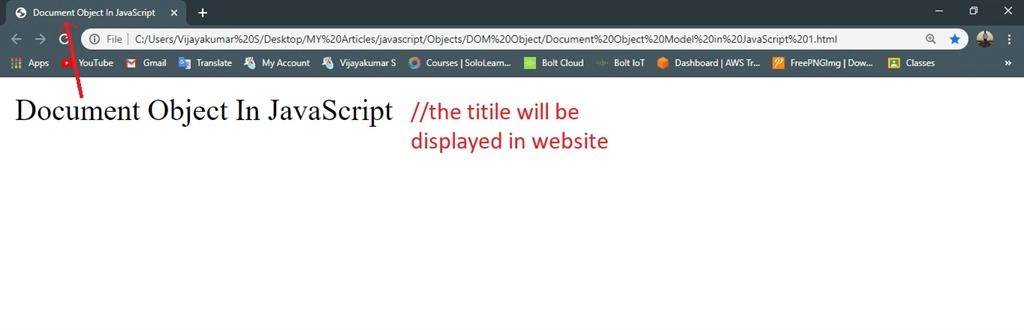
The following example shows how to display title in a web page.
Example
Try it yourself:
- <!DOCTYPE html>
- <html>
- <head>
- <meta charset="utf-8">
- <title>Document Object In JavaScript</title>
- </head>
- <body>
- <script type="text/javascript">
- document.write(document.title); // to get the title
- </script>
- </body>
- </html>
Output
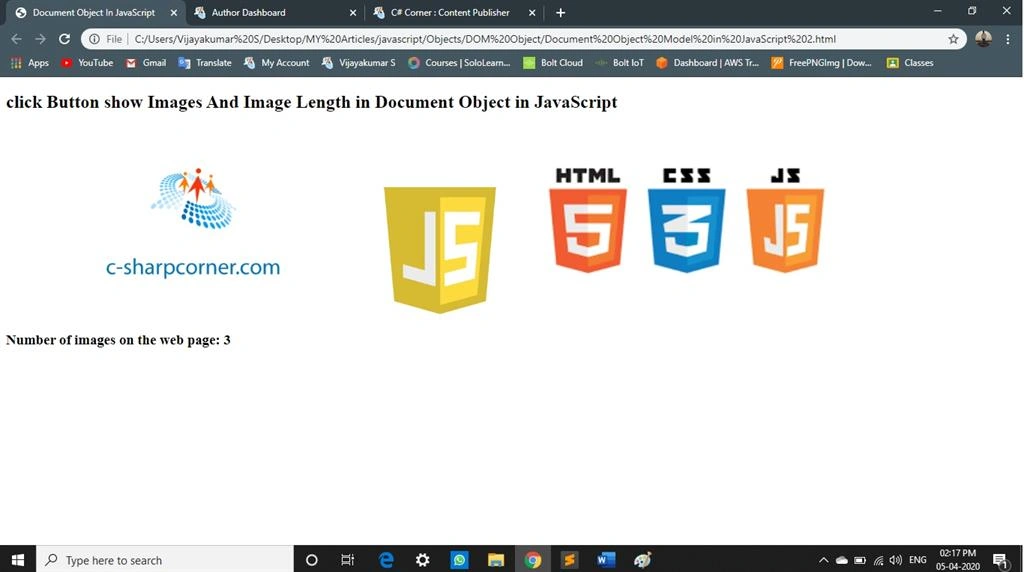
Get the Image count in a Web page
Example
Try it yourself:
- <!DOCTYPE html>
- <html>
- <head>
- <meta charset="utf-8">
- <title>Document Object In JavaScript</title>
- </head>
- <body>
- <h2>click Button show Images And Image Length in Document Object in JavaScript</h2>
- <img src="image 1.png" width="500px">
- <img src="image 2.png" width="150px">
- <img src="image 3.png" width="500px">
- <p><h3>Number of images on the web page:
- <script type="text/javascript">
- document.write(document.images.length);
- </script>
- </p>
- </h3>
- </body>
- </html>
Output
Conclusion
This article will demonstrate the basics of document objects. In my next article, I will explain the Methods and Properties in DOM. I hope this article is useful to you. Thanks for reading.
Join the conversation! Your thoughts help the community grow.