

This article discusses additional features of Debugger Canvas in Visual Studio 2010.
Refer to article, Part I.
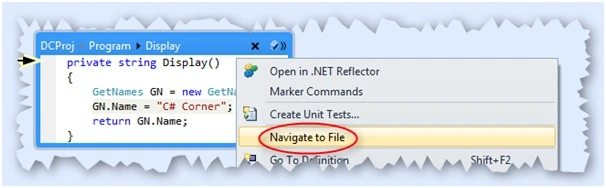
Navigate To File
One of the important features provided in Debugger Canvas is Navigate to File. We can open the code file directly from
the bubble window by using right-click. This will take us to the respective code file.
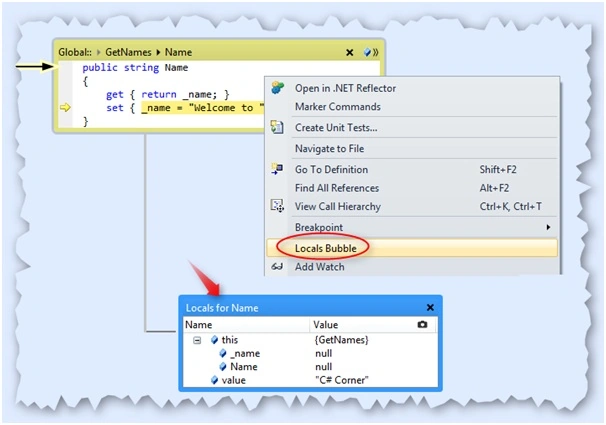
Local Bubbles
This will open a new bubble window with local variables and its values of respective methods you selected.
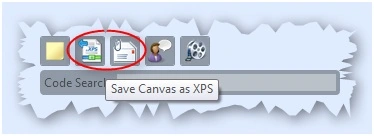
Save Canvas File
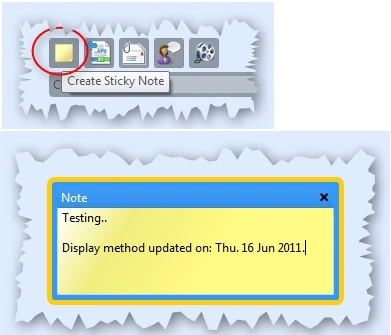
be provided soon in a future release. But we can save the Canvas file to .xps document and even send it across email, if you
Join the conversation! Your thoughts help the community grow.