
Introduction
This article describe the datagrid events to get row content, changing
particular column color, hiding particular column at runtime in silverlight.
We can get the row content of datagrid at runtime with the help of datagrid
events. We can also change the color of particular column in silverlight at
runtime.
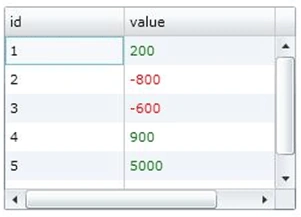
We can hide the particular column of datagrid at runtime.
Step 1: Get the row content at runtime using LoadingRow Event of datagrid
First datagrid looks like as following
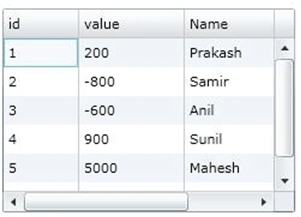
Get the loadingrow event of silverlight datagrid as follow.Here we change the
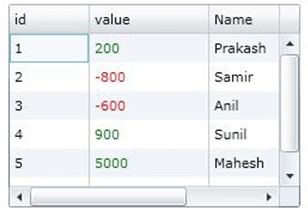
row content color using loadingrow event at runtime.
EventHandler<DataGridRowEventArgs>(Customerdatagrid_LoadingRow);
void
Customerdatagrid_LoadingRow(object sender,
DataGridRowEventArgs e)
{
//
CustomerDetail is a table at service side
ServiceReference1.CustomerDetail
clist = e.Row.DataContext as ServiceReference1.CustomerDetail;
FrameworkElement el;
el = this.Customerdatagrid.Columns[1].GetCellContent(e.Row);
DataGridCell changeCell =
GetParent(el, typeof(DataGridCell))
as DataGridCell;
SolidColorBrush brush =
new SolidColorBrush(Colors.Black);
if (changeCell !=
null)
{
if (clist.value > 0)
{
brush = new
SolidColorBrush(Colors.Green);
}
else if
(clist.value < 0)
{
brush = new
SolidColorBrush(Colors.Red);
}
changeCell.Foreground = brush;
}
}
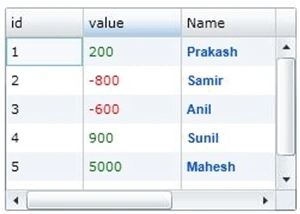
Datagrid looks like as following
Join the conversation! Your thoughts help the community grow.