

Create a Global option set
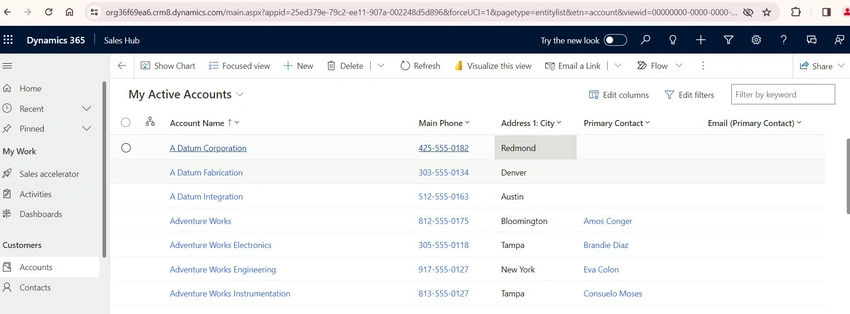
1. Login to CRM.
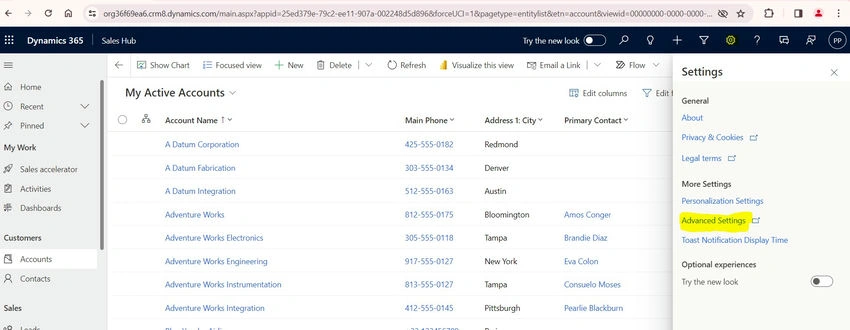
2. Go to Settings, Advanced settings.
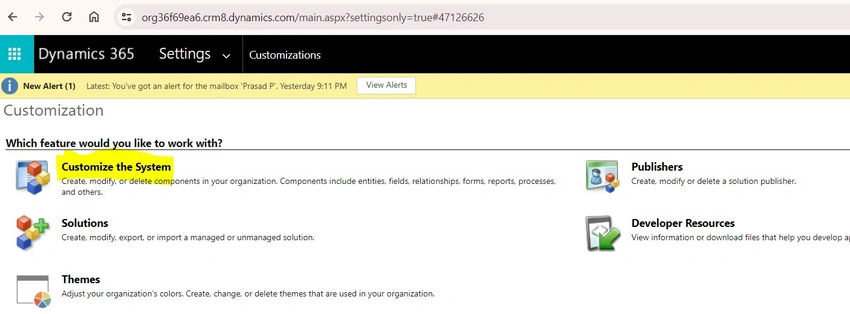
3. Go to Customizations and customize the system.
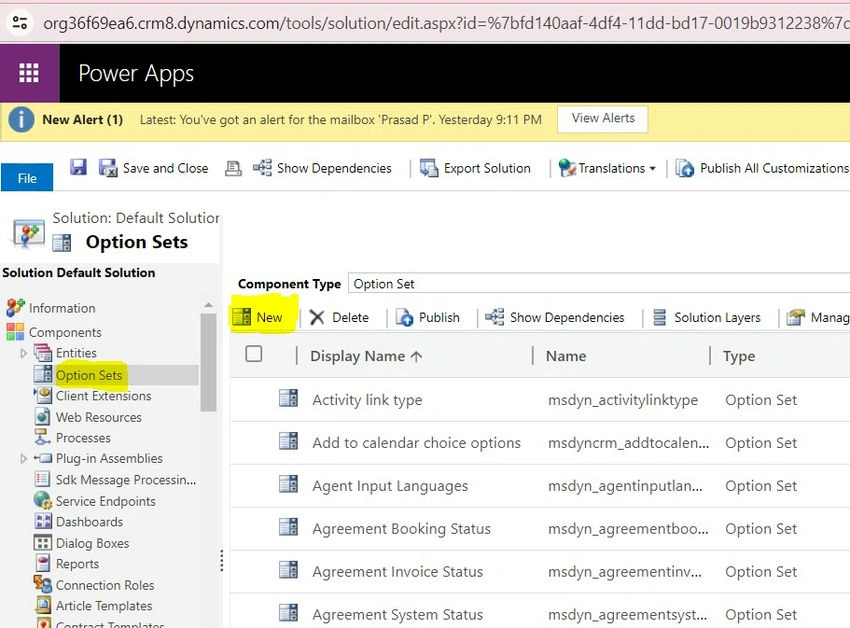
4. Click on Option Sets and click on New.
5. Provide the Display Name and the options you want to add. Click On Save and Close.
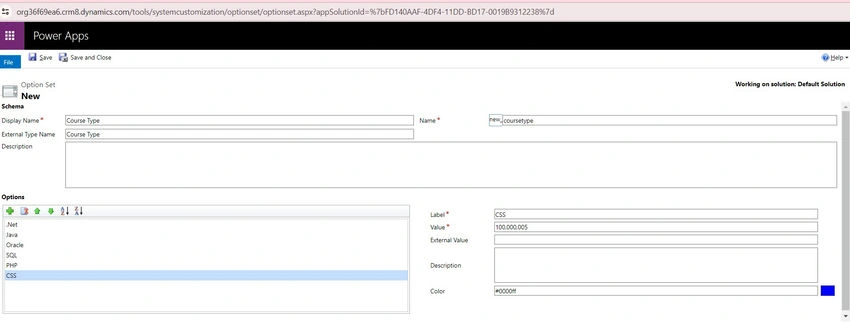
Create an Option set by using the Global Option Set
Go back to Customizations. Click on Account Entity, Fields, and Click on New.
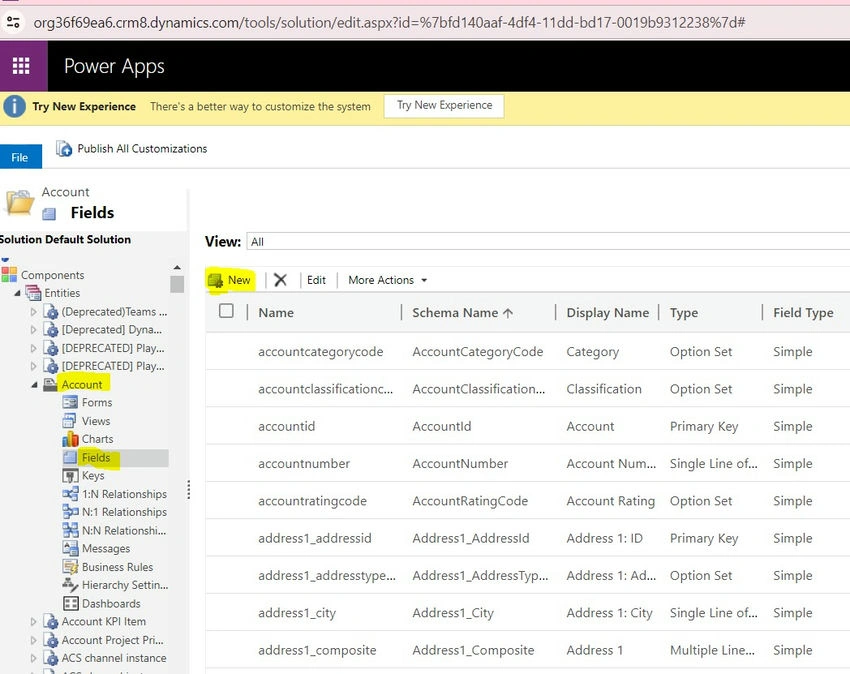
Enter the display name of the option set field and the following field properties.
- Select field requirement(Optional, Business Recommended, Business Required).
- Select Field security(Enable, Disable).
- Select Data Type as Option Set.
- Use Existing Option Set=YES.
- Select Option Set= Course Type(Global option set created above).
- Select the default value(Select the default value if you want to show any default value in the option set else select Unassigned value if you don’t want to show any default value.

- Click on Save and Close.
Now, you have successfully created an option set field by using the global option set.
Thanks.!
Join the conversation! Your thoughts help the community grow.