In this article we will learn about Creating and accessing a WCF Service
Library in Visual Studio.
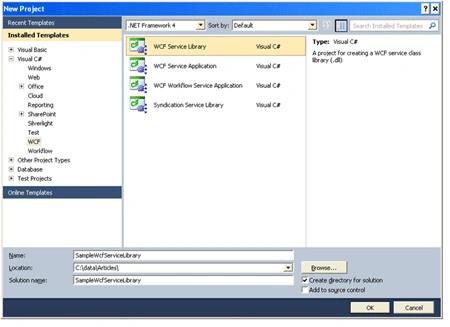
Lets start by Creating a WCF Service Library as shown below :
Visual Studio will generate a project as shown below :
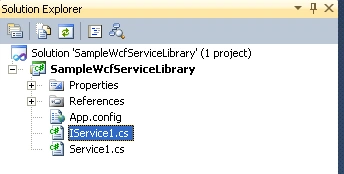
Let's not get into the details now. This is just a introduction article of how to
create a Windows Service Library . So Hit F5 .
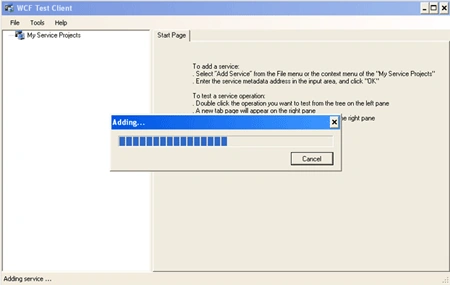
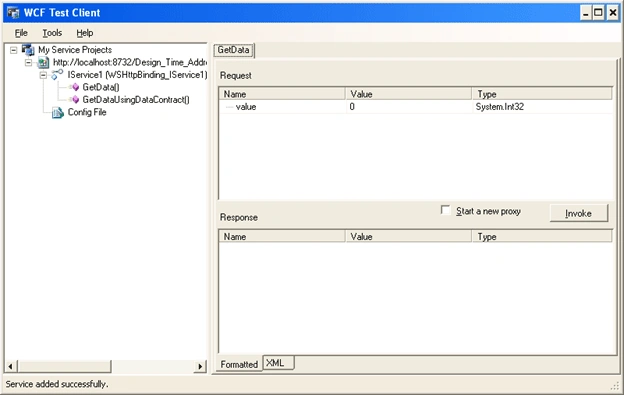
A WCF Test Client opens up as shown below :
The Service gets added to the My Service Projects automatically as shown below :
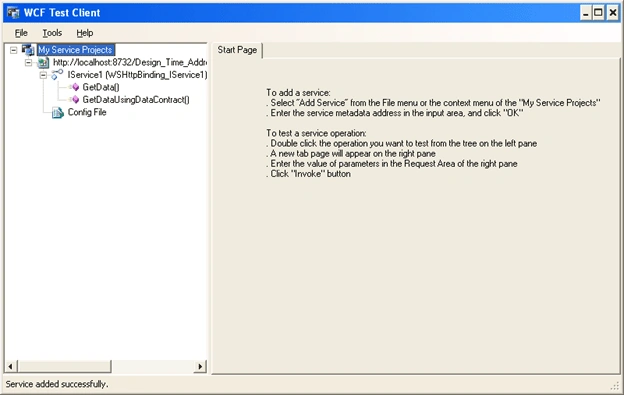
Select the GetData() method which is created by default by the WCF .
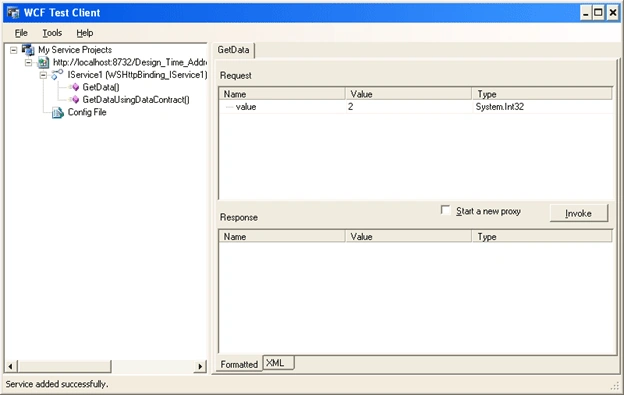
Enter a value, say 2, in the Value field and hit Invoke Button .
The Response is displayed as shown below :
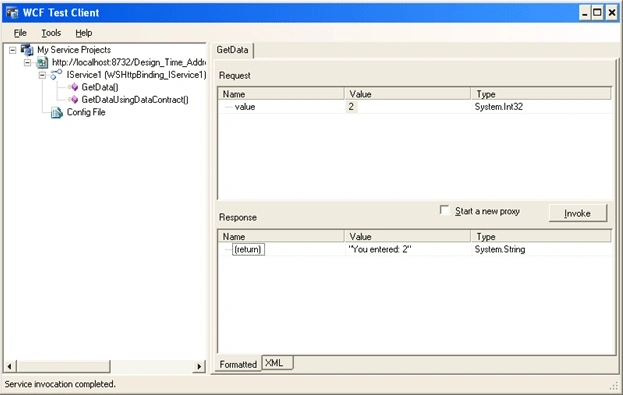
You have successfully created and accessed a WCF Service Library. In future
posts we will get into the details of WCF .

Creating and Accessing WCF Service Library
Join the conversation! Your thoughts help the community grow.
Sign in to leave a comment
It is the same account you read, post and publish with — and you will come straight back to this page.
Gowtham RajamanickamPosted Apr 14, 2016, 6:06 AM
nice article..