

Virtual Switch and its impact
A communication channel for virtual machines to communicate with each other is defined via a virtual switch. So, a virtual switch can be defined as a program that enables the virtual machines to communicate. It actually binds the physical machine network adapter with a virtual host.
How do we create a Virtual Switch?
Creating a virtual switch is a very easy procedure. First of all, we will be opening Hyper-V Manager. On the right pane, you can see that there is an option for VIRTUAL SWITCH MANAGER.
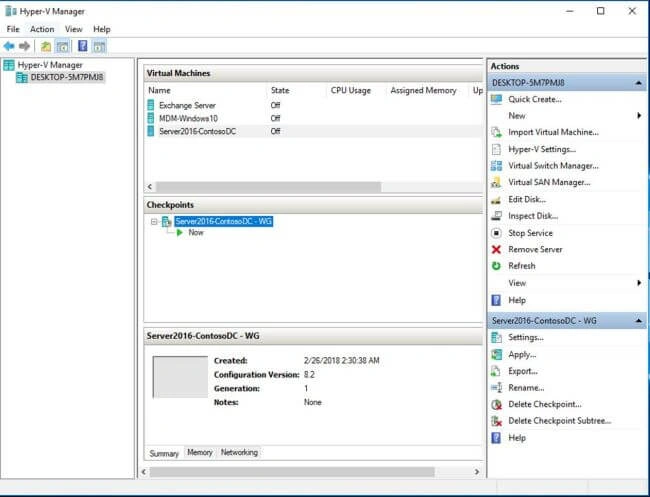
Clicking on Virtual Switch Manager will open the Virtual Switch Manager window for your machine. There are three types of switches in a virtual environment - External, Internal, and Private. These switches are basically the virtual networks that can be established. There is another type that can be created via WMI but officially it has no name. I would say it is the dedicated virtual switch.
Let us walk through each type of switch and get a clear concept on when to use which virtual switch.
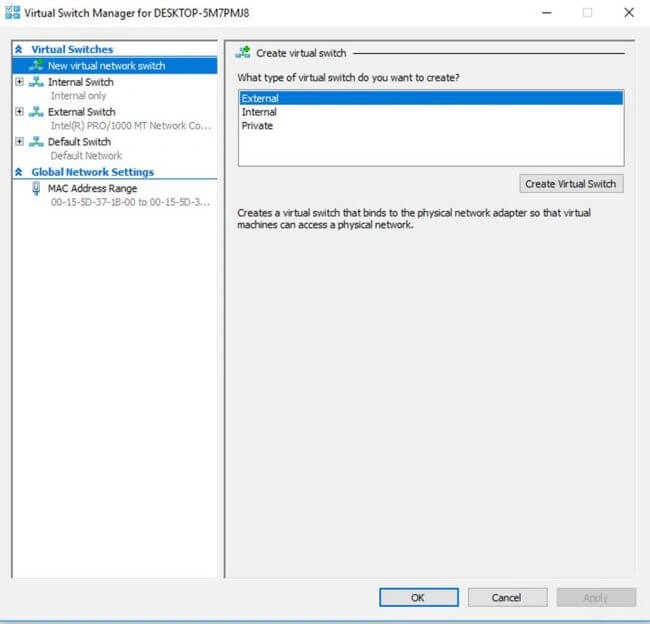
External Virtual Switch
When it is required to form a communication in such a way, we use an external virtual switch:
- Virtual Machine to a Virtual Machine on a single physical server
- Virtual Machine to a parent partition whereas parent partition can be defined as the logical hard-drive partition that is responsible to run Hyper-V layer in the system so that the creation of child partitions can be managed.
- Virtual Machine to externally located servers; in the external switch, the internet access is given to the virtual machines and environment.
Internal Virtual Switch
When communication is required in such a way within the network, we can use an internal switch for this -
- Virtual Machine to Virtual Machine on the same physical machine.
- Virtual machine to the parent partition.
- An internal switch works in such a way that it allows the data communication and no internet access by default.
Private Virtual Switch
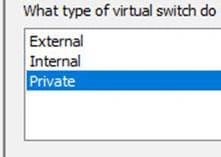
The private switch makes the machine isolate itself. It is used to establish a network of nested virtual machines.
Let's create a Switch, for instance, an external switch. To create one, click "Create Virtual Switch".
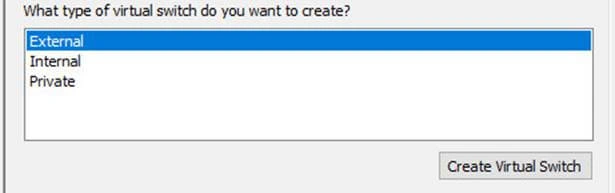
Once you click, it will open a window as shown below.
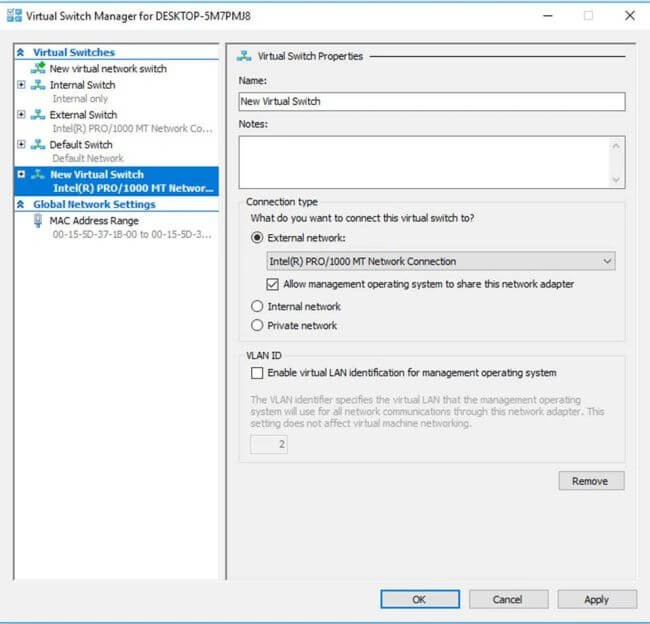
In the name field, name the switch whatever you like. The "Notes" section is used to add any description if one wants to add it. Connection type is used to create and choose an external network. The drop-down below specifies a list of adapters for your physical machine. Select the adapter from which you are connected to the internet. Once chosen, click Okay.
Congrats, you have successfully created an external switch.
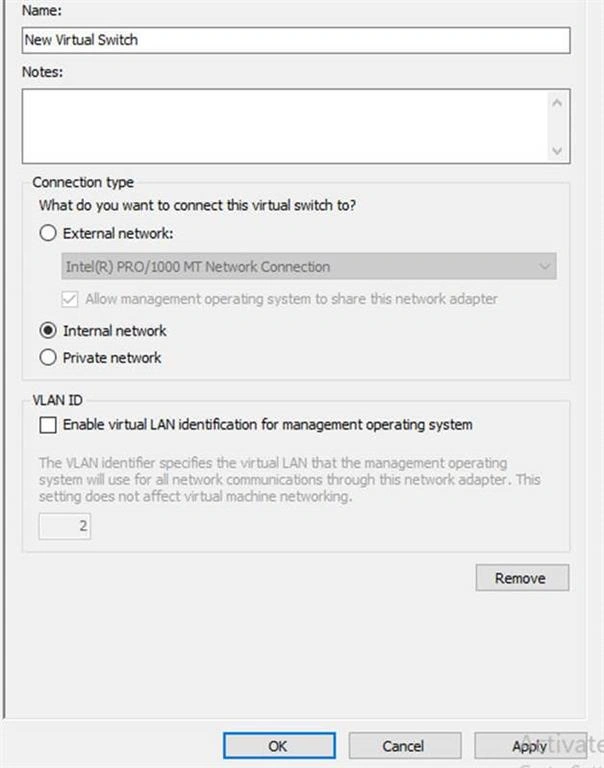
For Internal Switch, there is only data communication, hence no internet is provided to the virtual environment. So, we will just click "Create Virtual Switch" and choose "internal switch" in connection type followed by clicking on "OK".
For Private Switch, you will choose Private Switch instead of Internal Switch; the rest is the same as that of Internal Switch. Private is also used only for data communication.
Continue to article,
Join the conversation! Your thoughts help the community grow.