

Introduction
Azure Web Apps is a cloud computing based platform for hosting websites, created and operated by Microsoft
I will provide step by step to create Web App in Azure Portal with screenshots below.
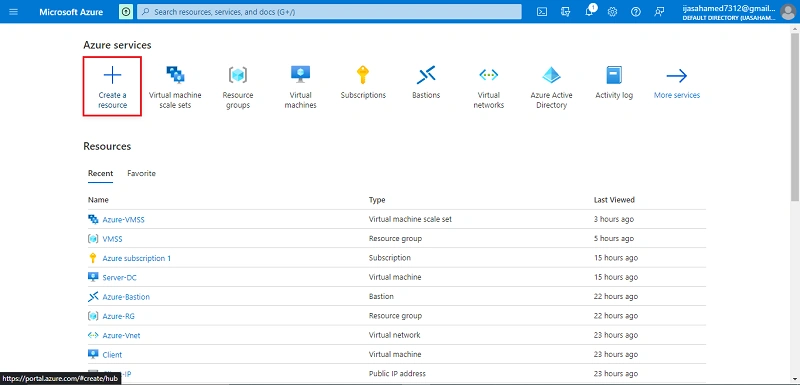
Go to Azure portal, click create a Create a Resource Button
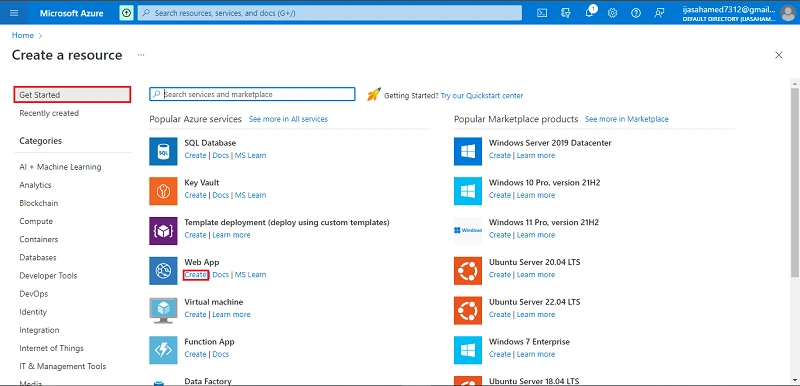
Select Web App, click create Button
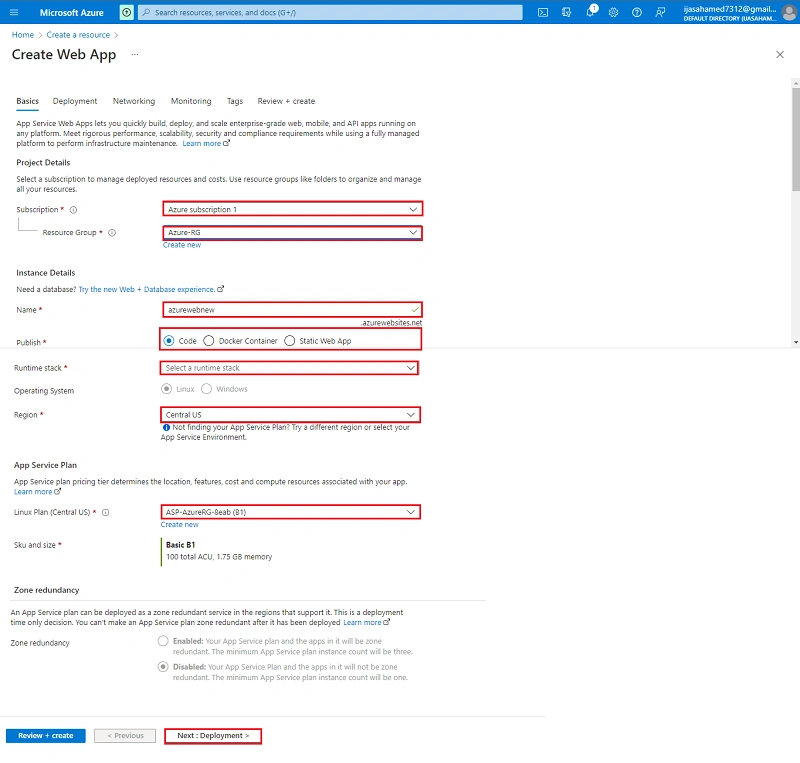
Select the Project Details, enter the Instance Details and create App Service Plan
Click the Next + Deployment button
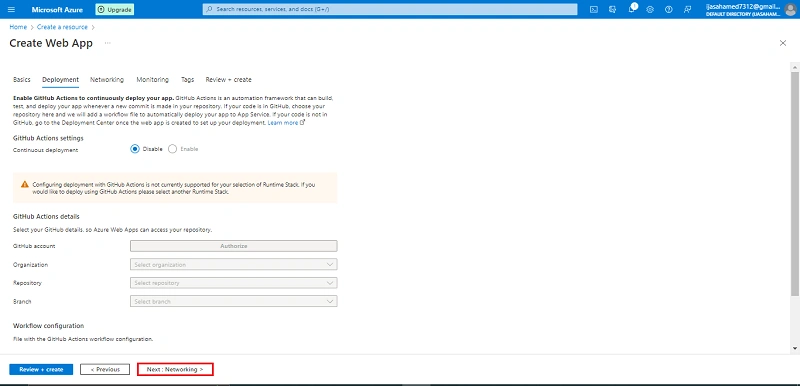
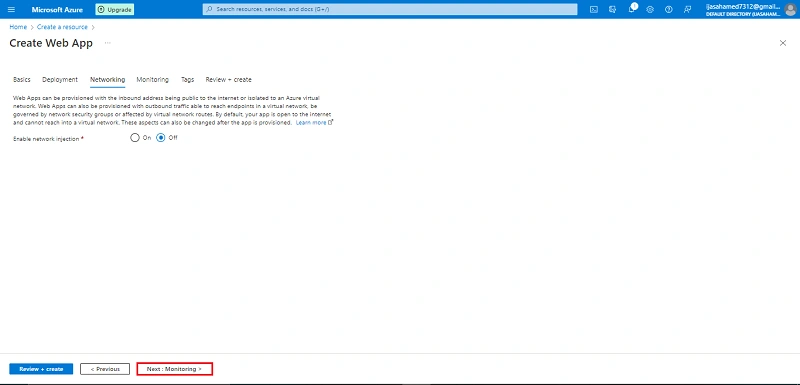
Click the Next + Networking button
Click Next + monitoring button
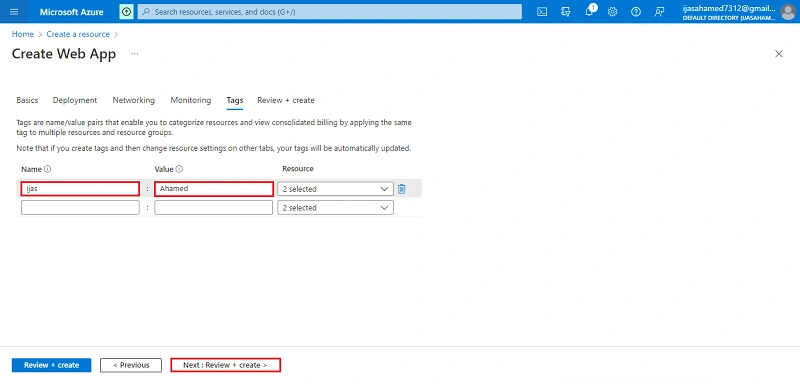
Enter Tag Name. Tag Name is used easily to find the project
Next Review + create Button
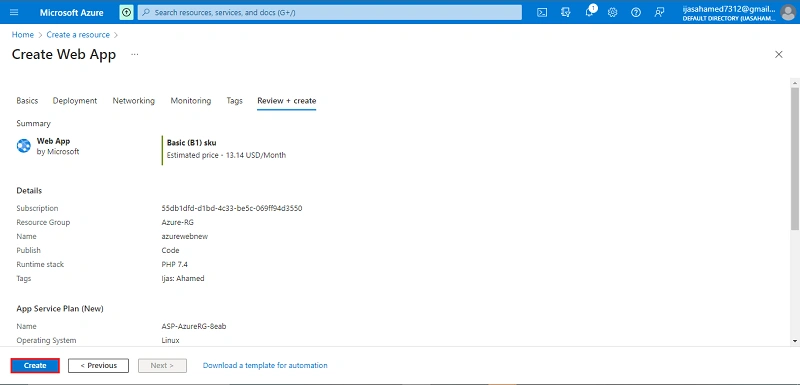
Click Create Button
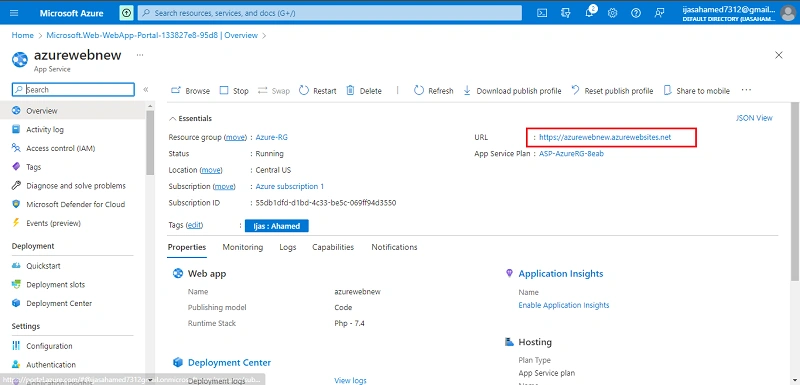
Successfully Create WebApp
Conclusion
This article taught us how to create a Azure Web Apps in our azure portal. And if you have any questions please contact me.
Thanks.
Join the conversation! Your thoughts help the community grow.