

Introduction
This article explains the Asynchronous Action method and how to create it in the Web API. The purpose of this is to create an asynchronous method for handling more than one request on the same number of thread pools. The thread pool is maintained by the .NET framework on the IIS server. There is a finite number of threads available in the thread pool.
When any request arrives, the request is assigned to the process by the thread of the thread pool. This thread basically works as the request is processed, and after completing one request, the thread is returned back to the pool to service another request. An asynchronous method allows you to start a long-running operation, returns your thread to the pool, and wakes up on a different thread or the same, depending on the availability of threads in the pool at that time.
Now create an application.
Create a Web API application as in the following:
- Start Visual Studio 2012.
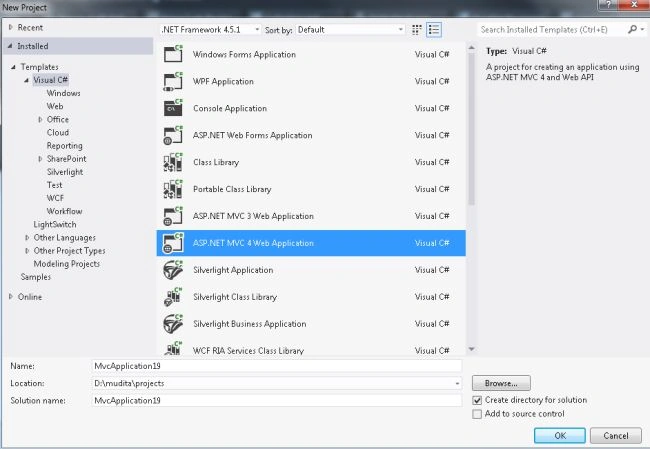
- From the Start window, select "New project".
- Then select "Installed" -> "Visual C#" -> "Web"
- Select "MVC4 Web Application" and click on the "OK" button.
- From the "MVC4" window select "Web API".
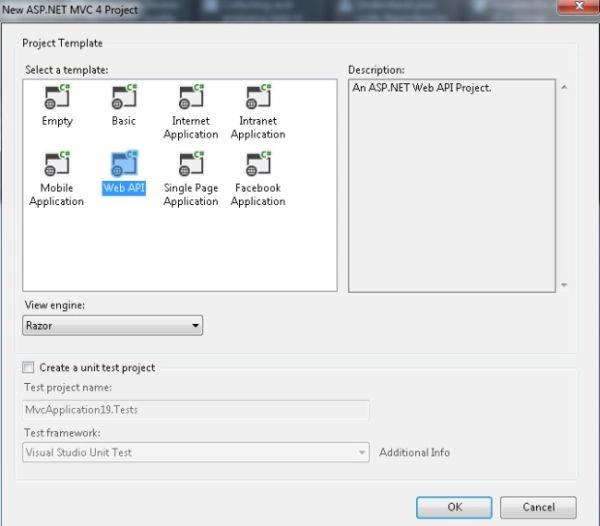
- Click on the "OK" button.
Select ApiController "Values Controller'.
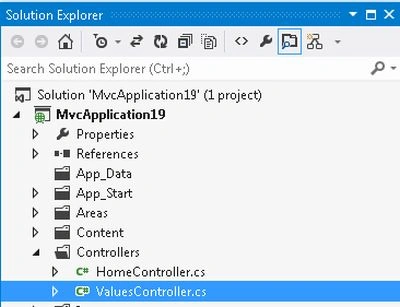
- In the "Solution Explorer".
- Expand the "Controller" folder.
- Select "ValuesController".
Add the following code:
using System;
using System.Collections.Generic;
using System.IO;
using System.Linq;
using System.Net;
using System.Net.Http;
using System.Threading;
using System.Threading.Tasks;
using System.Web.Http;
namespace MvcApplication19.Controllers
{
    public class ValuesController : ApiController
    {
        public async Task<string> Get(int id)
        {
            return await ReadFileAsync();
        }
        private async Task<string> ReadFileAsync()
        {
            using (StreamReader reader = File.OpenText(@"D:\Introduction.txt"))
            {
                await Task.Delay(500);
                return await reader.ReadToEndAsync();
            }
        }
    }
}
In the valueController we modify the code. Here we change the path with the valid text file path that is saved in your system. The following is an explanation of this code:
- The "ReadFileAsync" method reads the Text file content and returns it to the action method. The action method returns it as the response of this file content.
- Here we use "await Task.Delay(500);" it defines simulating the long file for reading.
- "Task<string>" is used for the return type to the action method.
Then we host the application on the IIS server with some port. Here I host the application with the port "8083" and the entire URL is "http://localhost:8083". Copy the URL.
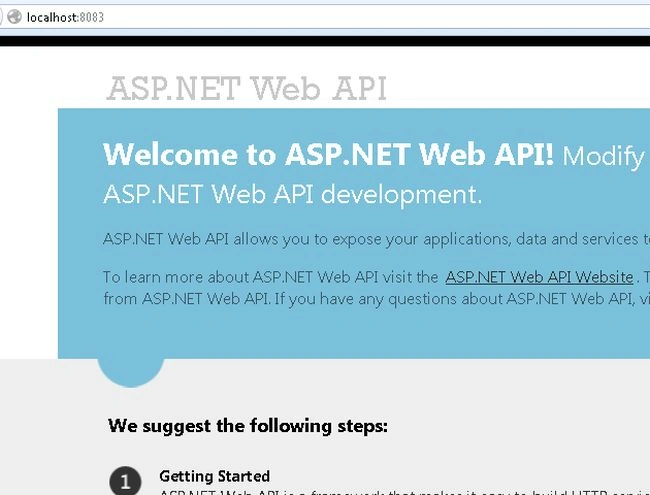
To execute the application:
- Open fiddler.
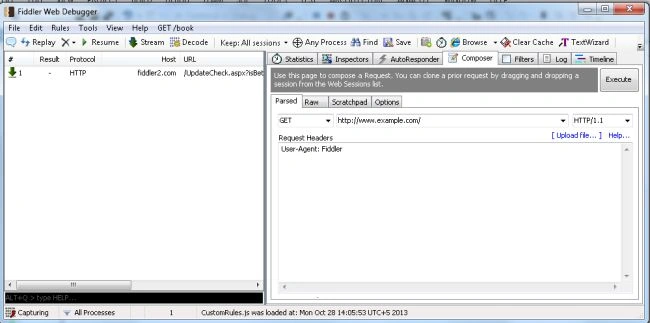
- Click on the "Composer tab" in the fiddler.
- Paste the URL and and change it to "http://localhost:8083/api/values/1".
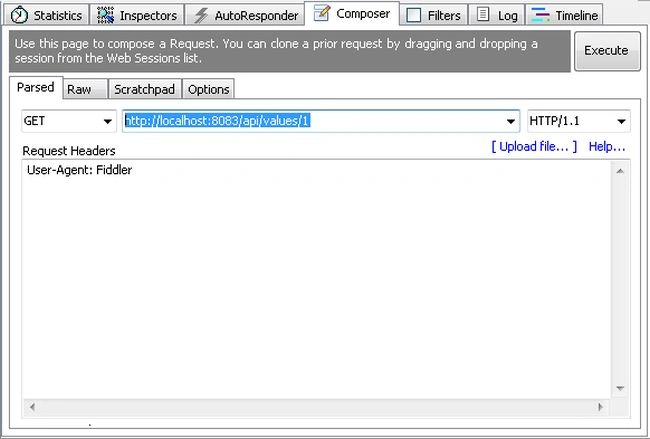
- Click n the "Execute" button.
- Now click on "Inspectors" and click on the "TextView tab".
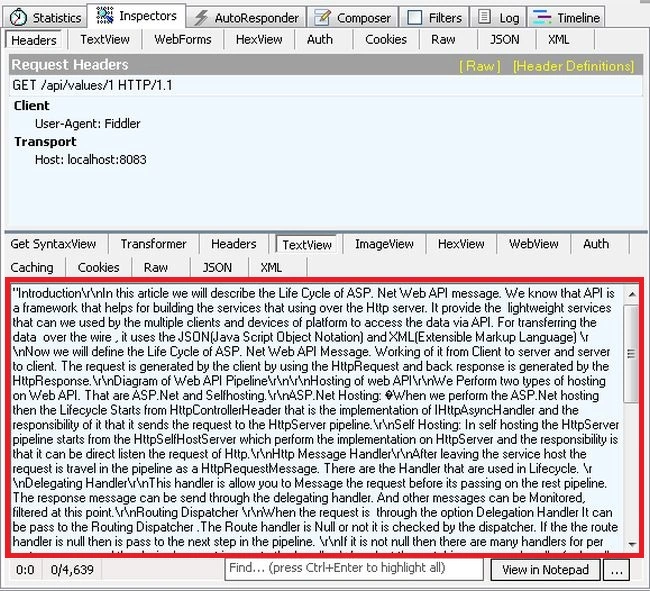
- It displays the entire text of the file.
Join the conversation! Your thoughts help the community grow.