

Microsoft 365 Copilot Extensibility is making the AI assistant more powerful. Copilot is now customized to meet specific business needs. Refer to the particular business application and get the necessary values as required.
Key Values of Copilot Extensibilities
- Integration with Third-Party apps is possible
- Create a new plugin from scratch to suit the demand / Custom API.
- Leverage the power of flows using the Power Automate
- And all with the help of Natural Language Understanding.
Okay, now let us get into the action by practically seeing the step-by-step process of creating and adding the Plugin action with the integration of the 3rd party weather app (MSN) in our custom copilot in 2 articles.
- Article 1. Demonstrates how to create a plugin action by integrating the 3rd party app.
- Article 2. Demonstrates how to use the plugin in the topics.
This article is a step-by-step guide to adding a weather plugin action.
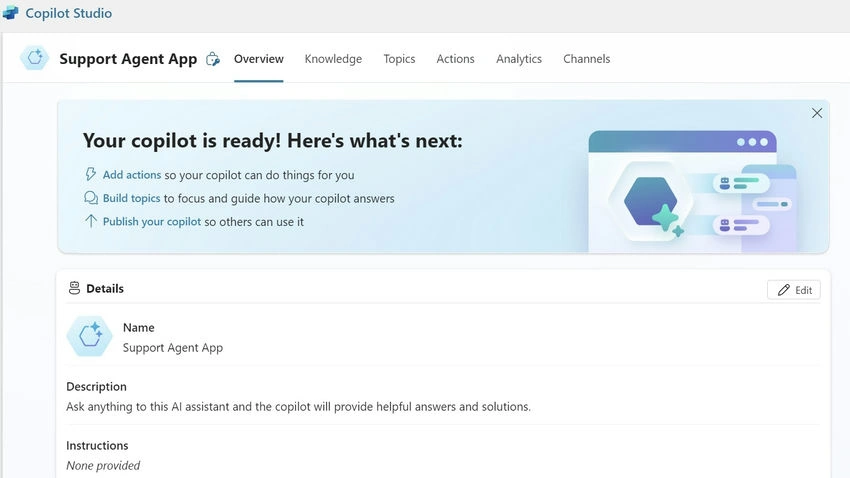
Go to the custom copilot Overview page.
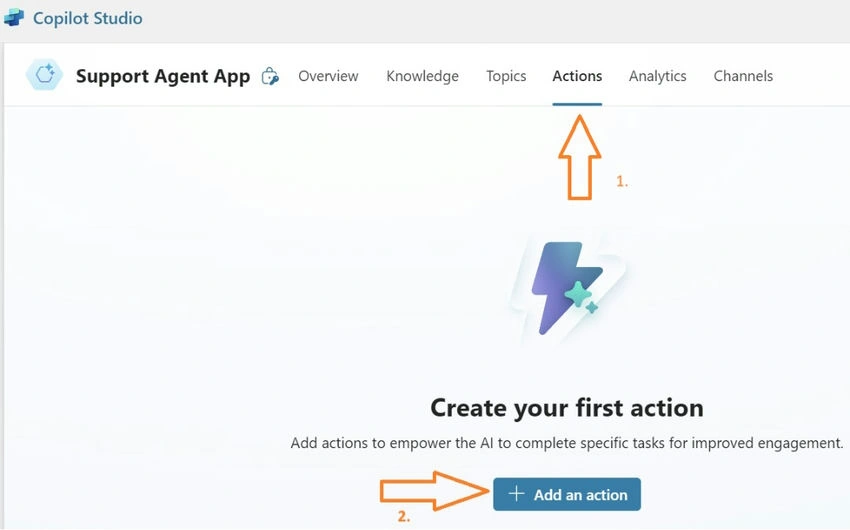
Click on the Actions tab and click the button Add an action.
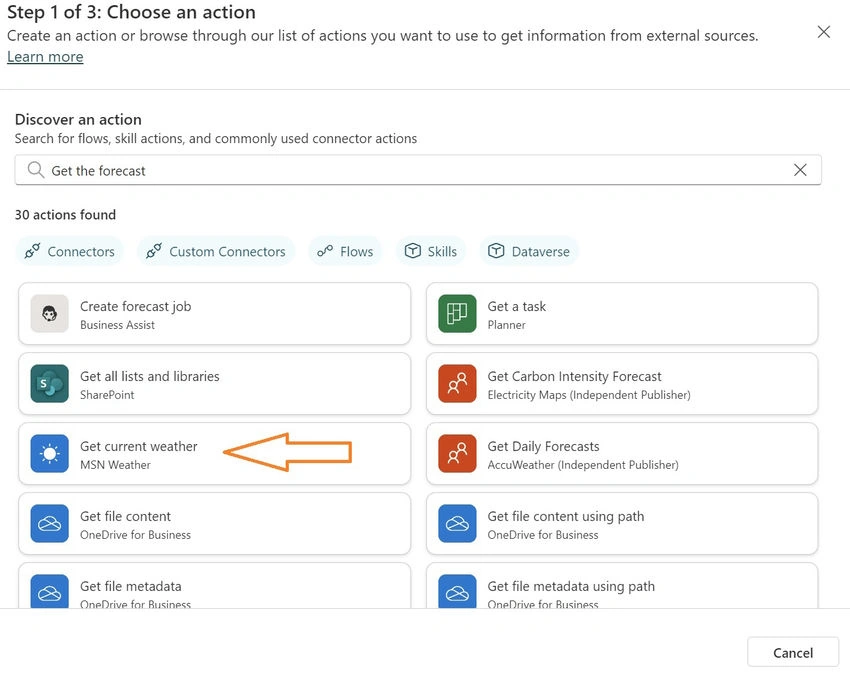
Type the name of the required plugin and click Enter to search for the weather app from the list of actions available.
Configure the actions as follows.
- Choose the auth as Copilot User Authentication.
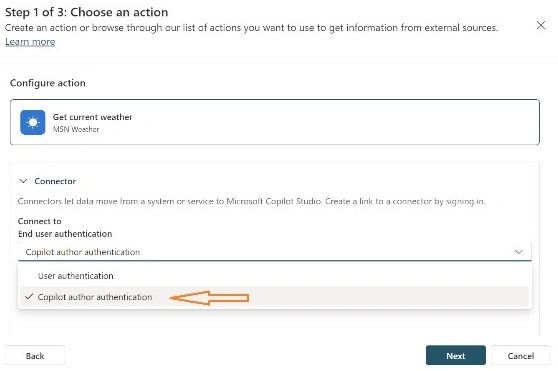
- Check if the validation to your login is passed by default or revalidate the same.
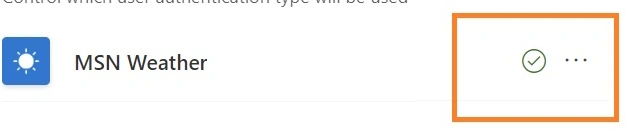
- Give a suitable name to identify the plugin that displays in your actions tab.
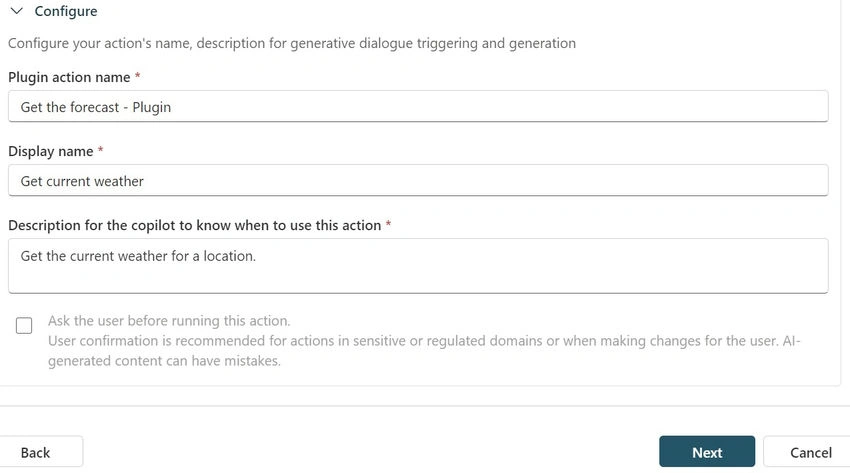
- Click Next to continue.
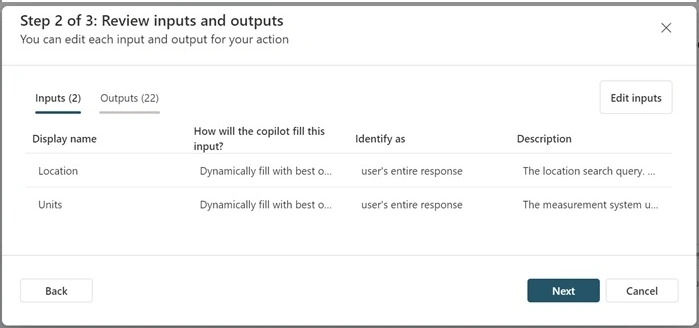
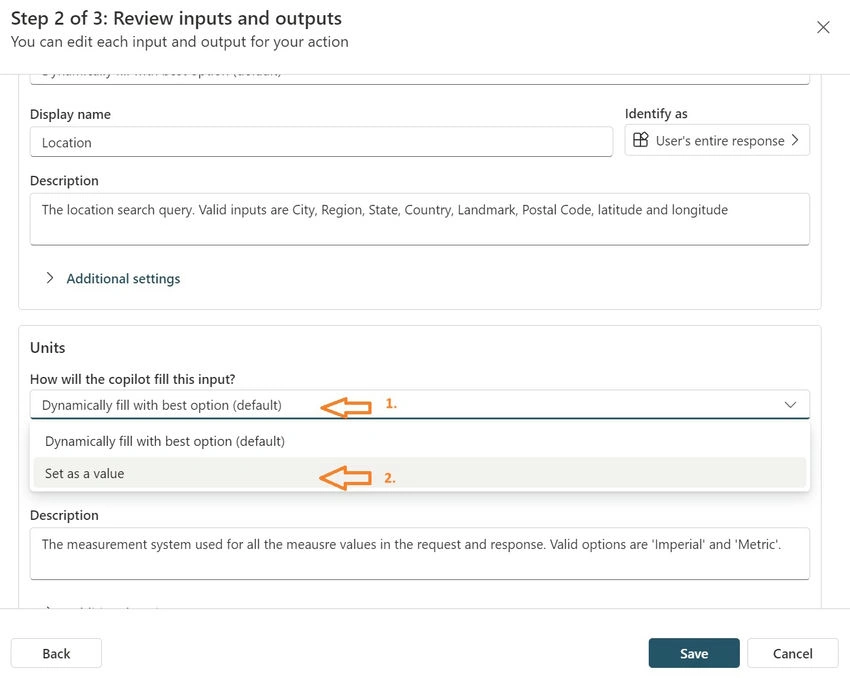
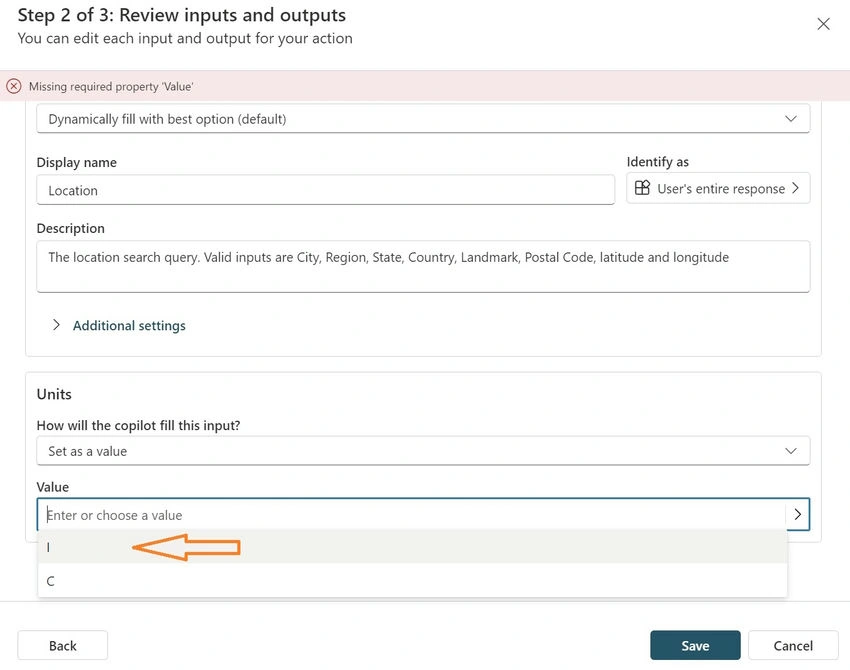
- Edit the input section of the plugin. We can set the predefined value for Unit selection based on the locale so that Copilot will not look for an input every time.
- Choose the option Set as a value for the default selection of Units and click Save.
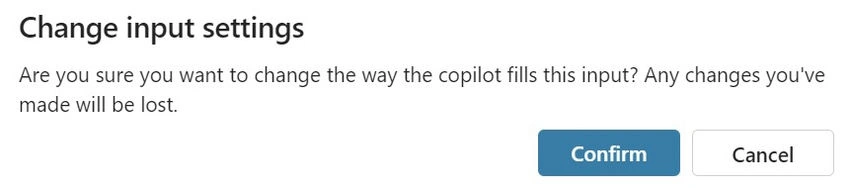
- Confirm once again to change the option.
- Enter the value as I from the drop-down menu and click Save.
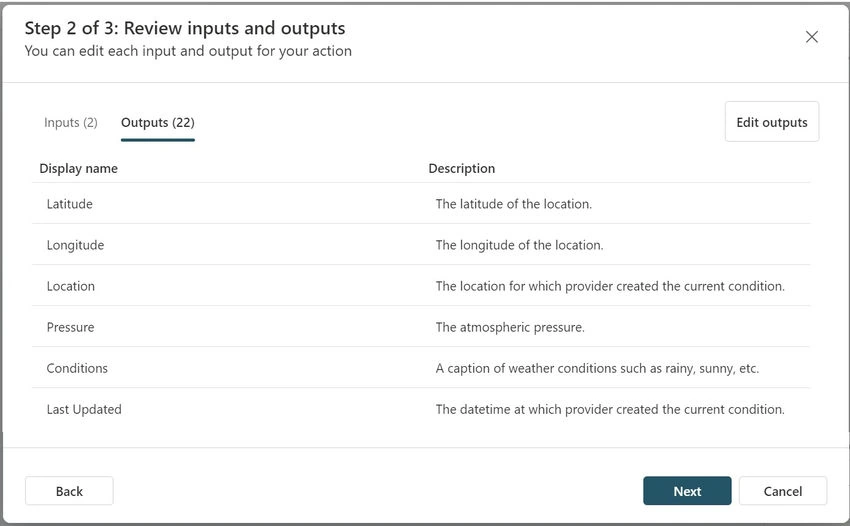
- You can modify the Output section to customize the response, but now I am leaving it as is and clicking on Next.
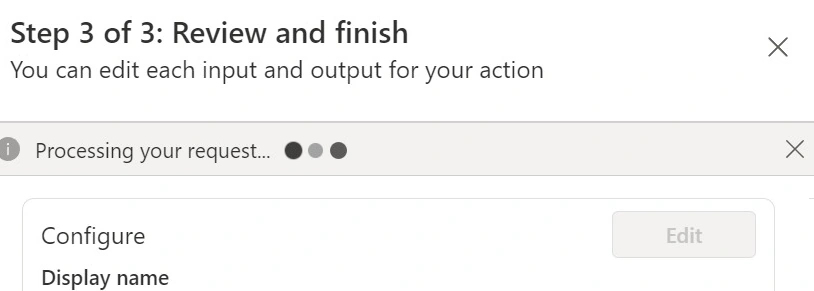
- Review the configuration changes and click on Finish.
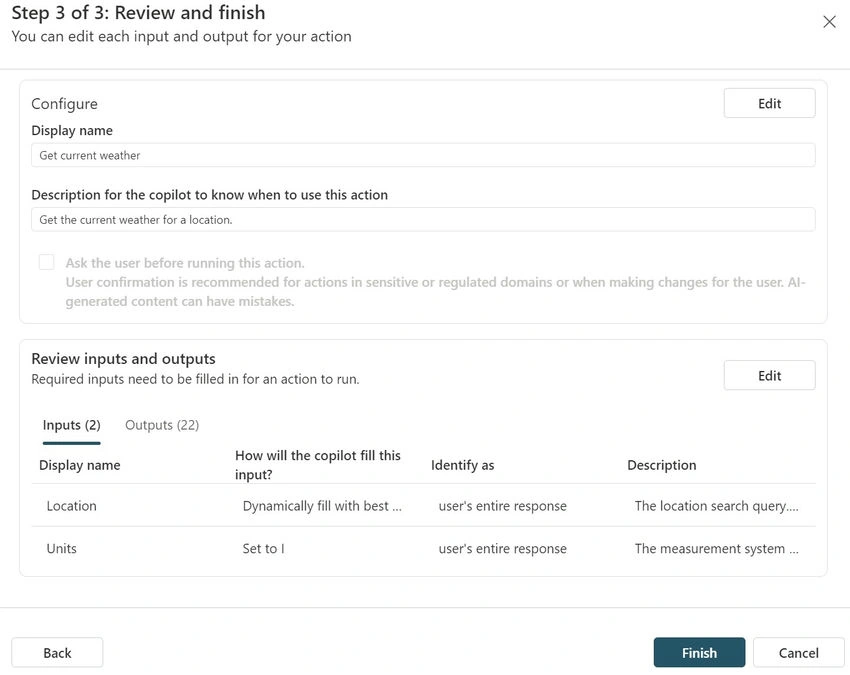
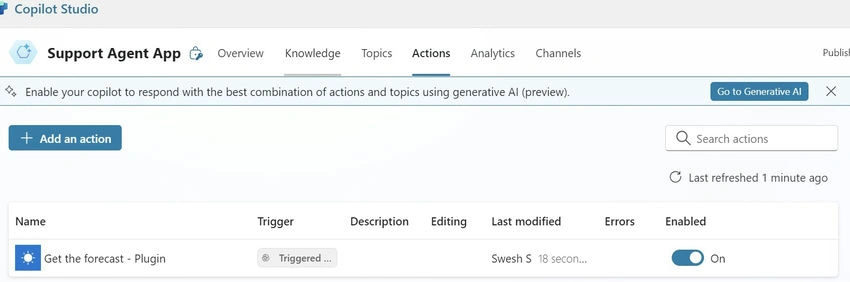
- After finishing the processing, your action will be added and enabled.
Join the conversation! Your thoughts help the community grow.