

Introduction
Gdevelop is based on 2D game creation, without using coding. Now in
this article, I will explain how to design the cannon shooter game in an Android platform using gdevelop. It is a powerful HTML 5 game creator, GDevelop is an open-source, cross-platform game engine designed for everyone. It's extensible, fast and easy to learn. It's designed
especially for 2D game creators.
Prerequisites
“Gdevelop” Software Environment version 4.0 (Free).
Windows 8.1, 10 (recommended).
Overview
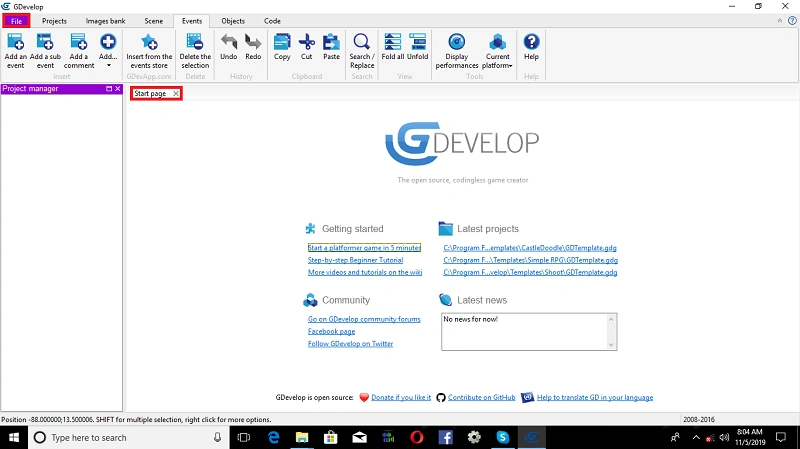
First of all, we need to open the “Gdevelop” IDE.
Exercise 1
Click on->File, open New Folder and then you will see:
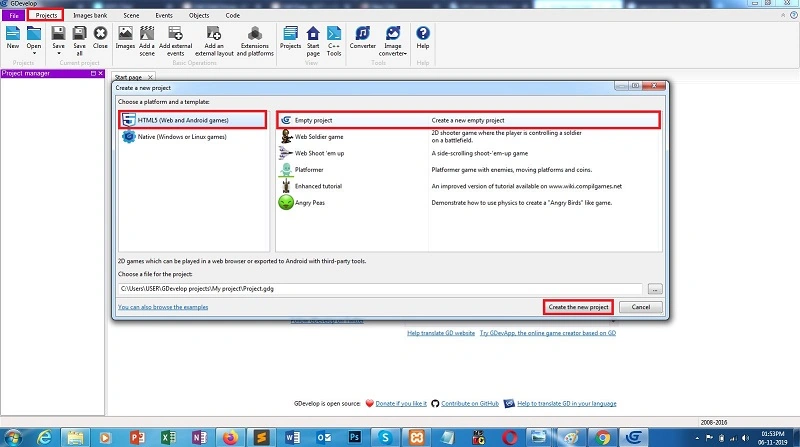
After condition choose platform and click on->Android platform
Click->Open Empty Project, Create a new empty project.
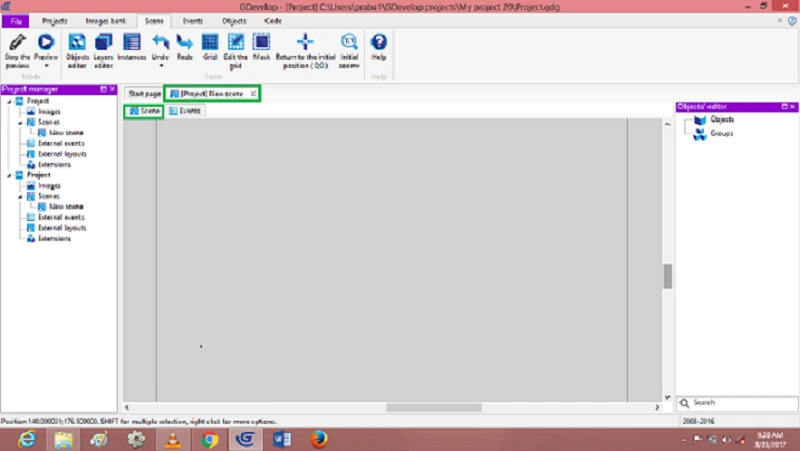
New Scene
You are also renaming a directory and a filename for your game, and press Ok to create the project.
Open default conditions.
Scene->Insert Object
Events->Construct event conditions.
Exercise 2
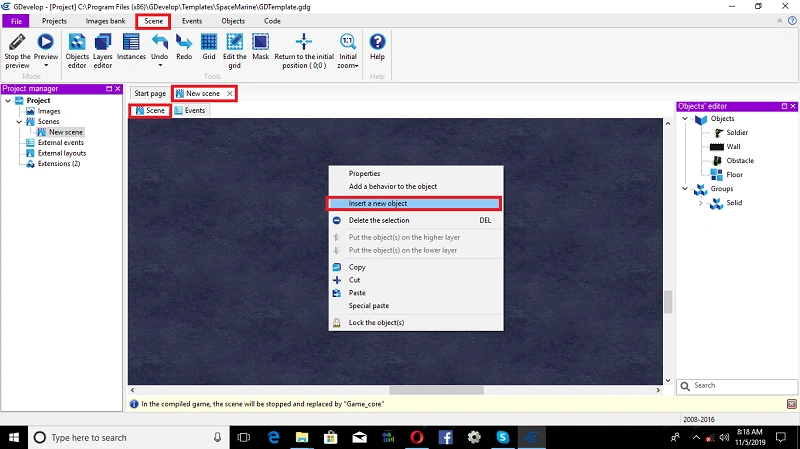
Open scene condition, Right click on->window stage.
Dialog box will appear and then, select-> insert new object.
Click on->insert object.
Open object type window, Select->Cannon Shooter object. After Click->Ok,
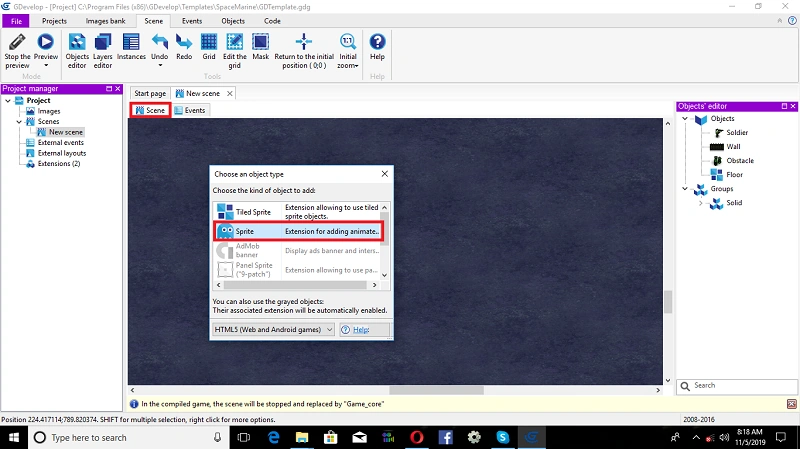
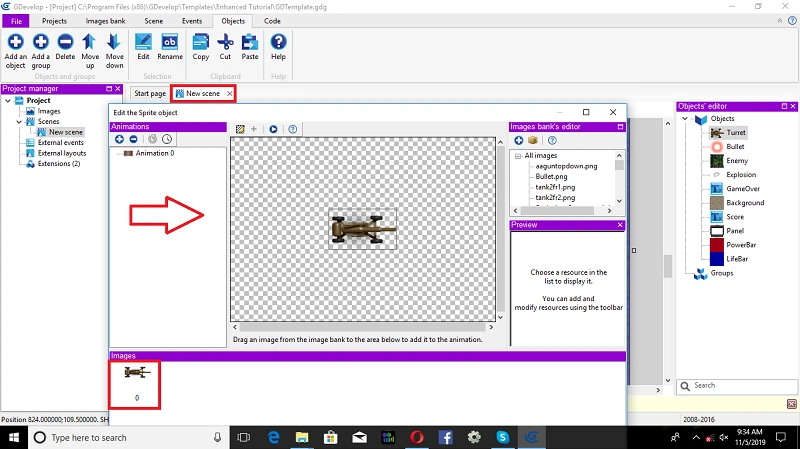
Insert the enemy object
Again, you right click on->Window Stage, Select-> Inserting a new object
Dialog box will open by Default, Select->Sprite.
Click on->Sprite object, Default open dialog box, edit Enemy object, and images to add in the Scene Layer.
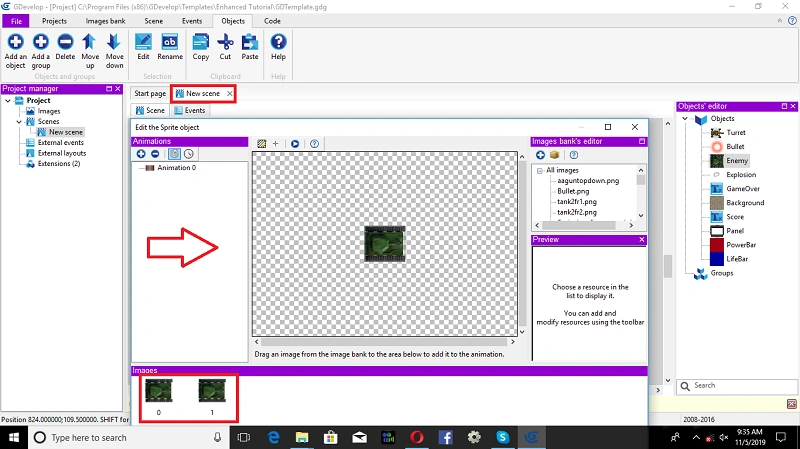
See New Scene conditions->go to the left side Object Editor. Right click. After that a window will appear; change Explosion condition->after that click Ok.
The editor of the object is then automatically opened:
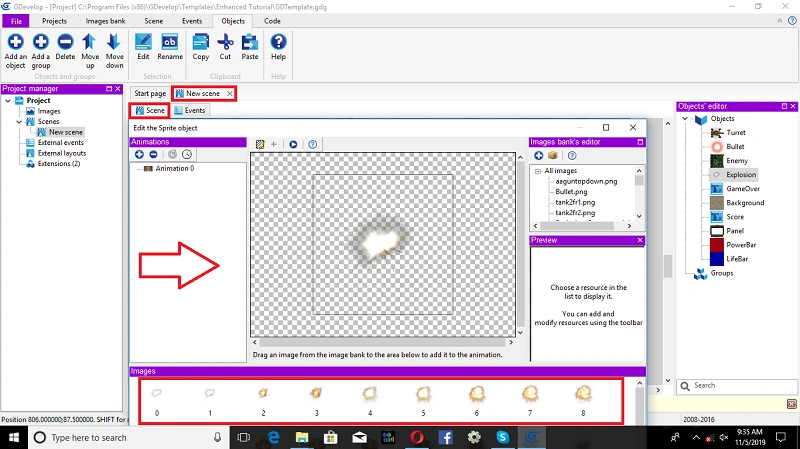
Exercise 3
We need to go to the left side project manager (Object Editor). Right click. After that a window will appear; change Game Over Text->after that click Ok
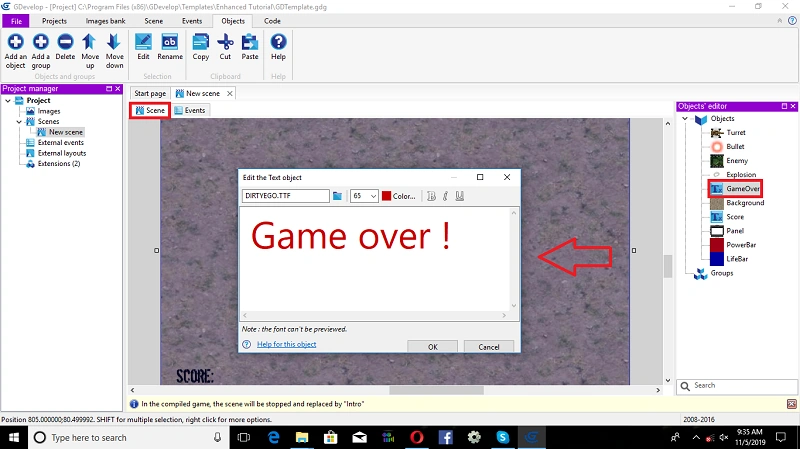
Open scene condition, Right Click on->Insert background object, Select Animation 0->Platform Enemy Character. And then Click on->Ok.
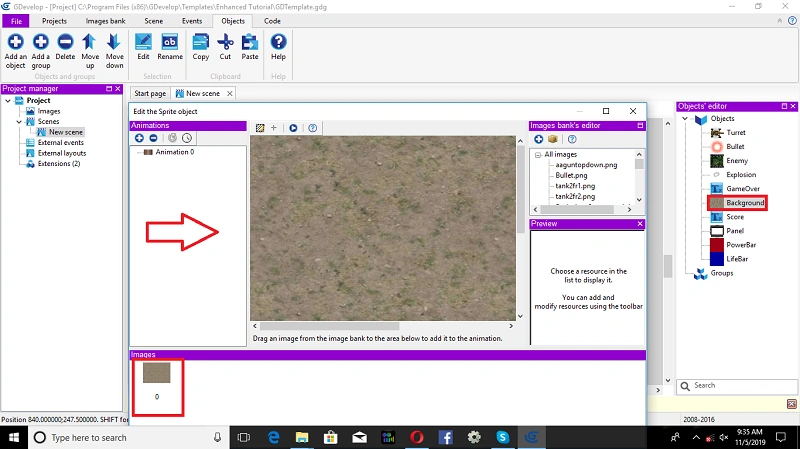
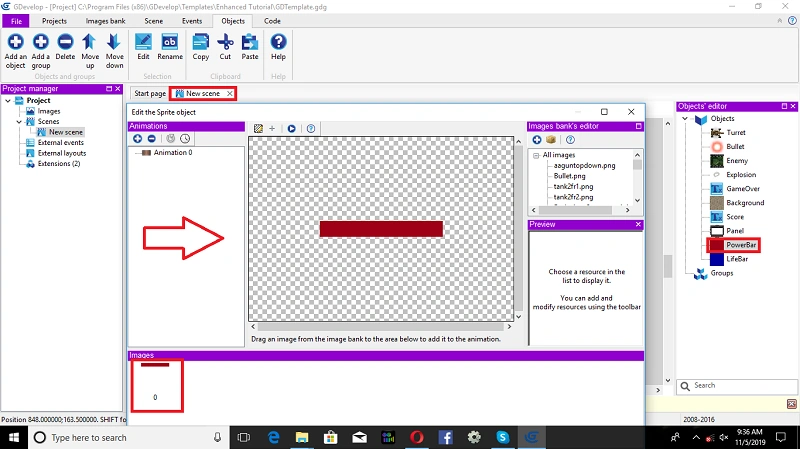
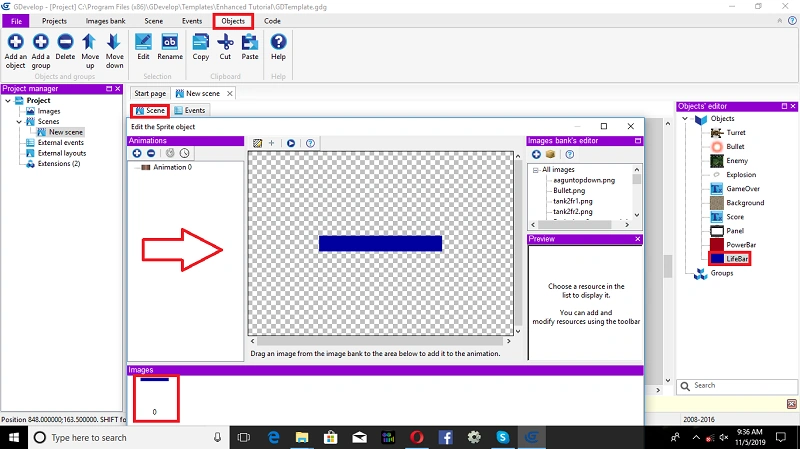
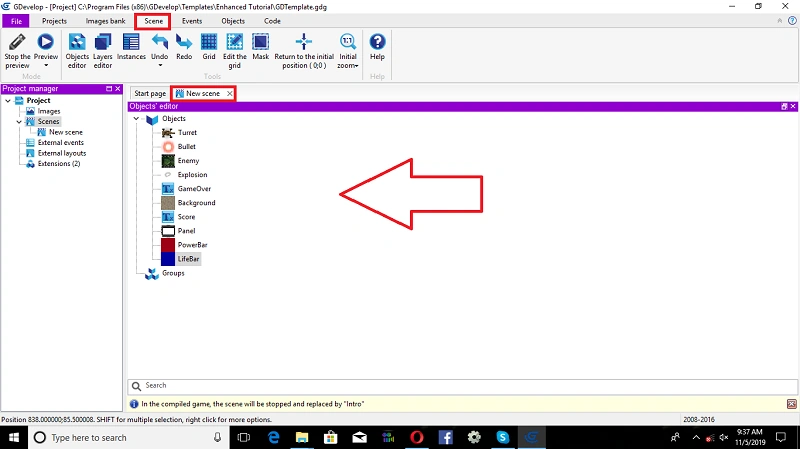
List Of Object Editors
We need to change Object Editor conditions,
- Score board
- panel
- powerBar
- LifeBar
- External Layouts
- Extensions.
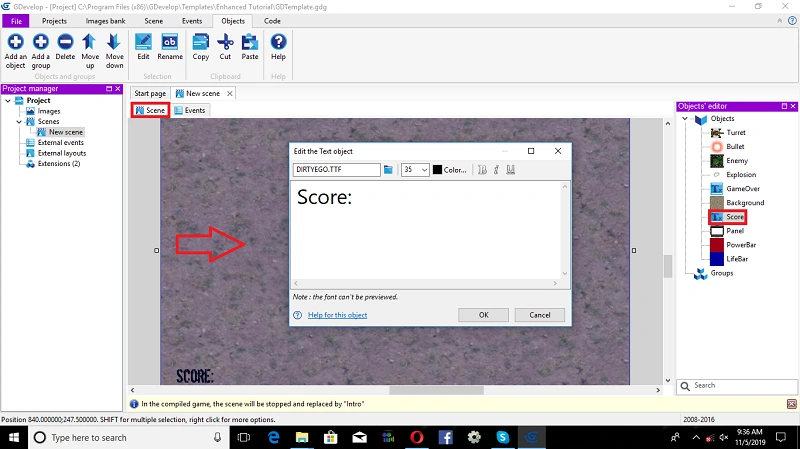
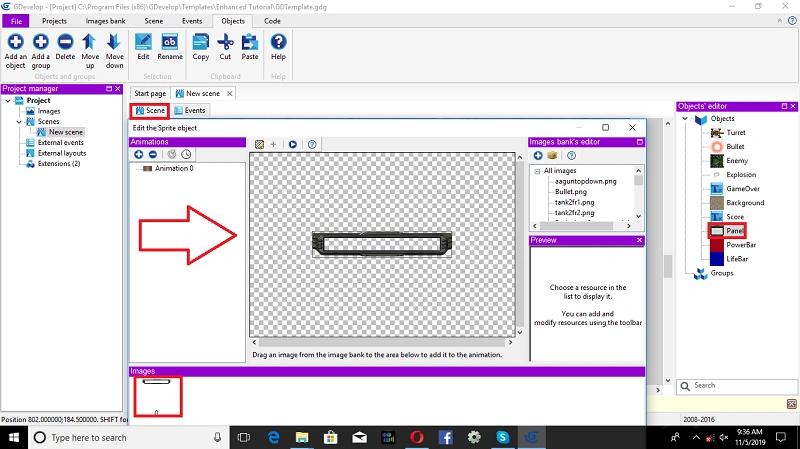
Event Conditions
We are going to create the events used to shape how the whole game will perform. First, the Cannon must be turned toward the player mouse.
Move to the eventsheet editor Conditions by clicking on the events condition.
1.Rotate Turret towards Mouse("",0);
2.Rotate Turret towards Mouse("",0);
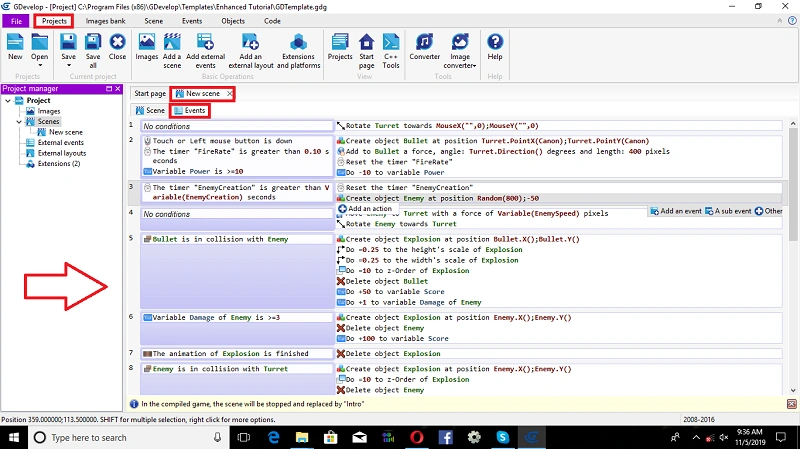
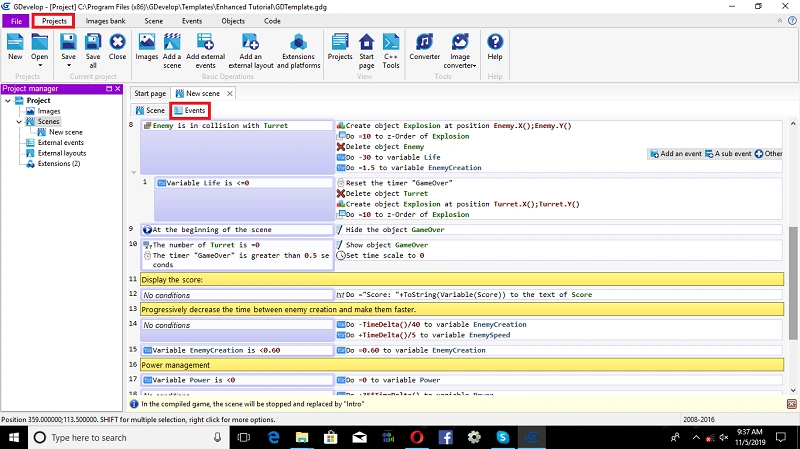
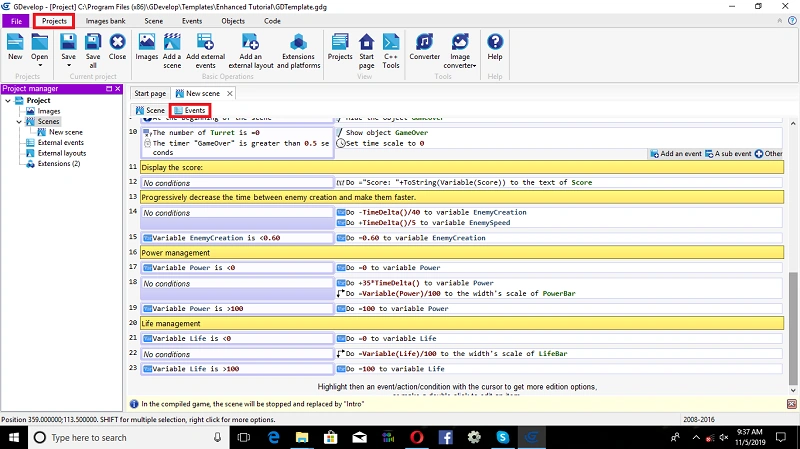
This is how the event sheet will look, after the above event is complete.
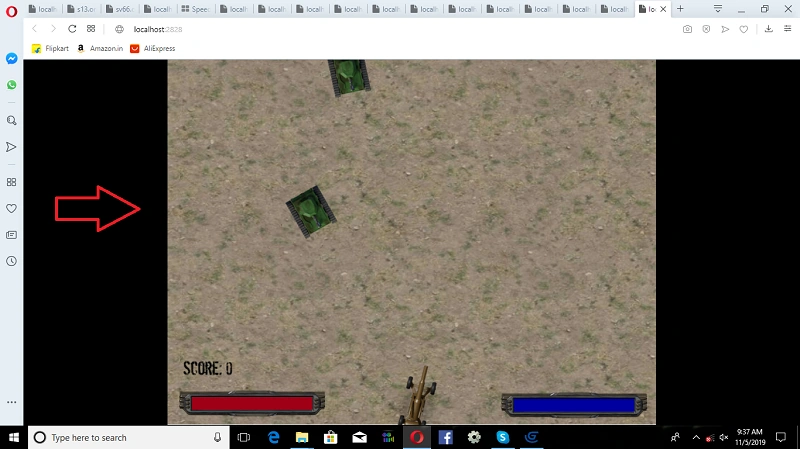
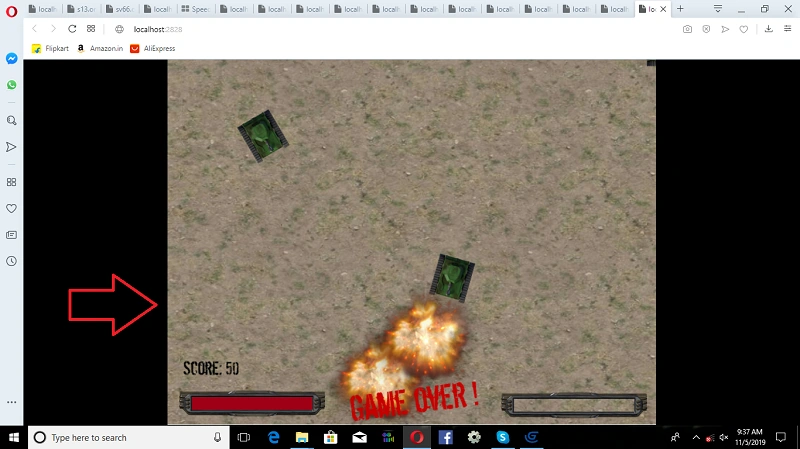
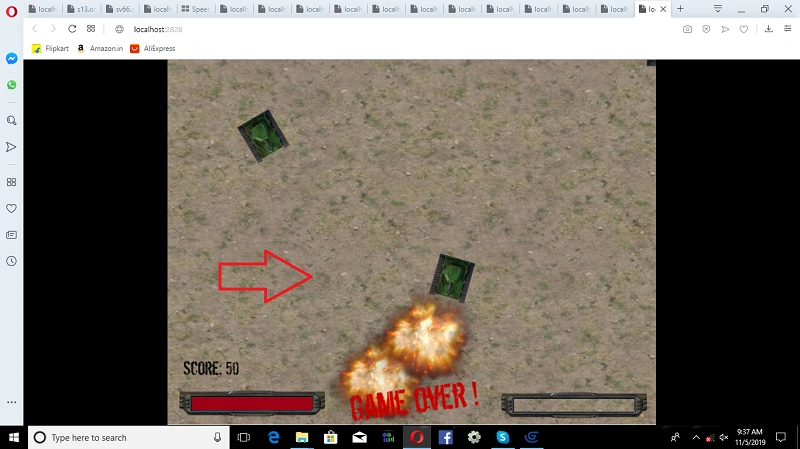
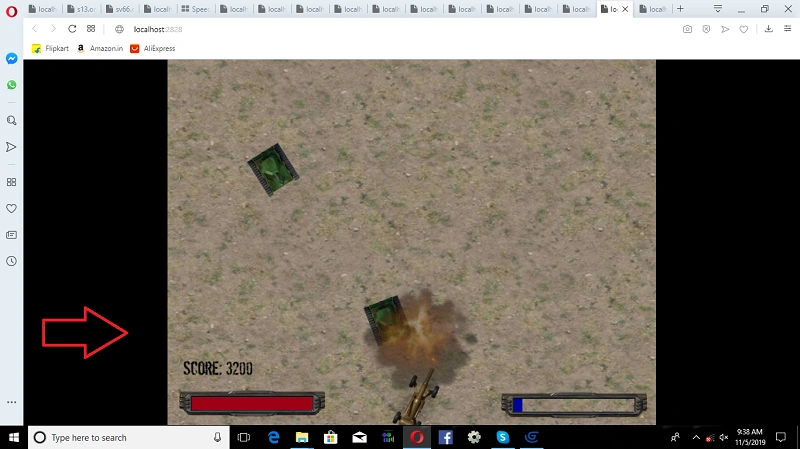
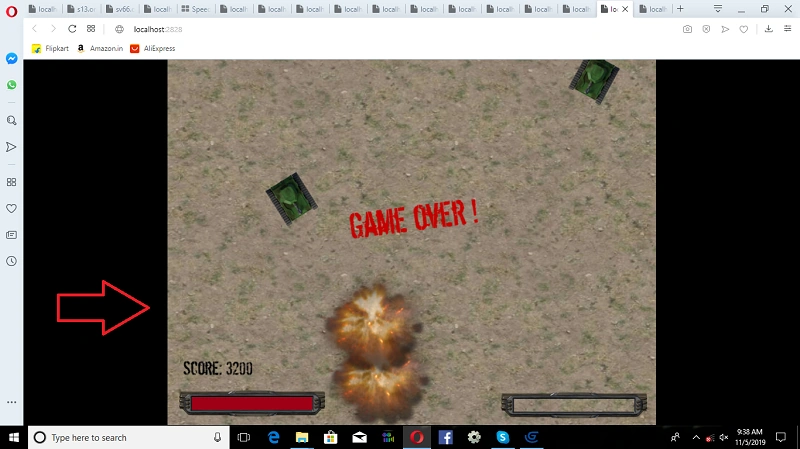
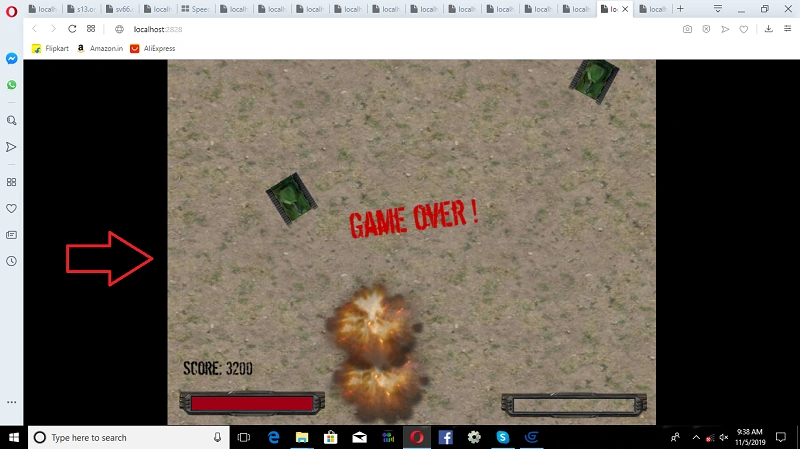
Output can be displayed.
Finally, your project can run, Click on->Preview create a Cannon shooter game.
Summary
I hope you understood how to build a Cannon shooter game in Gdevelop Software. Thanks for reading.
Join the conversation! Your thoughts help the community grow.