

Introduction
Typescript is a strongly-typed superset of JavaScript and it makes it more readable and maintainable. This is an open-source language created by Microsoft. A similar way of writing syntax similar C# OOPs concept. Typescript can be used for cross-browser development.
What are the features?
- It is a strong type language and similar to the OOPs Concept
- It supports Access Modifiers and Properties
- It supports dataTypes
- It supports modules and classes
- It supports Static and Instant member
- It supports Function Overloading and Constructor
- It supports Inheritance
- It supports Modules
- It supports template string
- It supports interfaces
- It supports generics
- Typescript Code is converted into Plain JavaScript Code
How to Install
We can install Typescript two ways
- Using npm (Node.js Package Manager)
- Install in Visual Studio
How to install using npm
First, we have to install the node.js. Download it from this location.
https://nodejs.org/en/download/
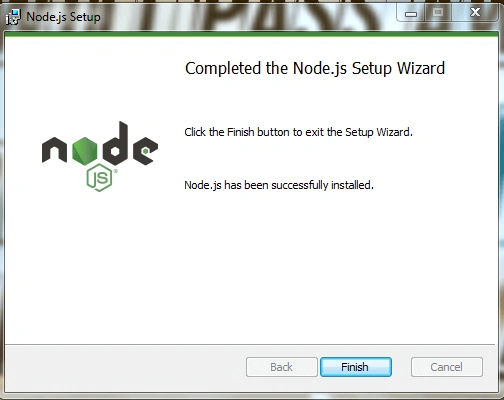
Now, we can check if it has installed or not with the below command.
node –v
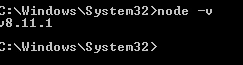
It will display the version of the installed node.js.
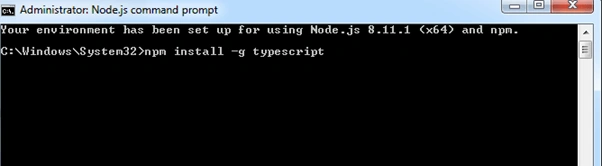
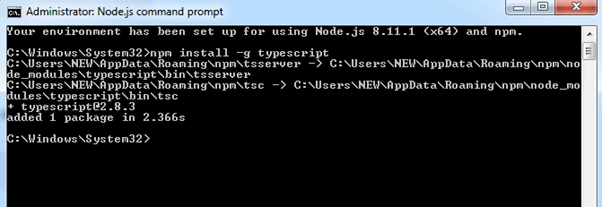
Then use the below command in the command prompt to install the TypeScript.
npm install -g typescript
How to install in visual studio
We have to go to the following location.
https://www.microsoft.com/en-us/download/details.aspx?id=48593
After that, we will see a window.
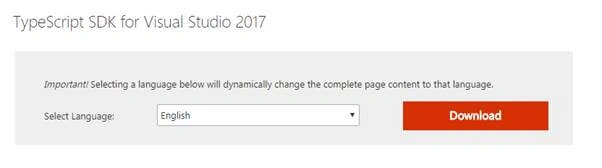
And click the download button.
And start the installation after download.
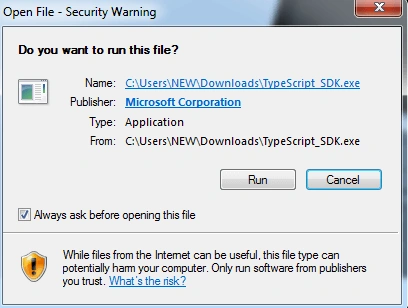
After that click the run button.
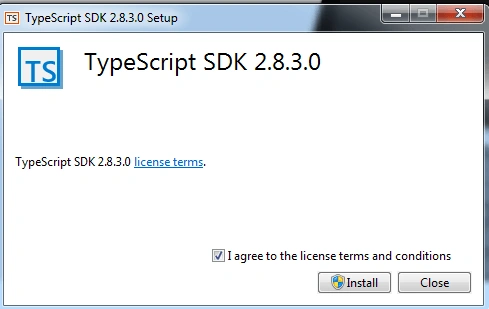
After that click the install button -> Click Yes button.
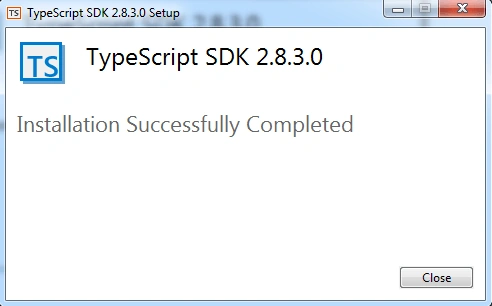
After completing installation we can check in Visual Studio if it is installed or not.
First, open Visual Studio and go to the help option on the menu.
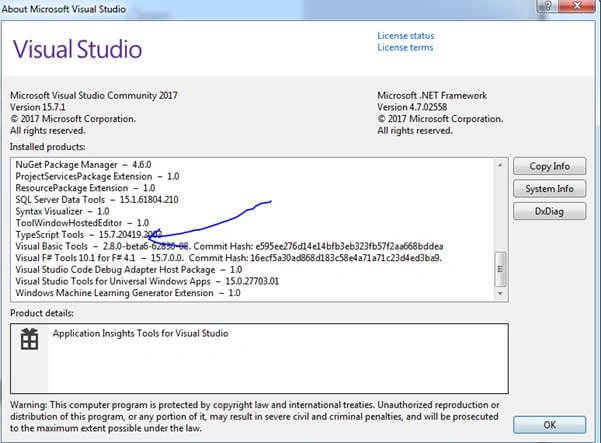
And also we can check the below.
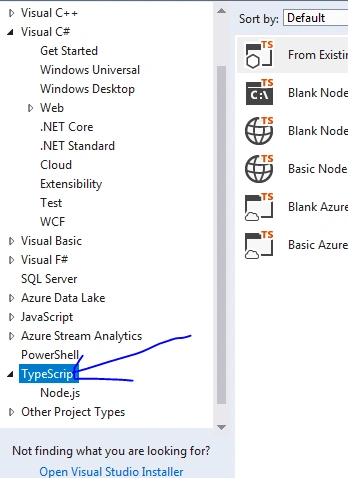
Way of writing syntax
We can first see how we can write it in JavaScript.
- var number1 = 5;
- var number2 = 5;
- var str = "Hello";
- var something = 890;
- var lst = [1, 2, 3, 4, 5];
- function Add(number1, number2) {
- return number1 + number2;
- }
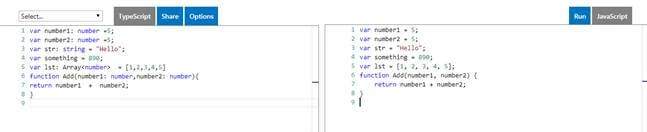
We can see how we can write it in TypeScript.
- var number1: number = 5;
- var number2: number = 5;
- var str: string = "Hello";
- var something = 890;
- var lst: Array < number >= [1, 2, 3, 4, 5]
- function Add(number1: number, number2: number) {
- return number1 + number2;
- }
Summary
TypeScript generates plain JavaScript code and we can use it with any browser. TypeScript features are similar to object-oriented programming languages such as classes, interfaces, inheritance, overloading, and modules. We can write and organize our JavaScript code making it more maintainable and extensible.
Manaswini DashPosted May 16, 2018, 12:59 AM
Nice Explain and good understanding...And Keep it up..