

Introduction
We all know that Business Application is having its default Authentication. In this article we will see how one can configure the Authentication.
Creating Silverlight Project
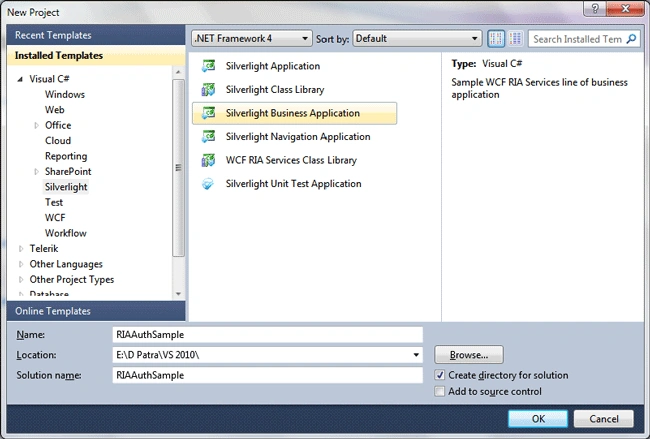
Fire up Visual Studio 2010 and create a new Silverlight Business Application Project. Name it as RIAAuthSample.
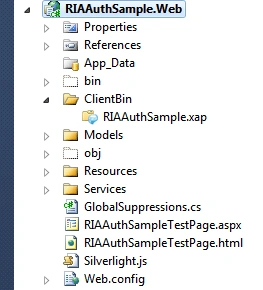
The following is the Web Project structure in the solution.
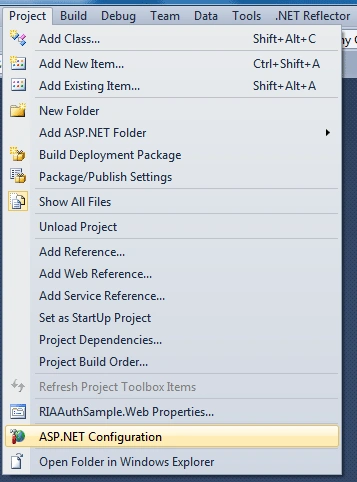
Now we would configure the ASP.NET configuration for the web project.
To do that, select the web project and then go to Project and select ASP.NET configuration.
It would open up the Web site administration tool.
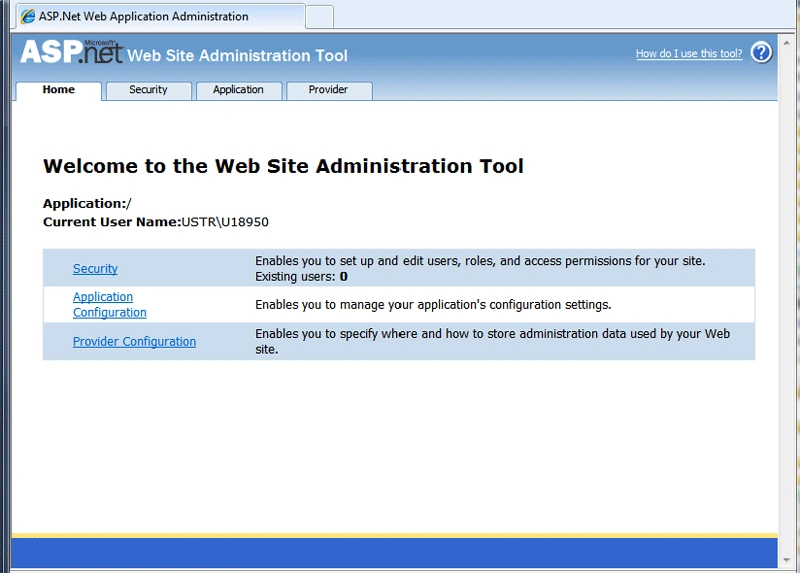
The Security tab contains the list of users and roles to access the web site.
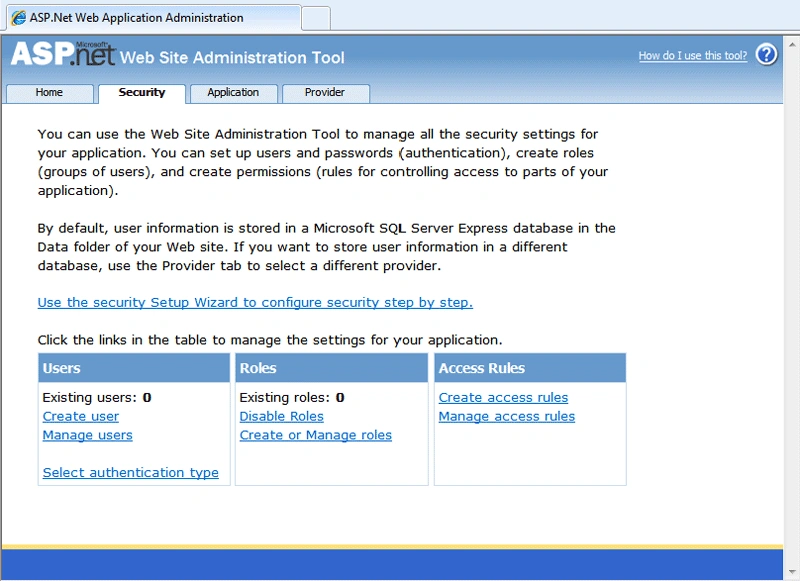
As you see in above image the list is empty both for Users and Roles.
Let's not create any but run the application.
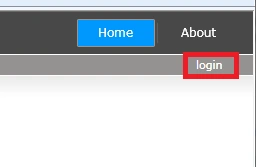
As displayed in above image, click on login to give the credentials.
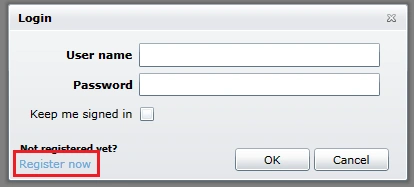
We don't have any user to login to the web site, so let's create one. Click on "Register Now" as displayed below.
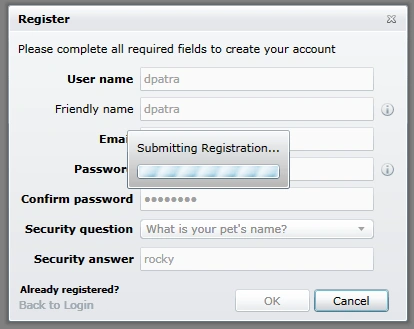
Give appropriate details to fill in the form and press OK to register.
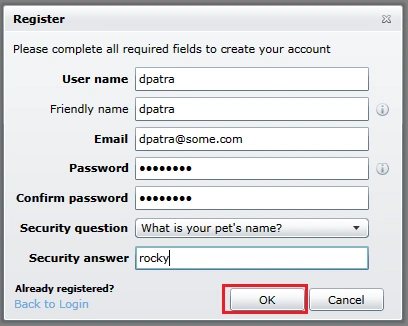
The following image shows creation of user.
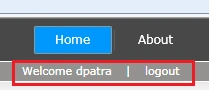
After you have done the user registration, the system automatically logs you in.
Now let's refresh the website administration page that you opened previously, go to the security tab and you would see the user and role are changed to list count = 1.
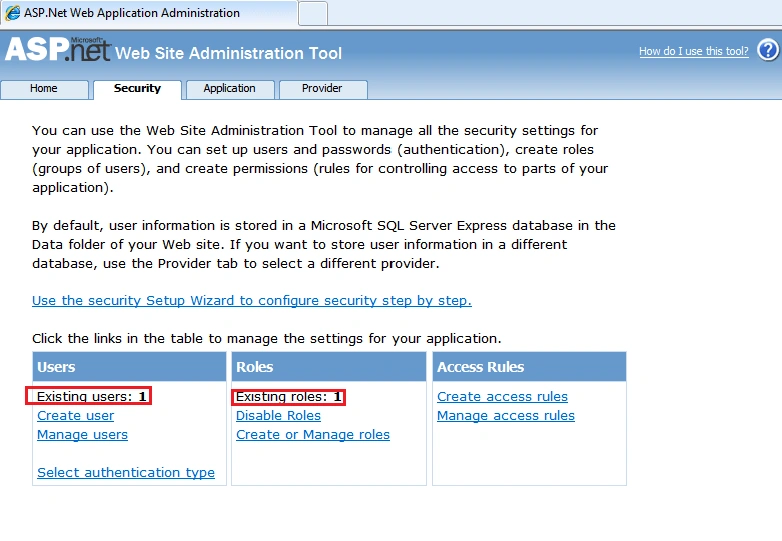
We can even create users, roles here and Edit existing user as well manage them (delete purposes).
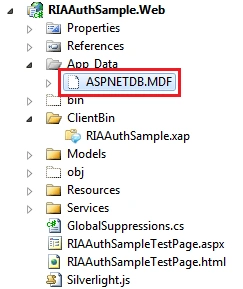
Now if you click on "Show All files" icon you would see that ASPNETDB.MDF is added to the AppData Folder of the Web Project.
Hope this article is helpful to use the Authentication in Business Application.
Dylan WuPosted Jul 22, 2011, 6:14 AM
I'm using SQL DB located on Localhost (ex: DB is named "MyDB" ) with tabble name "UserInfo" ? What do i have to modify on this Solution ? I'm new with Silverlight ! So I'm very grateful when you answer clearly ! Thanks so much !
Subodh PatilPosted Mar 7, 2011, 4:53 AM
In your sample project i can go employee management page without by typing ur and without login in.
Subodh PatilPosted Mar 7, 2011, 4:25 AM
Can you please give us the exmaple when how to impelement custom authentication by not using inbuild mebership provider and sql server. I would like to oracle or access db etc. with ria services authetication domain service.
rajesh gPosted Jan 27, 2011, 4:50 AM
Dear Patra, First of all nice article, I am new in Silverlight, I've my own SQL Database where I've one table "SUUser" which has "LoginId, Pw" columns, so can you please describe by using Silverlight Business Application template how can we validate user from sql?
Adnan BadarPosted Nov 10, 2010, 6:09 AM
Dear Patra, First of all nice article, I am new in Silverlight, I've my own SQL Database where I've one table "SUUser" which has "LoginId, Pw" columns, so can you please describe by using Silverlight Business Application template how can we validate user from sql?
cong jkPosted Aug 11, 2010, 8:06 AM
Thanks a lot, but if i want to use this Authentication in my existed Database and customize the user table and role table, can i realize that? how can i do that? thanks!
Frank JinPosted Aug 6, 2010, 2:48 PM
Many thanks.