

Introduction
In this article, I will explain Array in Python. Arrays are used to store one or more values in one single variable. An array is a set of items saved at contiguous reminiscence locations. The concept is to store a couple of items of the identical kind together. This makes it less difficult to calculate the position of each element.
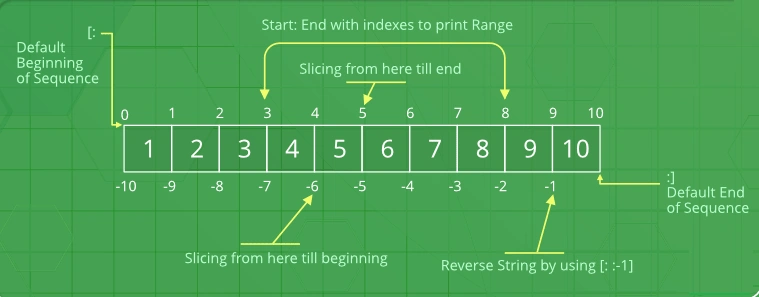
Access the Elements of an Array.
Array element is referring to the index number.
Example
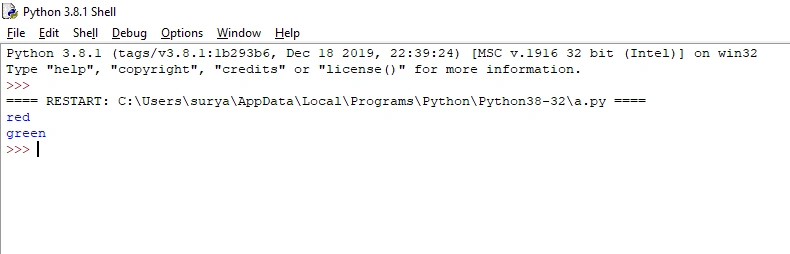
- color= ["red", "blue", "green"]
- print (color [0]) #red is 0 position
- print (color [2]) #green is 2 position
Output
First array element and last array element value.
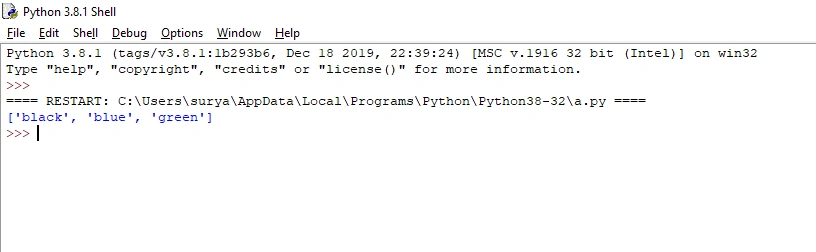
Modifying elements
Change the array element.
Example
- color= ["red", "blue", "green"]
- color [0] ="black"
- print(color)# red changes to black.
Output
First array element value change.
Access the array Elements in reverse order.
The array element is accessed in a reverse direction.
Example
- color= ["red", "blue", "green"]
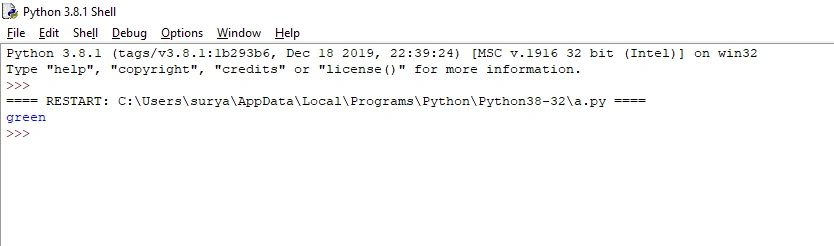
- print (color [-1]) #green is the last position.
Output
Last array element value.
The length of an array.
The len() method is used to return the number of elements present in an array.
Syntax
- Len(list)
Example
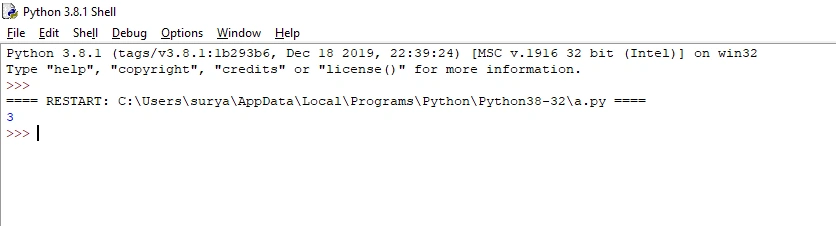
- color= ["red", "blue", "green"]
- print(len(color))
Output
Return the number of elements in the “color” array.
Adding array elements.
The append () method is used to add an element in the last position of the array.
Syntax
- list.append()
Example
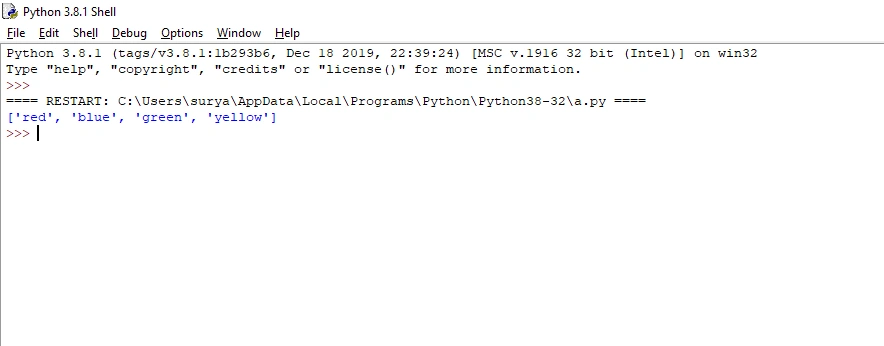
- color= ["red", "blue", "green"]
- color.append("yellow")
- print(color)#add the element in the last position.
Output
Add an element in the last position.
Removing array elements.
The pop () method is used to remove an element from the array.
Syntax
- list.pop()
Example
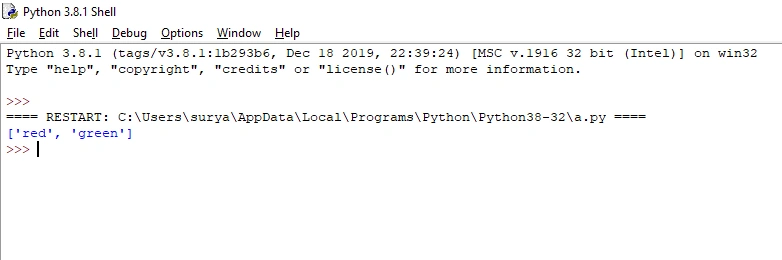
- color= ["red", "blue", "green"]
- color.pop(1)
- print(color)#remove array 1.
Output
Remove the element from the array.
Reverse array element.
The reverse () method is used to reverse the order of elements.
Syntax
- list.reverse()
Example
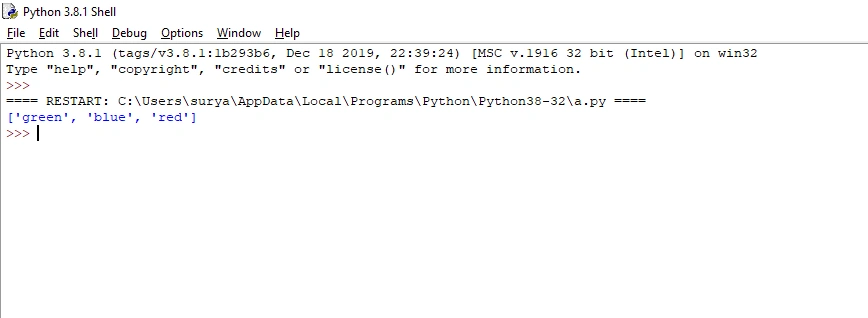
- color= ["red", "blue", "green"]
- color.reverse()
- print(color)#reverse the elements.
Output
Reverse the order of elements
Count array element.
The count () method is used to return the number of elements with the specified value.
Syntax
- list.count()
Example
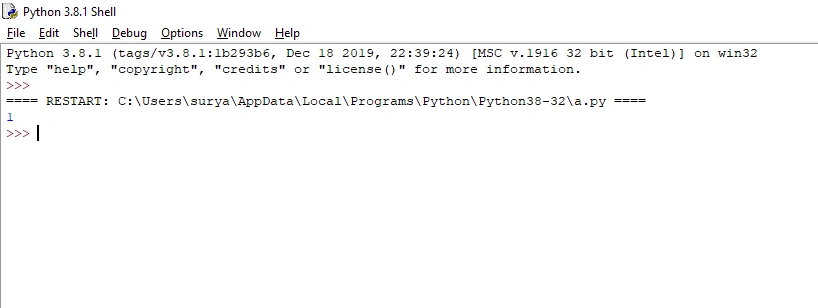
- color= ["red", "blue", "green"]
- print(color.count("blue"))#blue color is which position.
Output
Extend array element.
The extend () method is used to add two list elements.
Syntax
- extend.append()
Example
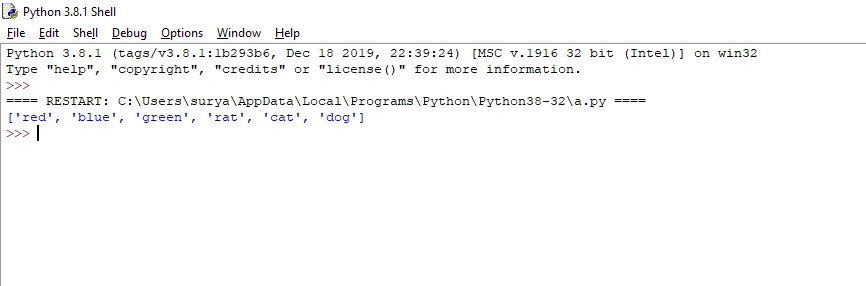
- color= ["red", "blue", "green"]#first list
- animal=["rat","cat","dog"]#second list
- color.extend(animal)
- print(color)#add two list
Output
Add two list elements.
Conclusion
In this article, we have seen the Array in Python. I hope this article was useful to you. Thanks for reading!
Surya SPosted Mar 18, 2020, 7:43 AM
Thank you sir
Vijayaragavan SPosted Mar 18, 2020, 4:48 AM
Great start....Surya...