

Introduction
In this article, we will learn how to deploy Angular in firebase.
What is Firebase?
It allows us to create web development applications without server-side programming, and its supports web, iOS, and Android platforms.
Firebase Deployment
We can follow the instructions for Firebase deployment, shown below:
- Create a Firebase Project
- Install Firebase tools
- Build for production
- Deploy to Firebase
Installing AngularCLI
Let’s get started by installing Angular CLI, which is the official tool for creating and working with Angular projects. Open a new terminal and run the below command.
npm install --g @angular/cli@next
Steps to follow:
Step 1
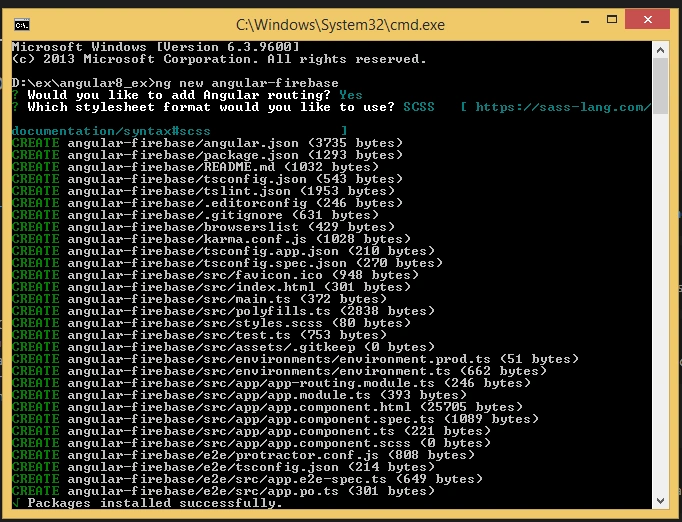
Create an Angular project setup using the below command, or however you want to create it.
ng new projectname
Example:
ng new angular-firebase
Step 2
Now, we must install Firebase in our Angular app. Open a new terminal and run the below command.
npm install firebase @angular/fire –save

Step 3 - Install Firebase Command Tools
Without Firebase tools, we will not be able to deploy Angular applications. Now, we will install firebase tools in our run command.
npm install -g firebase-tools

Step 4 - Log in to Firebase
Now, we must log in to the Firebase project.

Step 5 - Env setup
Set up env, and include your Firebase credentials in the same manner as below:
- export const environment = {
- production: true,
- firebase: {
- apiKey: "xxxxxxxxxxxxxxxxxxxxxxxxxxxxxxxxxxxx",
- authDomain: "xxxxxxxxxxxxxxxxxxxxxxxxxxxxxxxxxxxx",
- databaseURL: "xxxxxxxxxxxxxxxxxxxxxxxxxxxxxxxxxxxx",
- projectId: "xxxxxxxxxxxxxxxxxxxxxxxxxxxxxxxxxxxx",
- storageBucket: "xxxxxxxxxxxxxxxxxxxxxxxxxxxxxxxxxxxx",
- messagingSenderId: "xxxxxxxxxxxxxxxxxxxxxxxxxxxxxxxxxxxx"
- }
- };
Step 6
Once you've logged into the firebase account, then run the command to initialize the Firebase.
firebase init
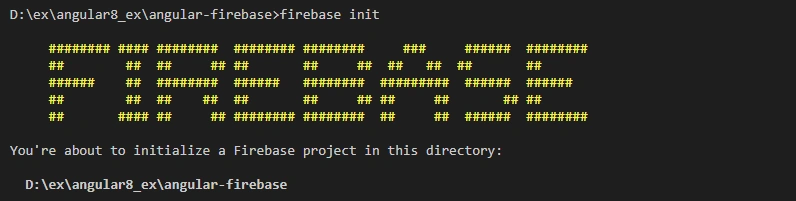
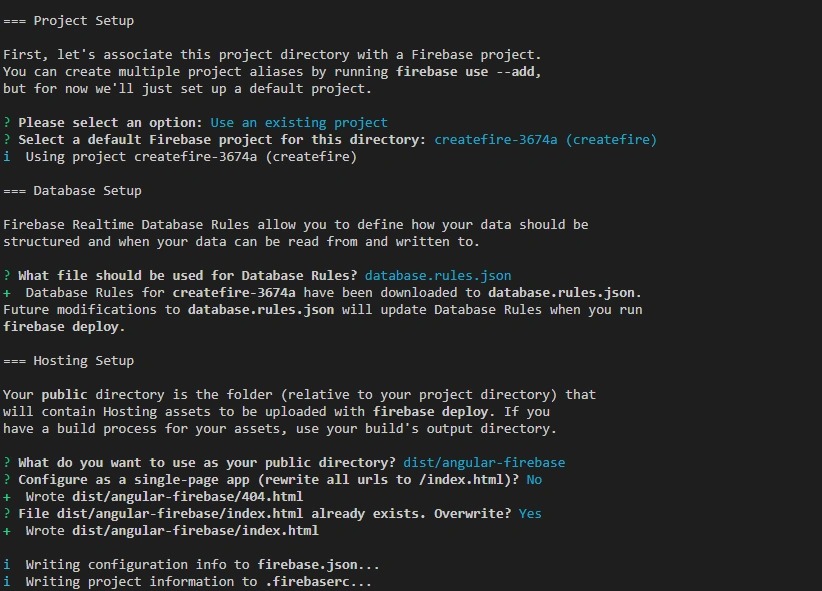
In firebasecli, the features are:
- Database
- Functions
- Storage
- Hosting
- Firestore
Select the feature for database and Hosting.
Step 7
Now, Run the application
ng build --prod –aot
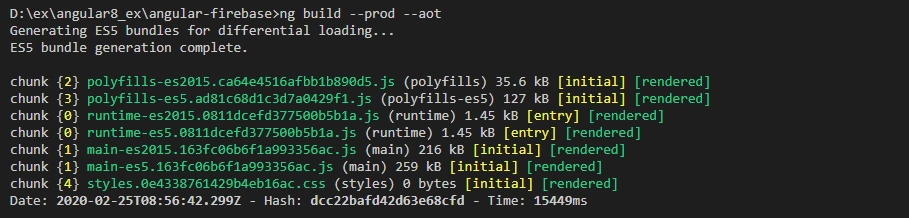
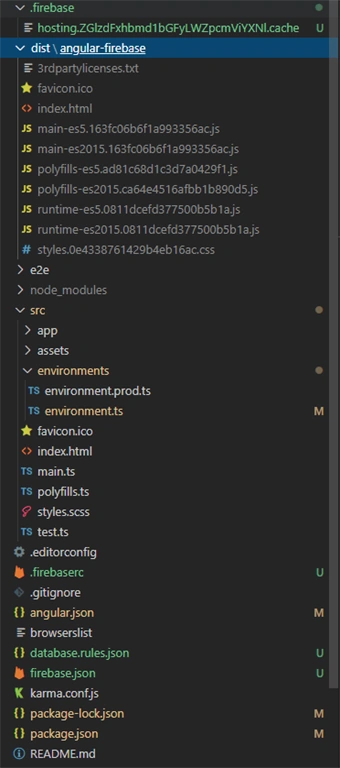
Now, we will see following the Folder structure in our project
Step 8 - Firebase Deployment
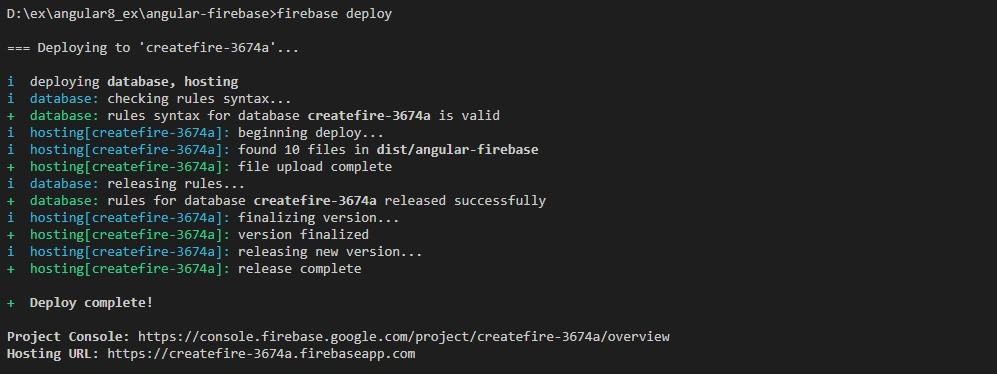
Finally, we will deploy our cloud server using firebase
firebase deploy
Step 9
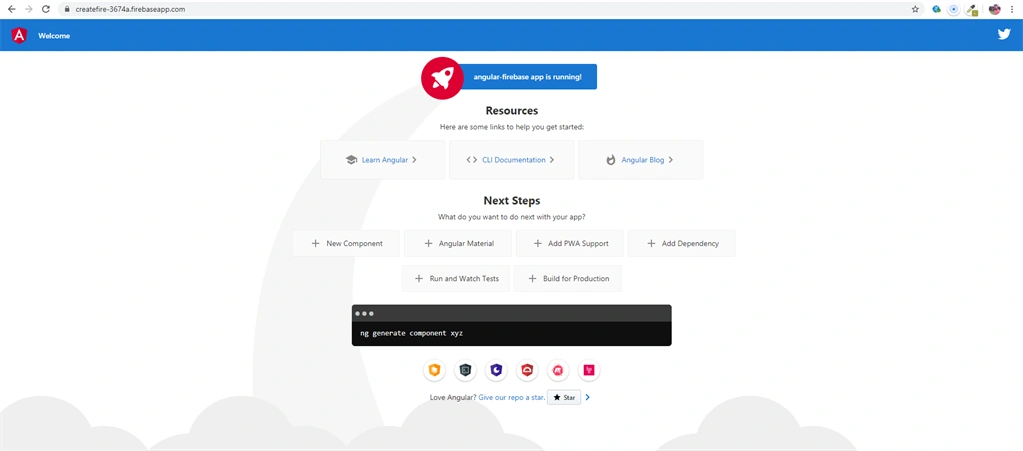
On successful execution of the above command, we will see the hosting URL:
https://createfire-3674a.firebaseapp.com/
Join the conversation! Your thoughts help the community grow.