

Setting up Angular projects is hectic work, from managing the project files, file structure, automation using Gulp, to managing NPM packages and much more.
Angular CLI makes it easy to create Angular based projects right out the box without going through all the hectic processes.
Angular CLI makes it easy to create Angular based projects right out the box without going through all the hectic processes.
Node Package Manager
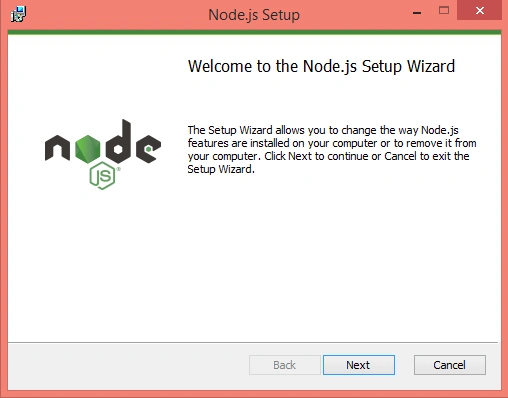
First of all, you need to download and install Node Package Manager from Node's Website. If you are using Windows operating system, you just need to download Node's Windows Installer (.msi) package file and run it.
Project Files and NPM Packages
After installing Node Package Manager, create a folder, which will hold your project files and NPM packages. Fire-up CMD in the folder you just created. I my case, it is "AngularCLIApp" and run the command given below.
>npm install
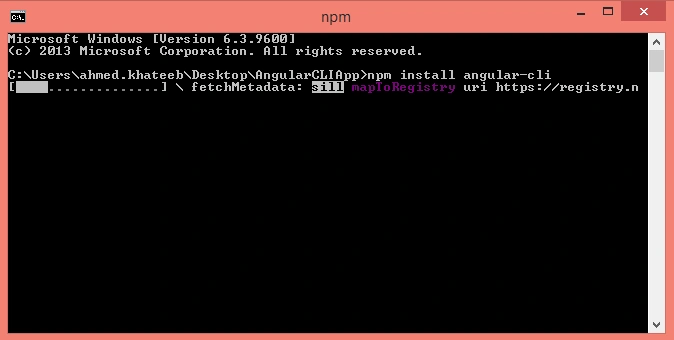
If Node Package Manager is not installed globally, you need to install Angular CLI from NPM. Go ahead in your CMD Window and type the command given below, while staying in your project directory.
>npm install angular-cli
Wait until the installation completes.
Now, to create a project through Angular CLI, type the command given below.
>ng new <Application_Name>
replace <Application_Name> with the name that you want to give your Application. In my case, it is "MyTestApp".
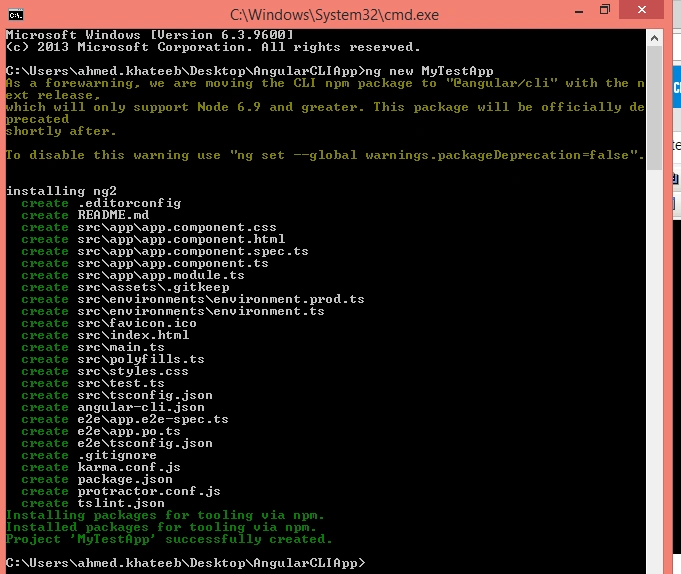
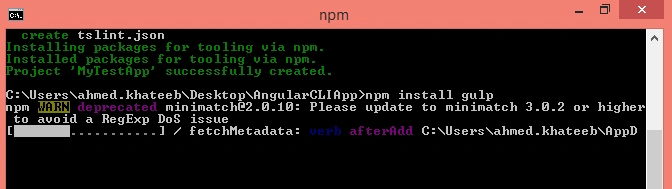
You'll see the project with the necessary files are created. All your Application code will go in /src directory. Now, you need to install Gulp NPM package. Simply run the command given below.
> npm install gulp
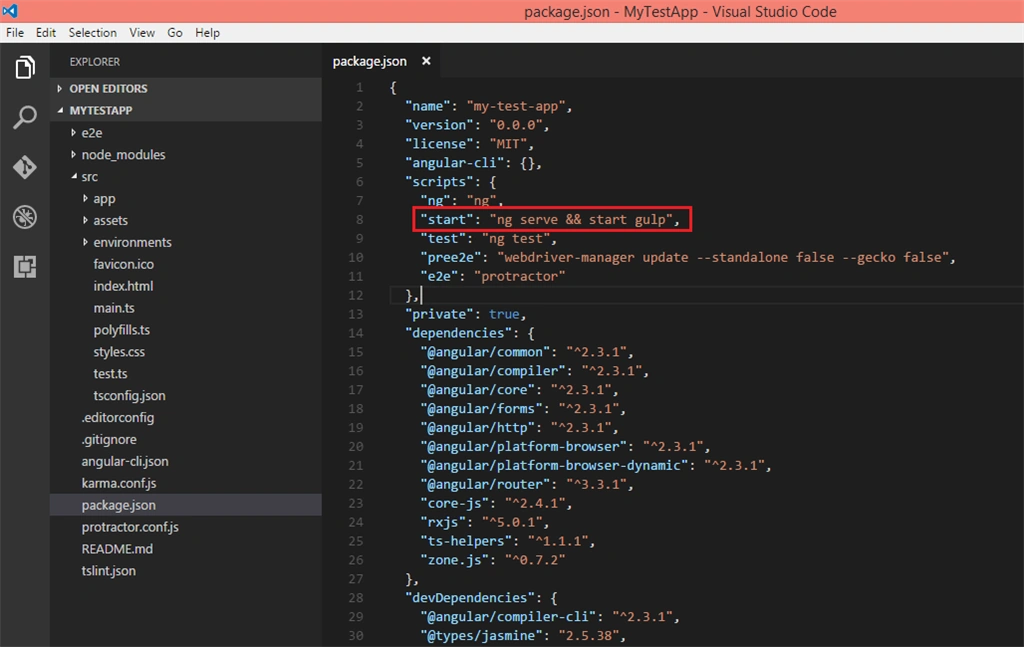
After all these installations, now open up this project in Visual Studio code or any other editor, which you prefer. Open up the "package.json" file and replace "start": "ng serve" with "start": "ng serve && start gulp".
Now, create a file named "gulpfile.js" to write your Gulp tasks.
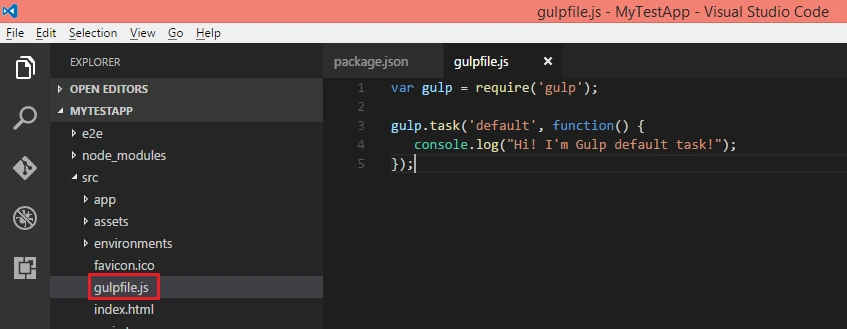
For the test purposes, you can paste the code given below in your gulpfile.
For the test purposes, you can paste the code given below in your gulpfile.
- var gulp = require('gulp');
- gulp.task('default', function() {
- console.log("Hi! I'm Gulp default task!");
- });
Running Application and Gulp
In order to run your Application, you first need to initialize your Application and run the Server to run that Application. In your CMD Window , run the command given below.
>ng init <Application_Name>
>ng init <Application_Name>
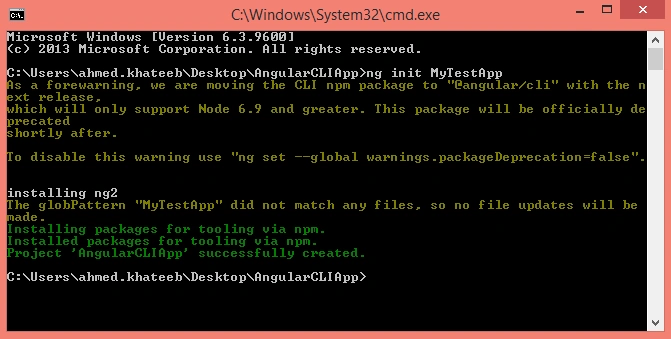
After initializing the Application, you need to fire up the Server to run your Application. To do this, simply run the command given below.
>ng serve --port <Port_Number>
>ng serve --port <Port_Number>
Do not forget to move your CMD control to your app directory.
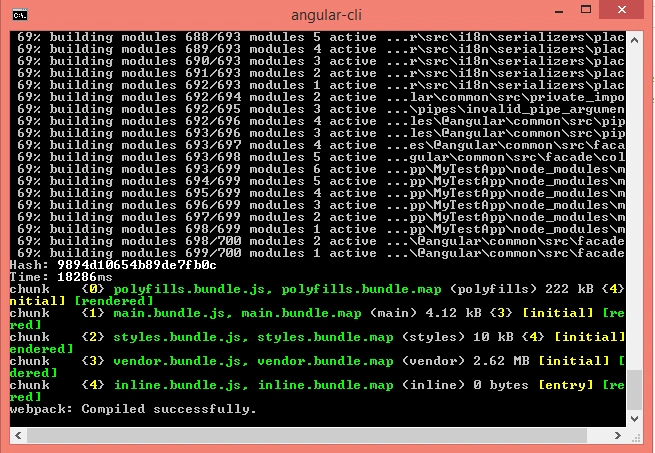
Open up your Browser and type "http://localhost:<Port_Number>" to see your Application in action.
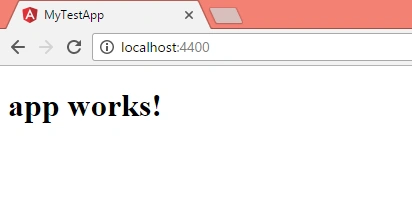
Now, whenever you make any chances in your Application, it will automatically reflect in the running application. Now, to run Gulp, simply run the command given below in CMD, where your "gulpfile.js" exists.
>start gulp
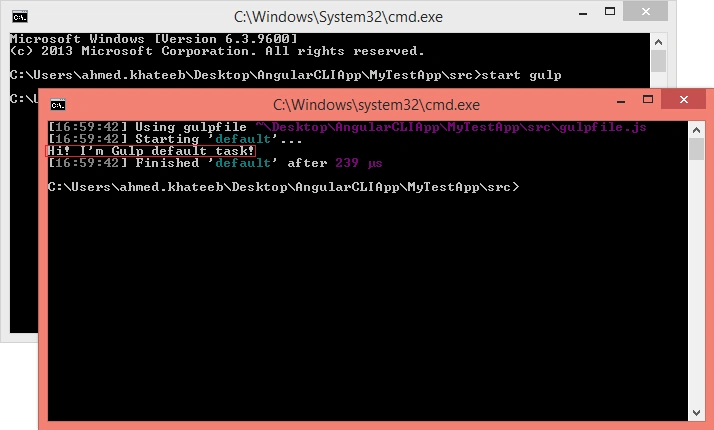
Now, you can write your project in /src and without bothering about Angular boilerplate structuring.
Vishal PrajapatiPosted Feb 7, 2017, 11:01 PM
Thanks for sharing............
Pankaj Kumar ChoudharyPosted Feb 7, 2017, 10:43 AM
Nice Article Ahmed,,,, It may be more impressive if you explained that what is the benefit of using gulp and why we need its.....