

Introduction
- .NET decompiler is used to decompile the Libraries, Executables, and more.
dotPeek Tool
- dotPeek tool is a .NET decompiler. This dotPeek application can decompile different kinds of assembly files, such as -
- Libraries (.dll)
- Executable files (.exe)
- Windows 8 metadata files (.winmd)
- Archives (.zip)
- NuGet packages (.nupkg)
- Microsoft Visual Studio Extensions packages (.vsix)
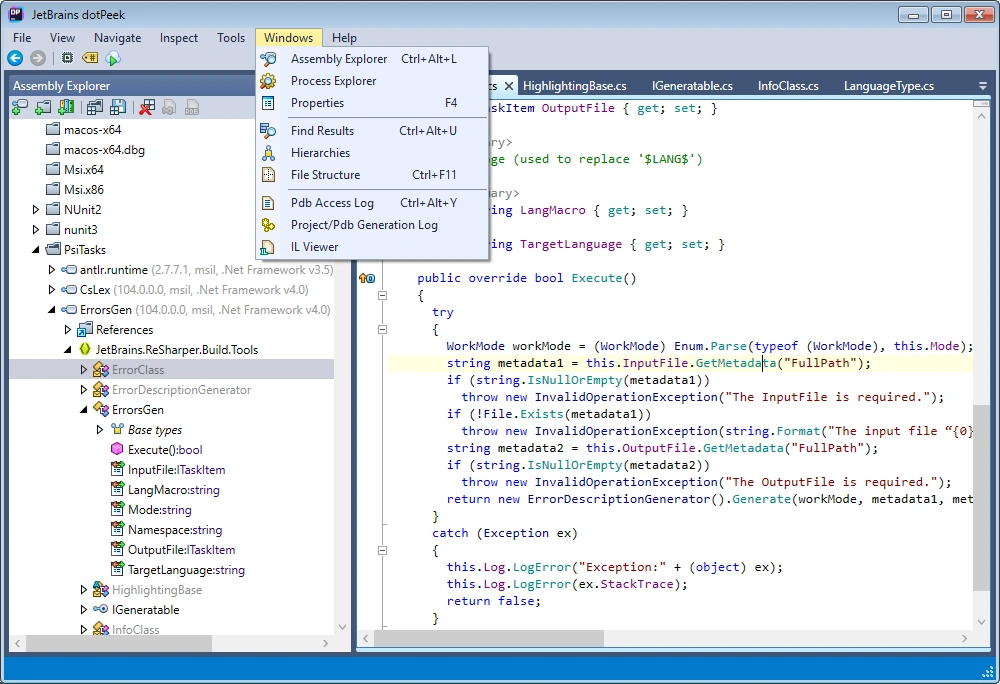
- Some exe files produced, like chrome.exe, are not decompiled with the dotPeek tool though.
- The dotPeek tool is introduced by Microsoft.
Features of .NET Decompiler
Decompiles libraries, executables, and more.
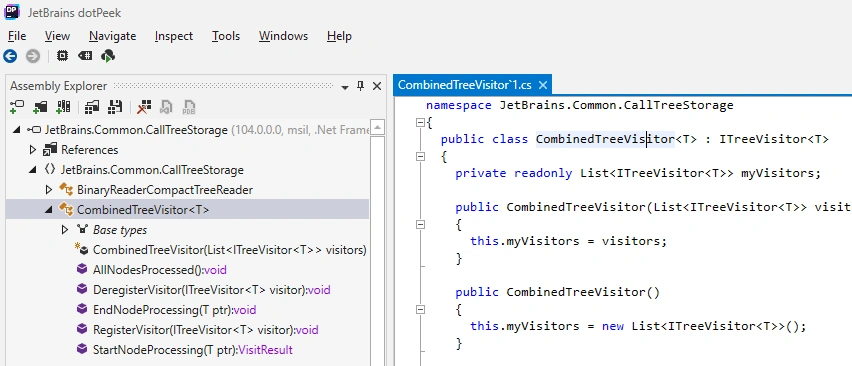
View source code if available
- If the dll is supported to decompile, the code is downloaded and we can see the dll code.
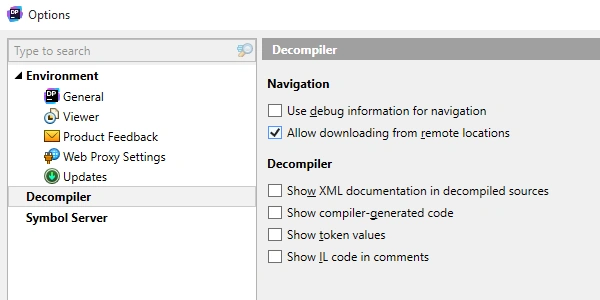
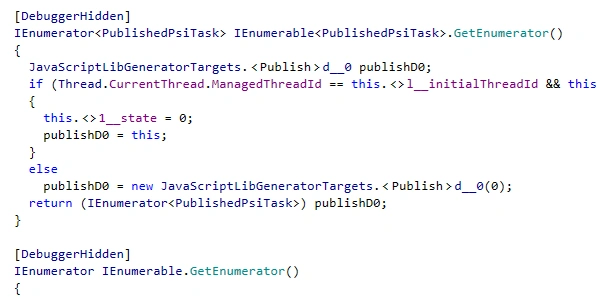
Show or hide compiler-generated code
- Sometimes, we want to show or hide the compiler-generated code; then, we use this .NET Decompiler.
- We can hide our code like in the below image.
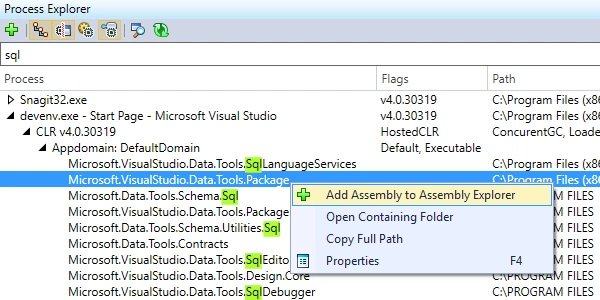
Explore running processes
- We can explore the running processes.
View IL code in a separate view
- We can view intermediate language code (IL code)
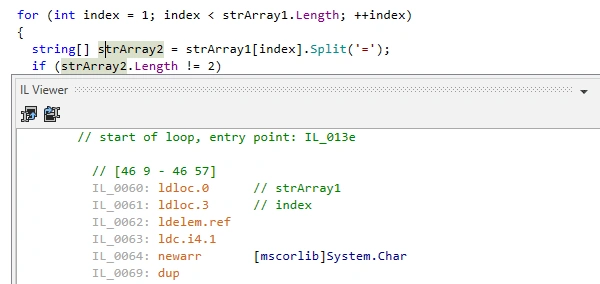
We can View IL code as comments to decompile C#
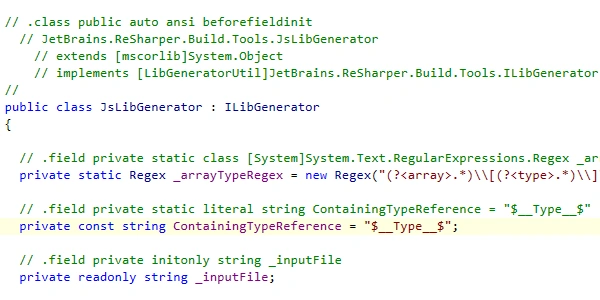
We can use our preferred color theme
- Different
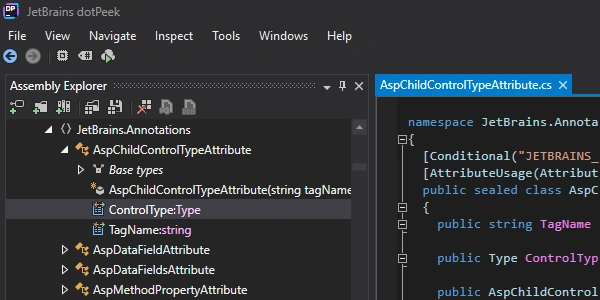
Manage assembly lists
- We can also view the assembly list.
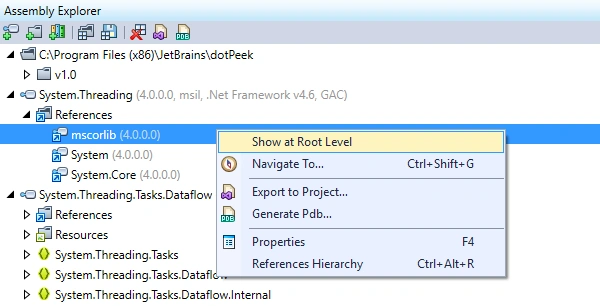
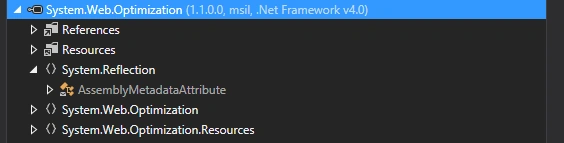
- Example: We have decompiled the system.Threading.dll. This .dll file has some references which we can view with the help of dotPeek.
We can explore assemblies
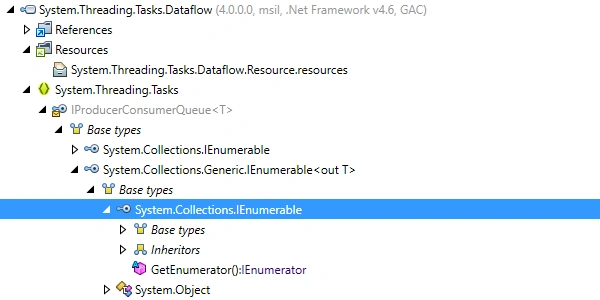
- We can simply explore our .dll -- these .dll have multiple class and base types.
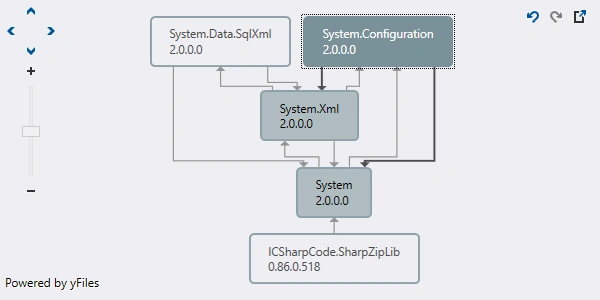
We can view dependencies between assemblies
Steps for Decompiling the dll
Step 1
Open the dotPeek application.

Step 2
Browse the file assemblies.
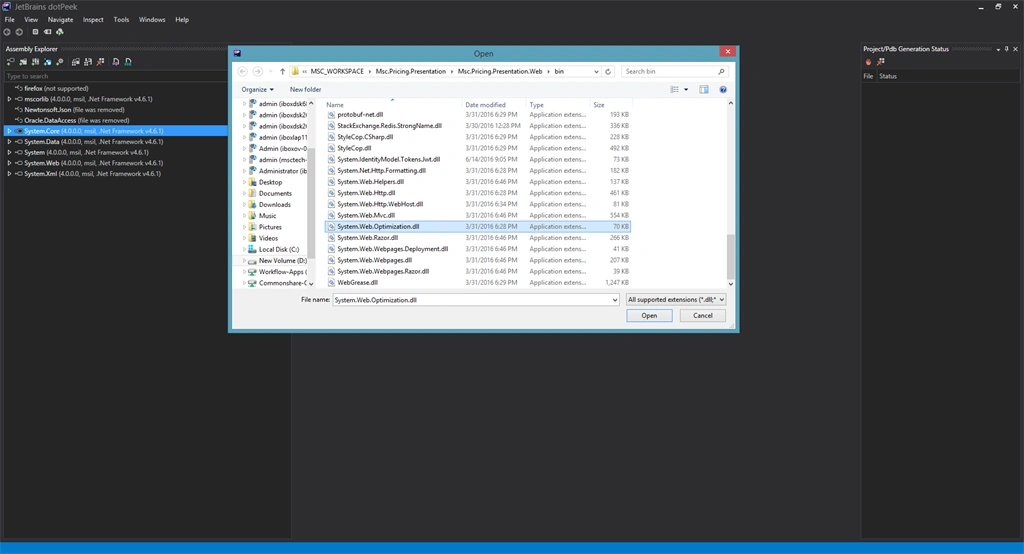
Step 3
View the source code.
Ananth GPosted Nov 26, 2018, 7:24 AM
No, we can get the code from that dll but not we update our code into that dll
Ajay GuptaPosted Nov 26, 2018, 12:42 AM
Can we update new code with exciting code in dll after Decompile?