

Introduction
This article demonstrate the Adventure Car Race Build Native Platform “Gdevelop” Software, and is open source. Games exported with GDevelop are based on the native and HTML5 platform. GDevelop is an open-source, cross-platform game engine designed for everyone. It is extensible, fast, and easy to learn.
Prerequisites
“Gdevelop” Software Environment version 4.0 (Free).
Exercise1
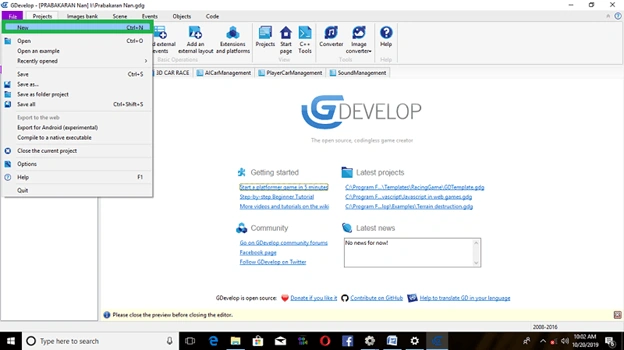
Click on->File, open New Folder.
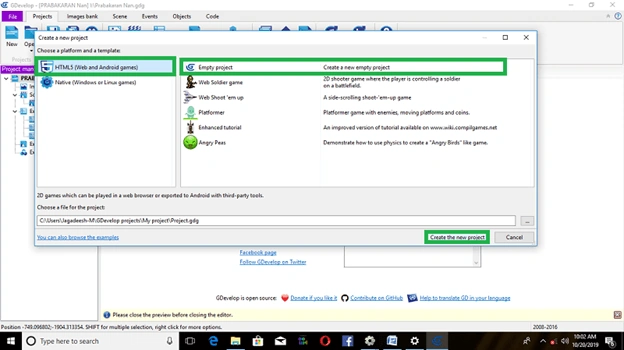
Then, under Condition, choose platform. Click on->Native platform
Click->Open Empty Project, create a new empty project.
New Scene
Open default conditions,
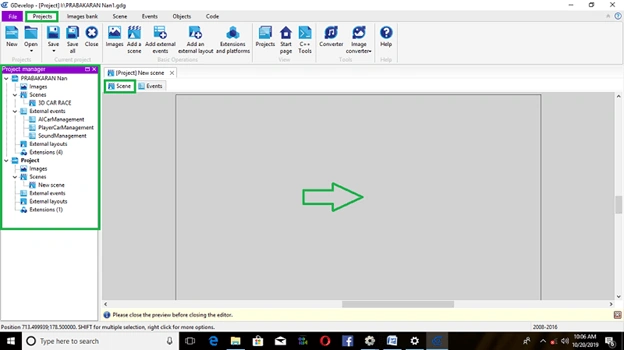
1. Scene->Insert Object,
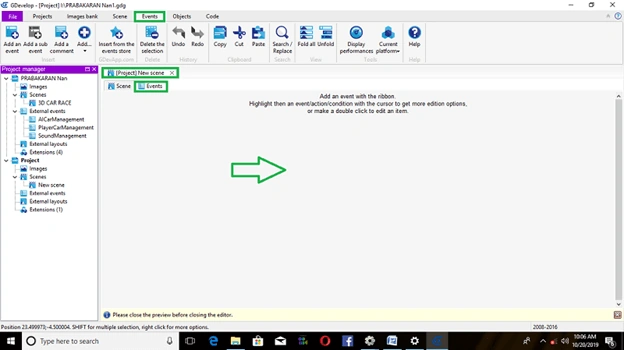
2. Events->how to object perform construct event conditions, given below
Insert Car Player Object
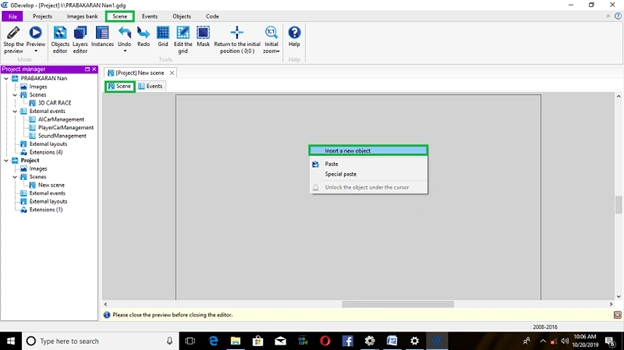
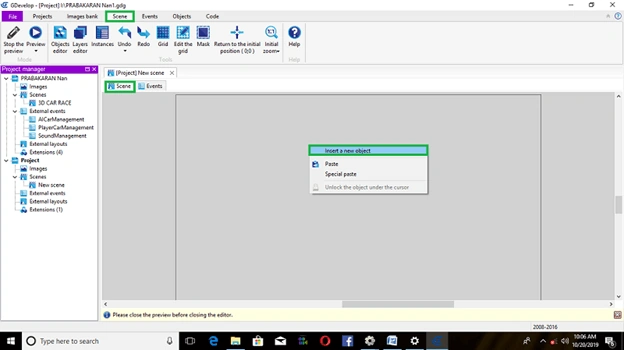
Open scene condition, Right click on->window stage,
Dialog box will be appear and then, select-> insert new object.
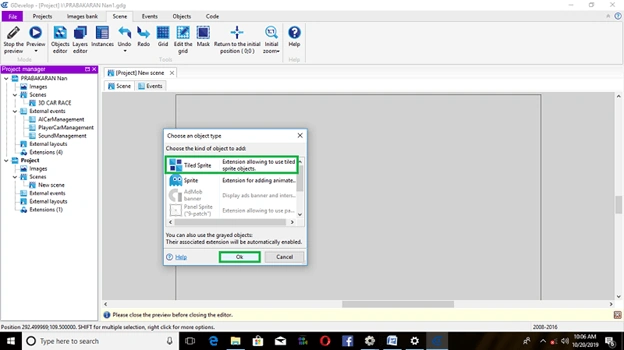
Click on->TiledSprite->insert object,
Open object type window, Select->Car Player. After Click->Ok,
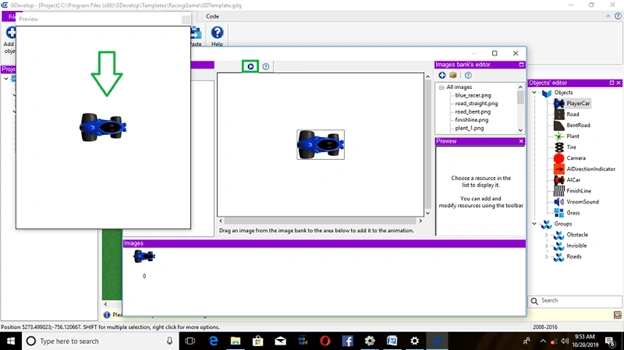
Project preview on the below template,
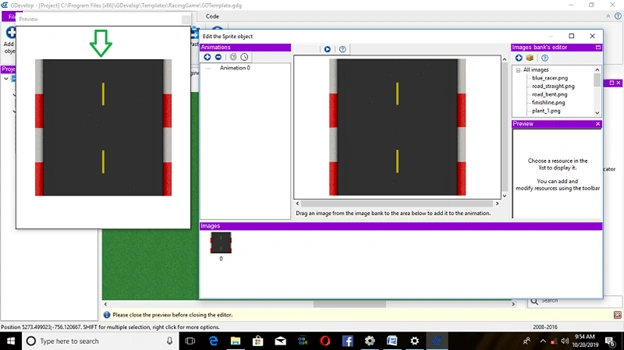
Insert the Road Object
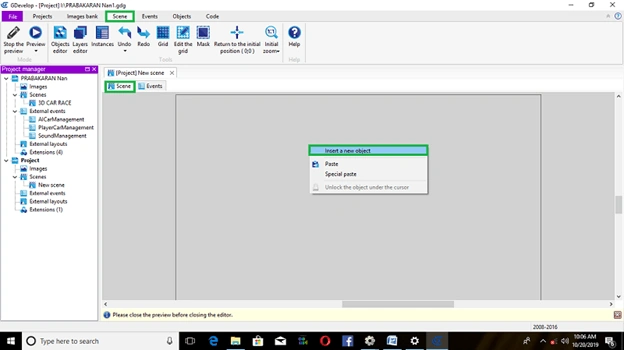
Open scene condition, Right click on->window stage,
Dialog box will appear and then, select-> insert new object.
Click on->TiledSprite-> insert object,
Open object type window, Select->Road Object. After Click->Ok,
Below are all the steps to this game.
Project preview on the below template,
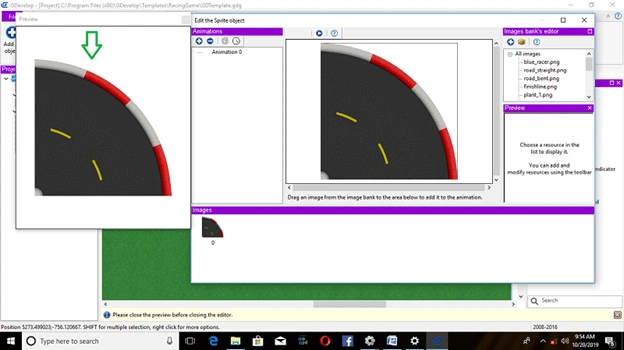
List Of Object Editors
- Bend Road
- Camera
- Tire
- Al Car
- Finish Line Object
- All Direction Indicators
Exercise
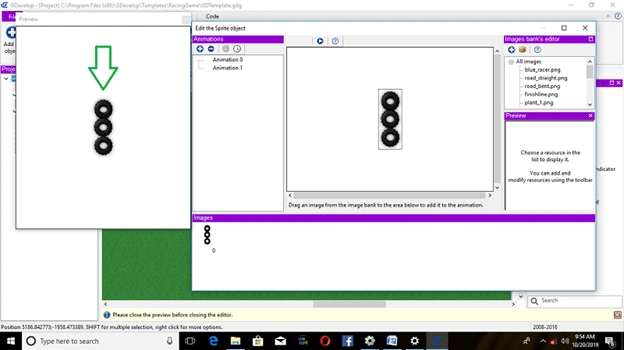
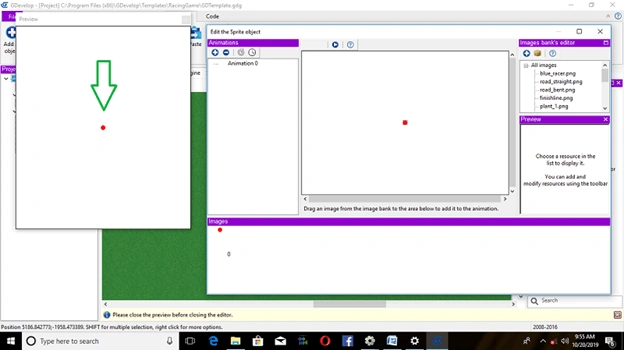
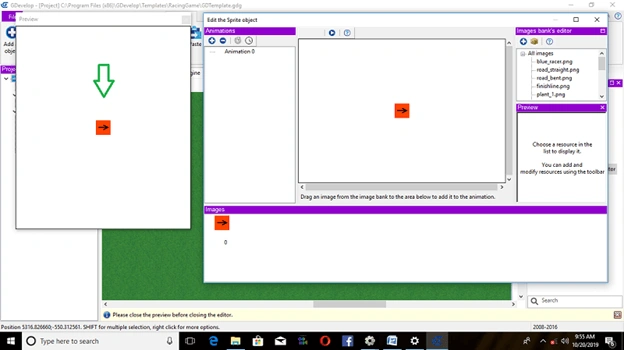
Adding Child Behaviors Object:
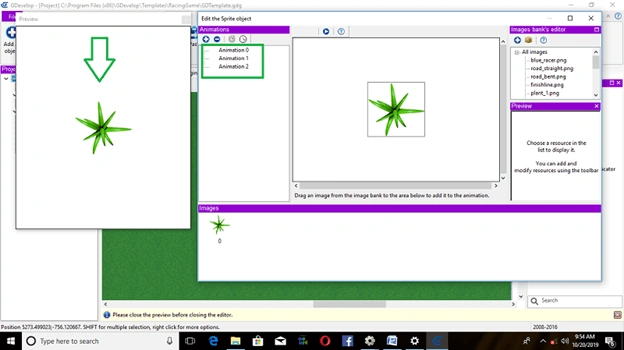
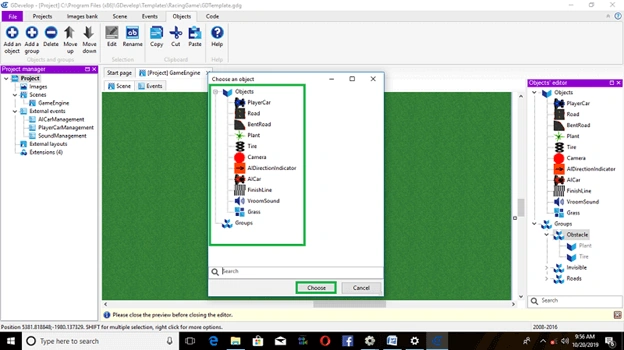
Right Click on->insert new object->Plant,
Select->Add a Camera object.
Dialog box appears, choose All Direction Indicator Select->Platform. After Click on->Ok
Again, Right Click on->Player object, Select Behavior->Platform Character. And then Click on->Ok….
Insert Al Car Object
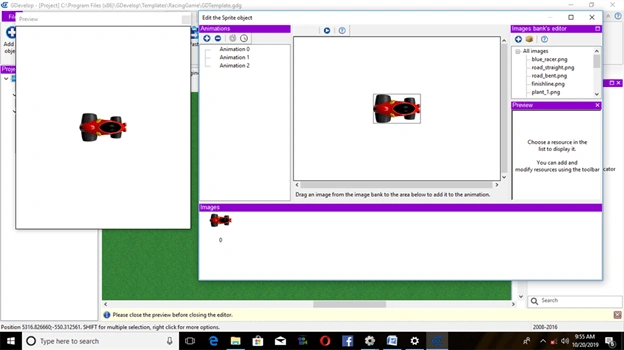
Again, right click on->Window Stage, Select-> Inserting a new object
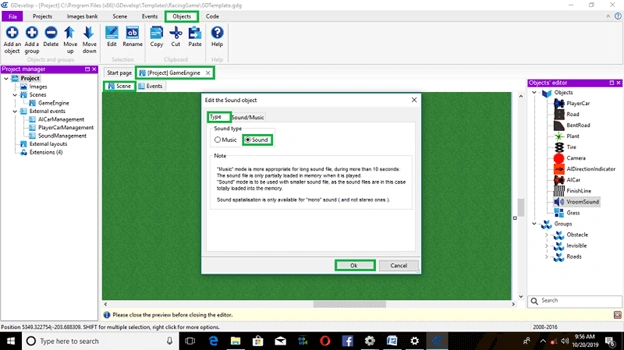
Dialog box will open Default, Select->Sprite.
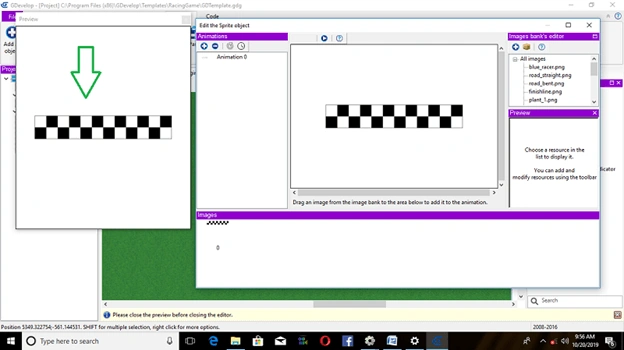
Click on->Sprite object, Default open dialog box, Edit player object, images to add in the Scene Layer.
Right Click on-> Al Car Player object, windows will appear and then, image will be in the Editor.
Complete EventSheets
This is how the event sheet will look, after the event is complete.
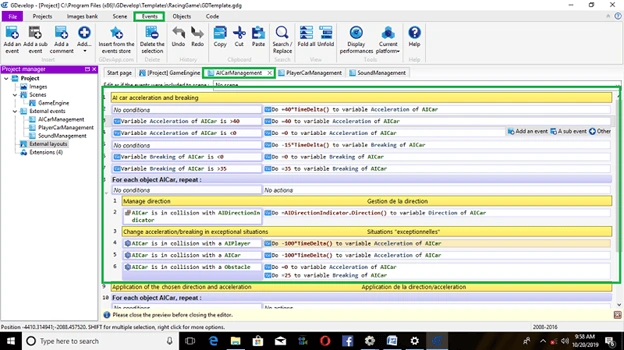
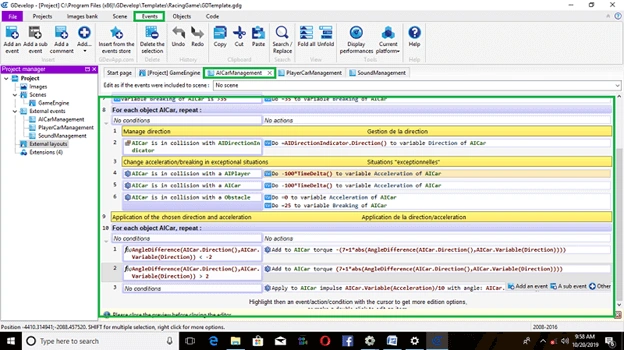
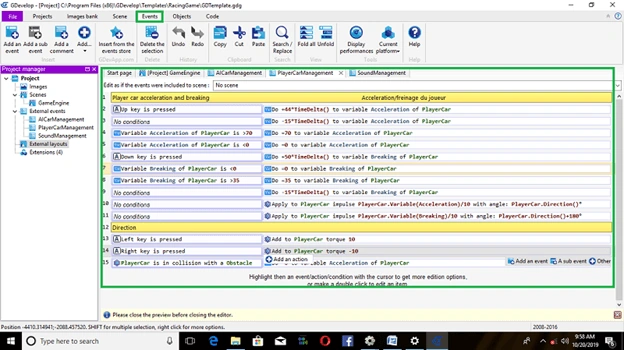
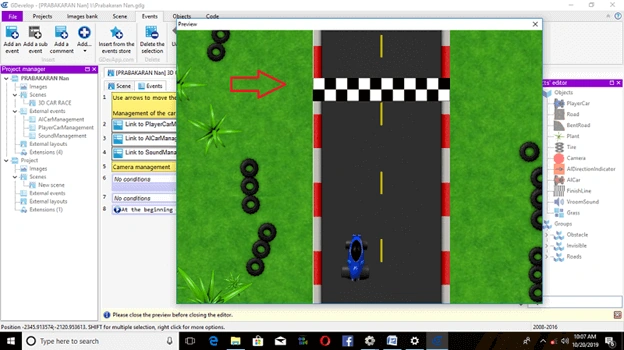
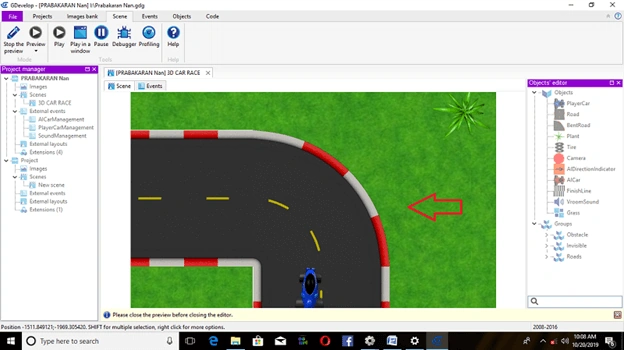
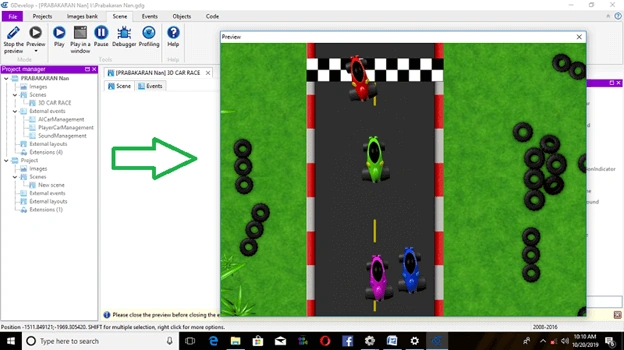
The output can be displayed.
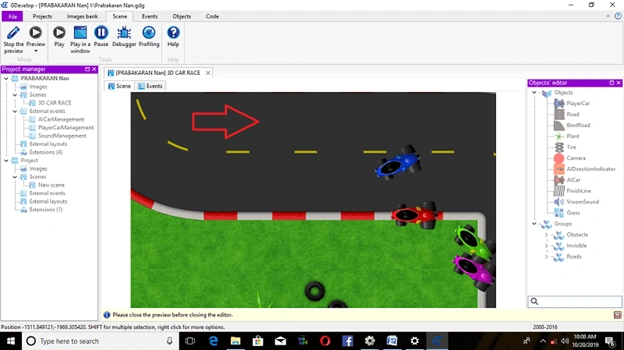
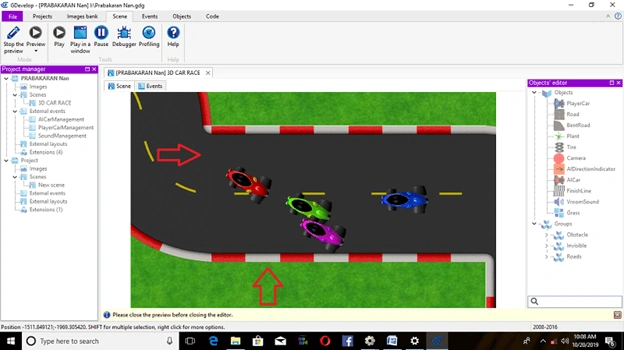
Finally, run your project, Click on->Preview create an Adventure Car Race!!

Summary
I hope you understood how to build Adventure Car Racing in Gdevelop Software.We will see advanced Gdevelop game development concepts in the upcoming articles, Thanks for Reading…….
Vidyadharran GPosted Oct 31, 2019, 9:19 AM
Prabakaran M Thanks for sharing ...keep contributing :)