This is an advanced version of Notepad that allows you to search, replace, change background and foreground text color. It also provides registry editing options. See attached source code for more details.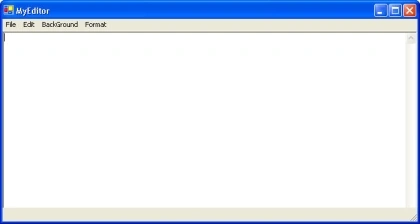

Advanced Notepad in C#
Join the conversation! Your thoughts help the community grow.
Sign in to leave a comment
It is the same account you read, post and publish with — and you will come straight back to this page.
Devendra KumarPosted Oct 19, 2010, 12:50 PM
How to cteate option in notepad find replace please send me coding
Gustavo MachadoPosted Oct 26, 2009, 1:56 PM
Hello mate, Very interesting post. I have done my notepad myself, and I can suggest to do a very little improvement for the Find's up and down option. Take the position of the cursor like this: m_nFilePointerPosition = txtBox.SelectionStart; Cheers!