

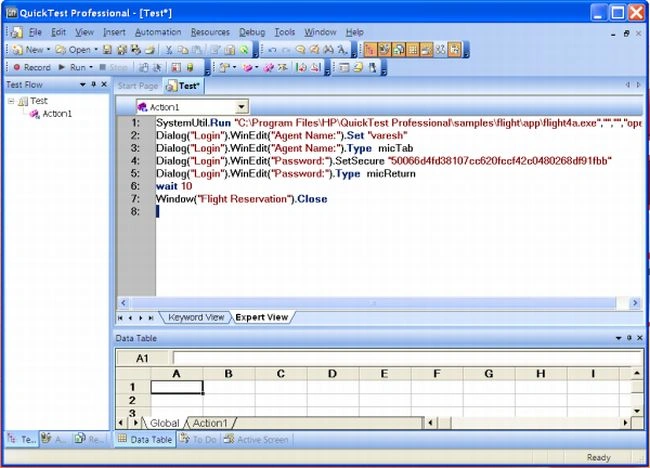
Modifying Timeout Values
If you find that in general the amount of time Quick Test waits for objects to appear or for a browser to navigate to a specified page is insufficient you can increase the default object synchronization timeout values for your test and the browser navigation timeout values for your test:
Alternatively if you insert synchronization points and Exist and Wait statements for the specific areas in your test or component you want Quick Test to wait a longer time for an event to occur, you may want to decrease the default timeouts for the rest of your test or component:
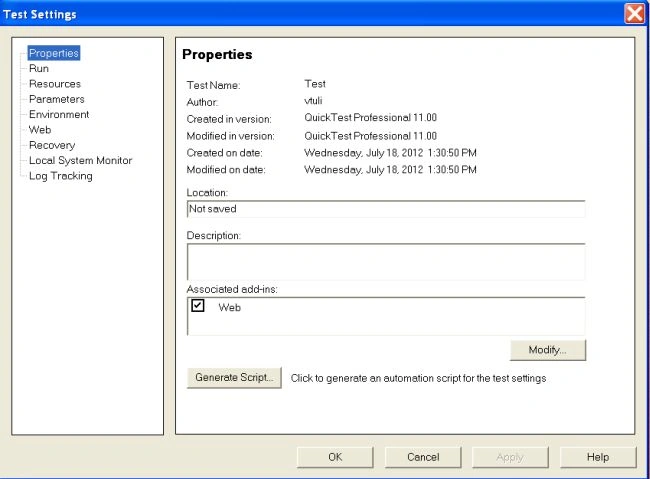
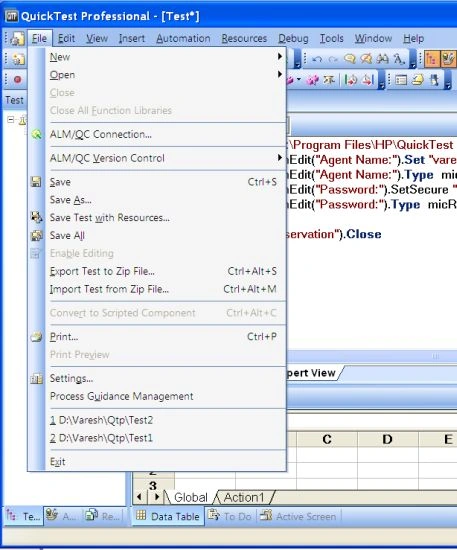
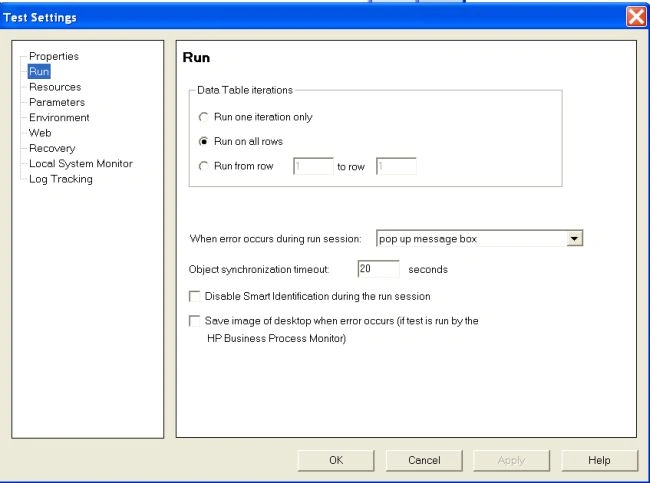
When working with tests, to modify the maximum amount of time that Quick Test waits for an object to appear, change the Object Synchronization Timeout in the File > Settings > Run tab:
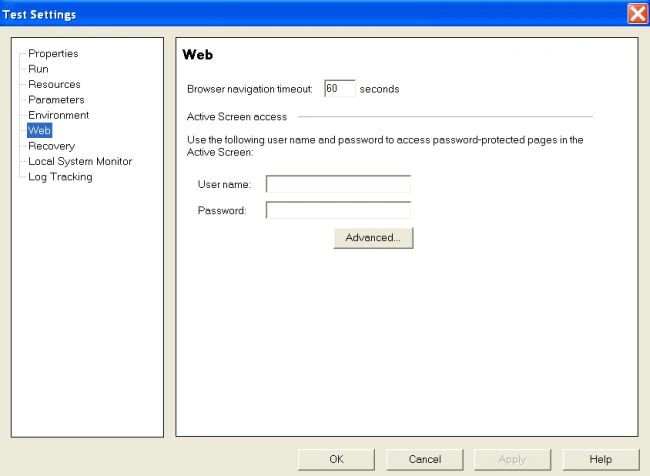
To modify the amount of time that Quick Test waits for a web page to load, change the Browser Navigation Timeout in the File > Settings > Web tab:
Join the conversation! Your thoughts help the community grow.